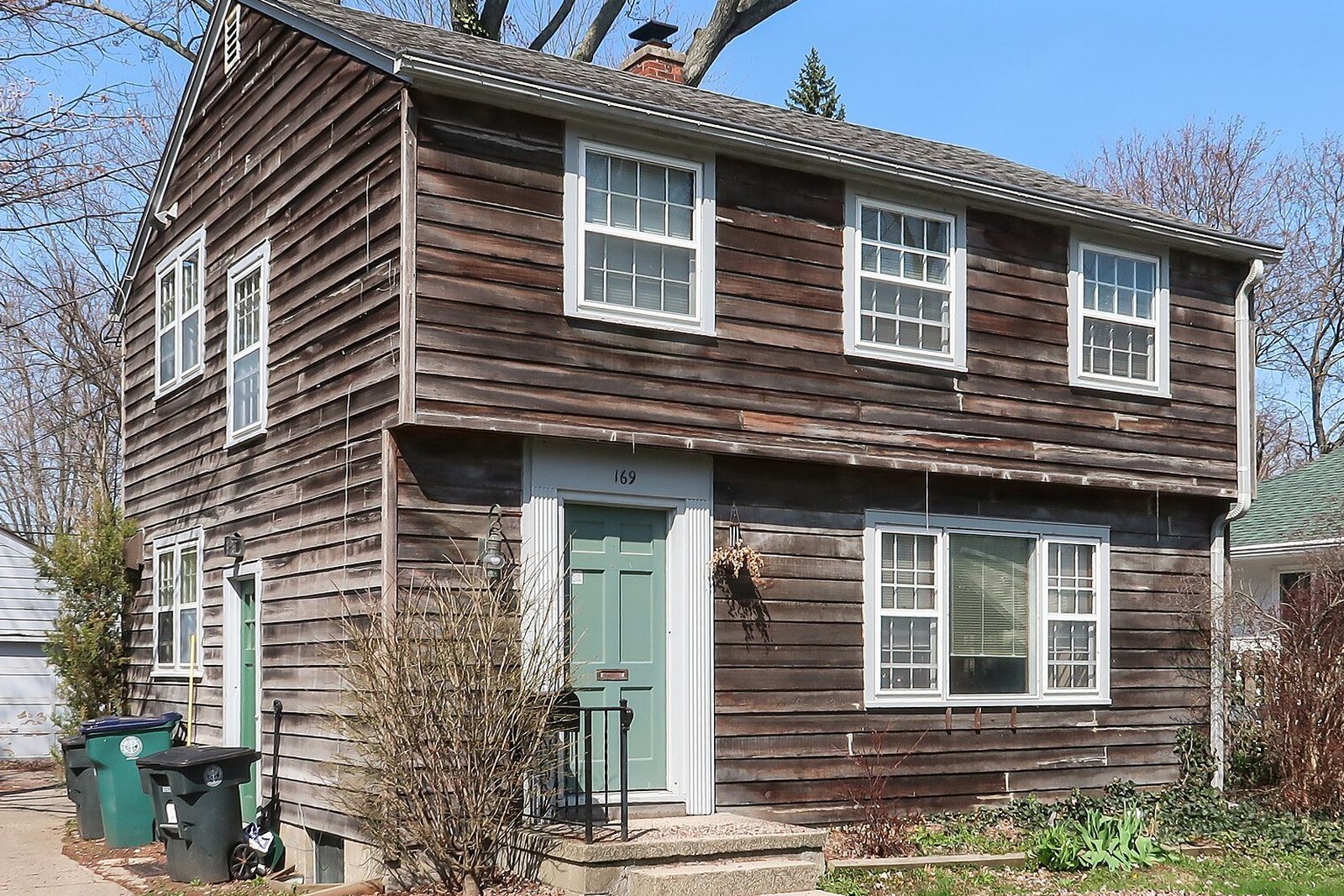
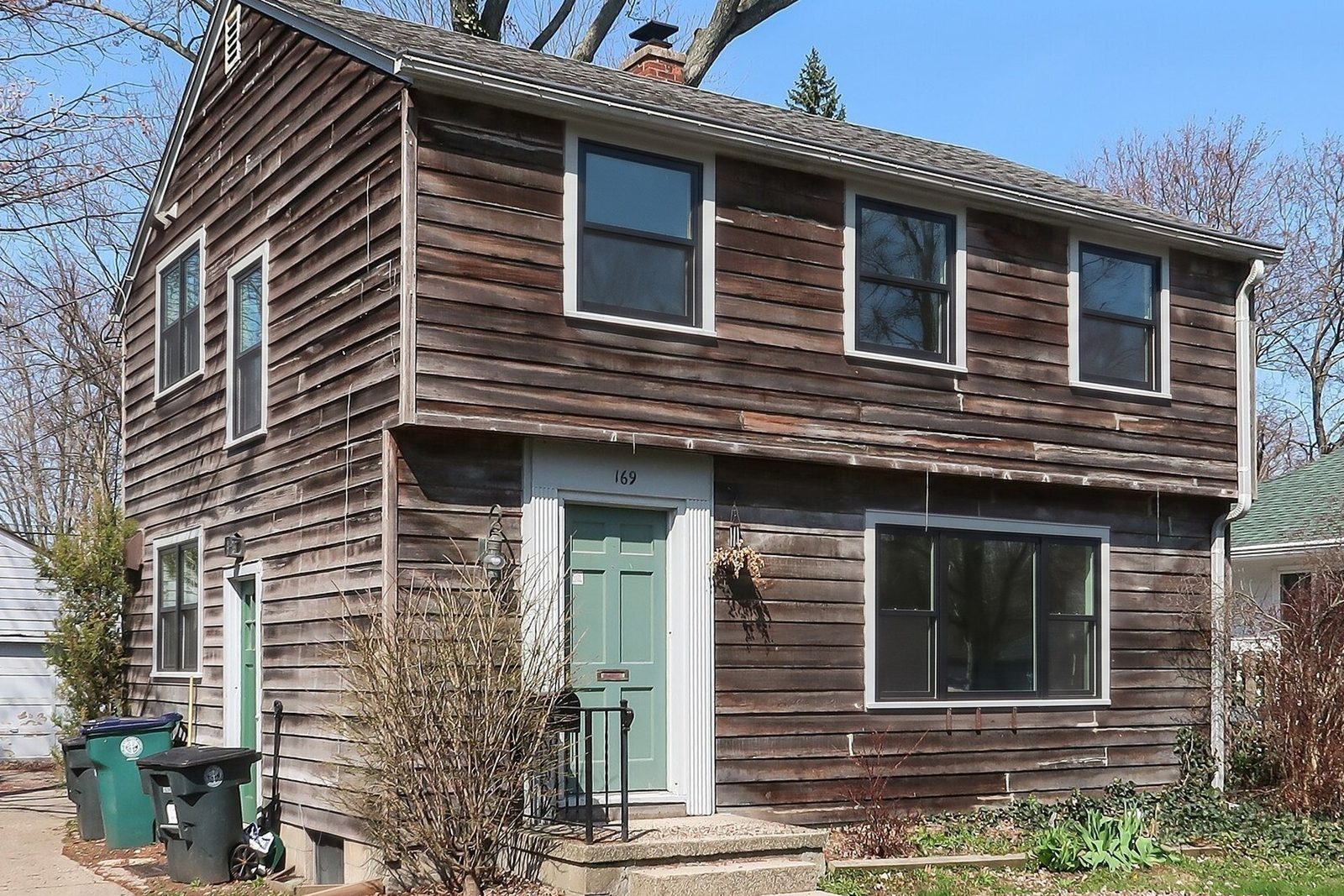
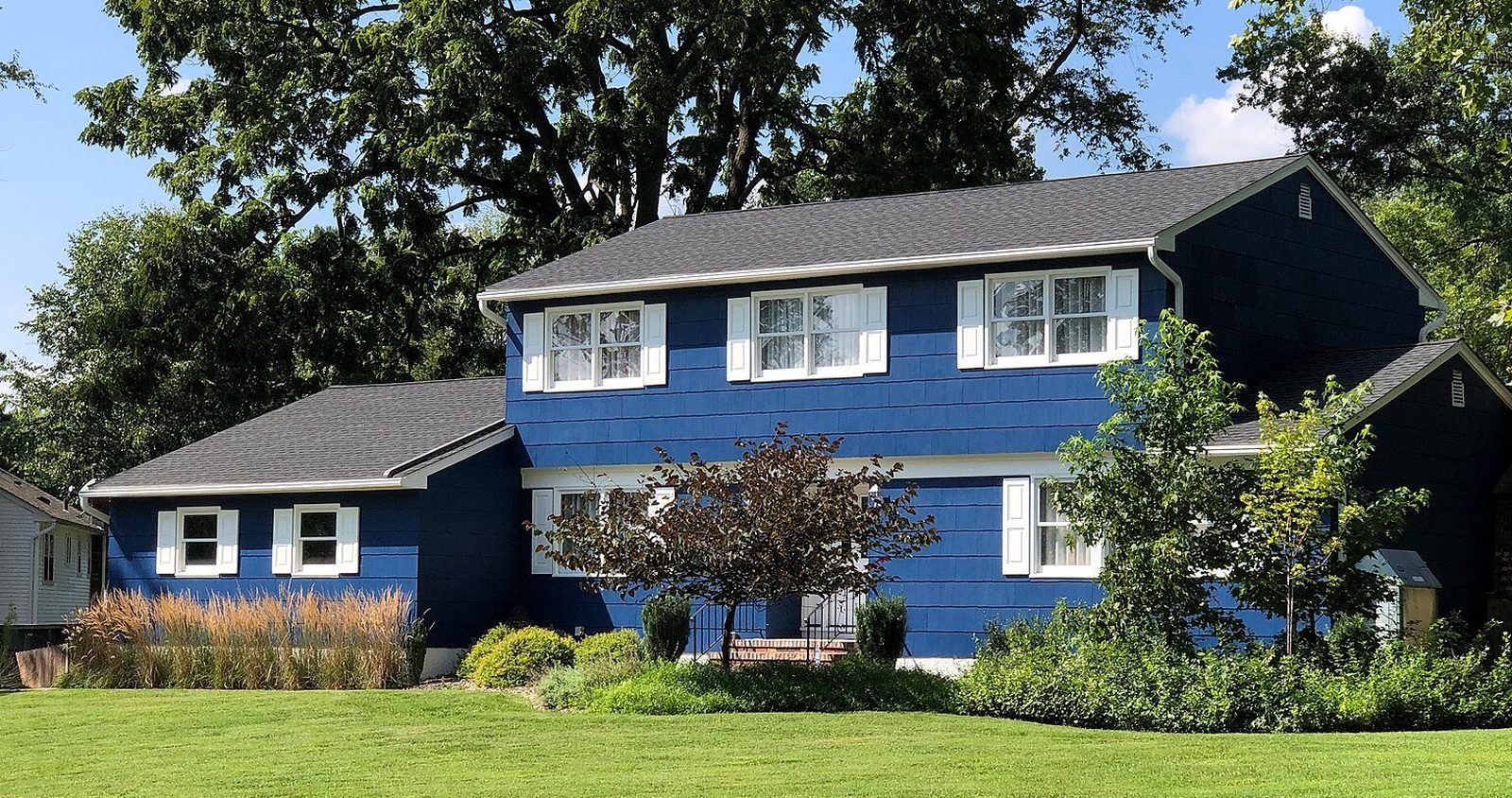
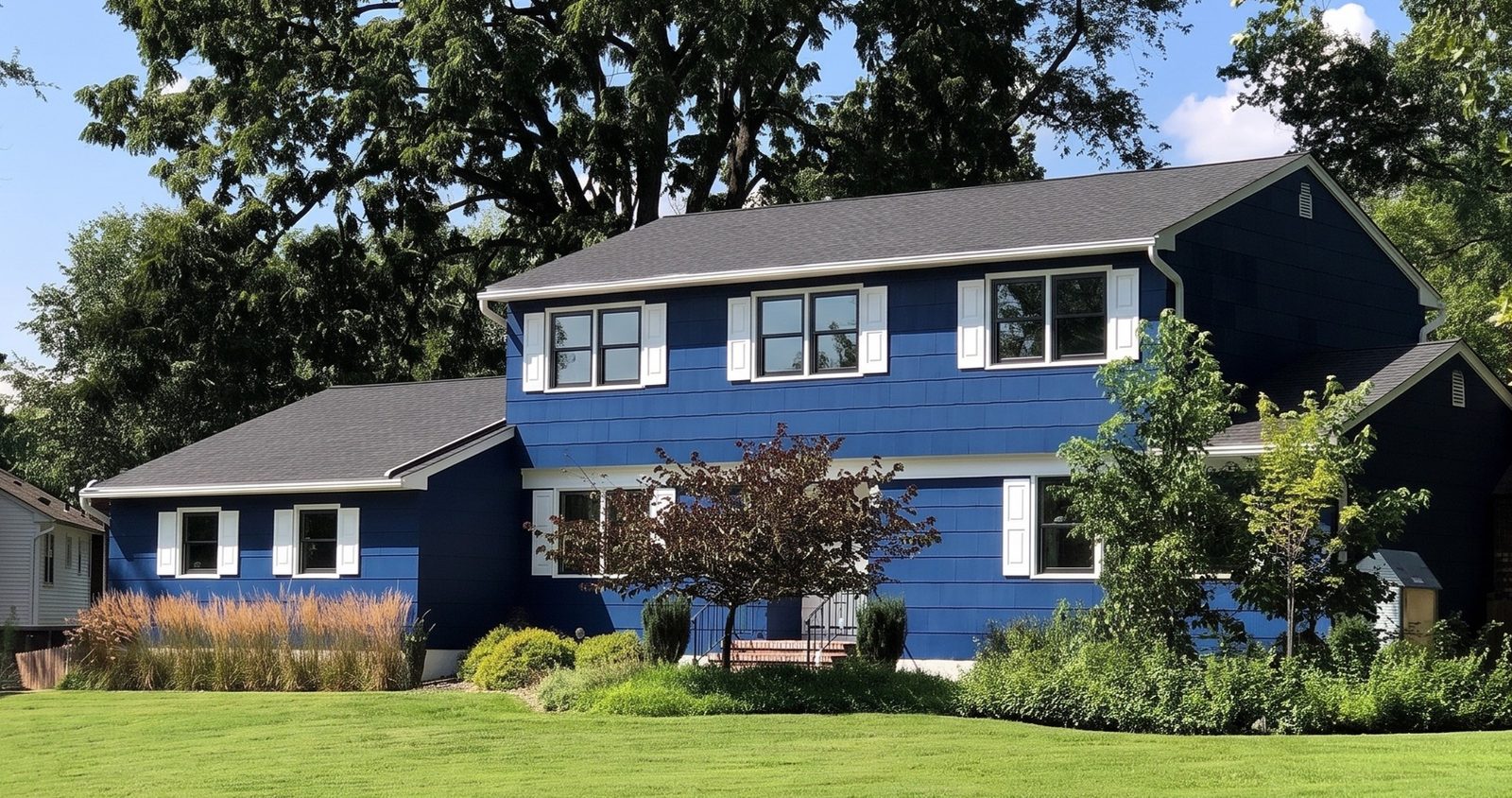
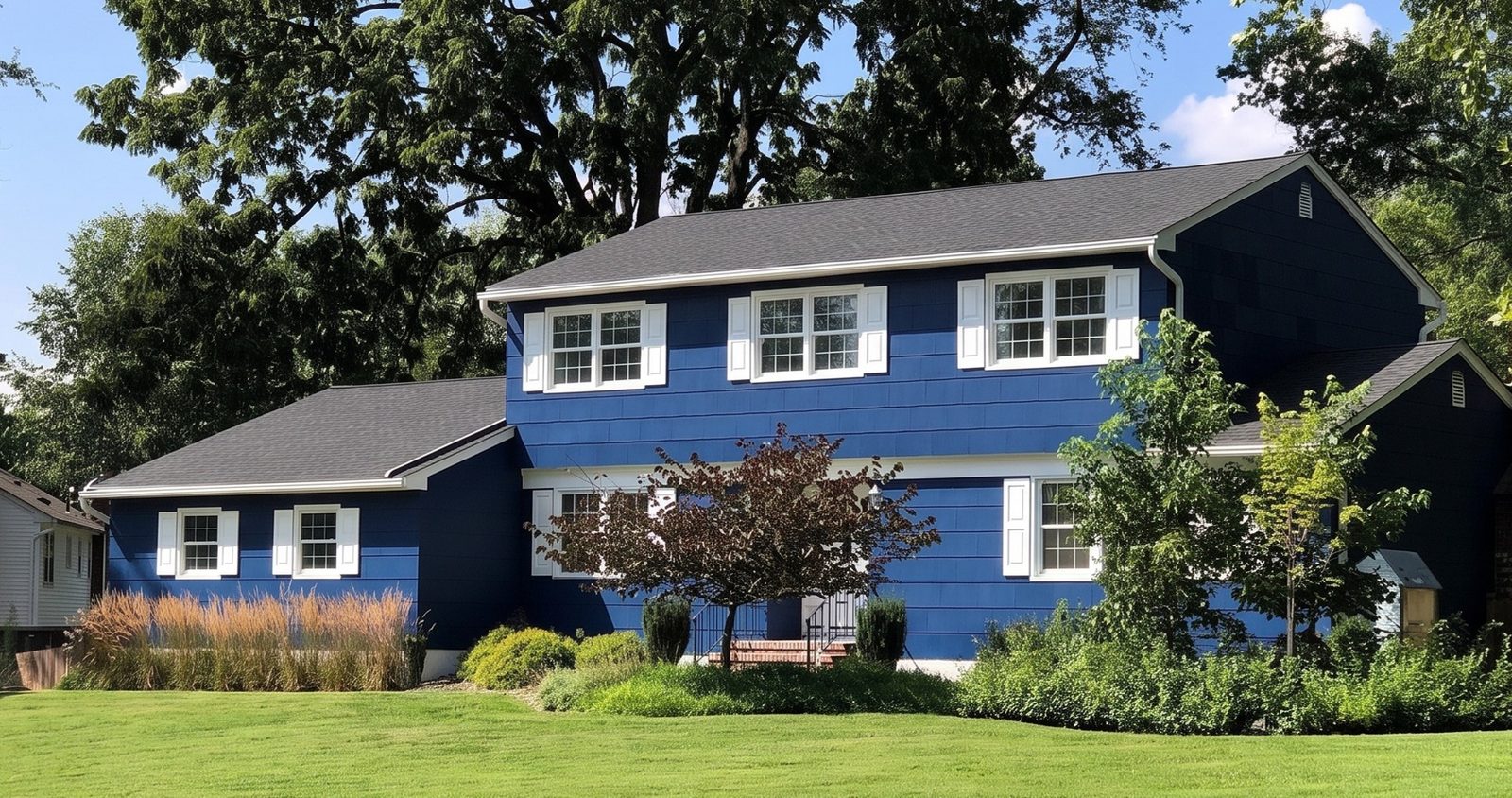
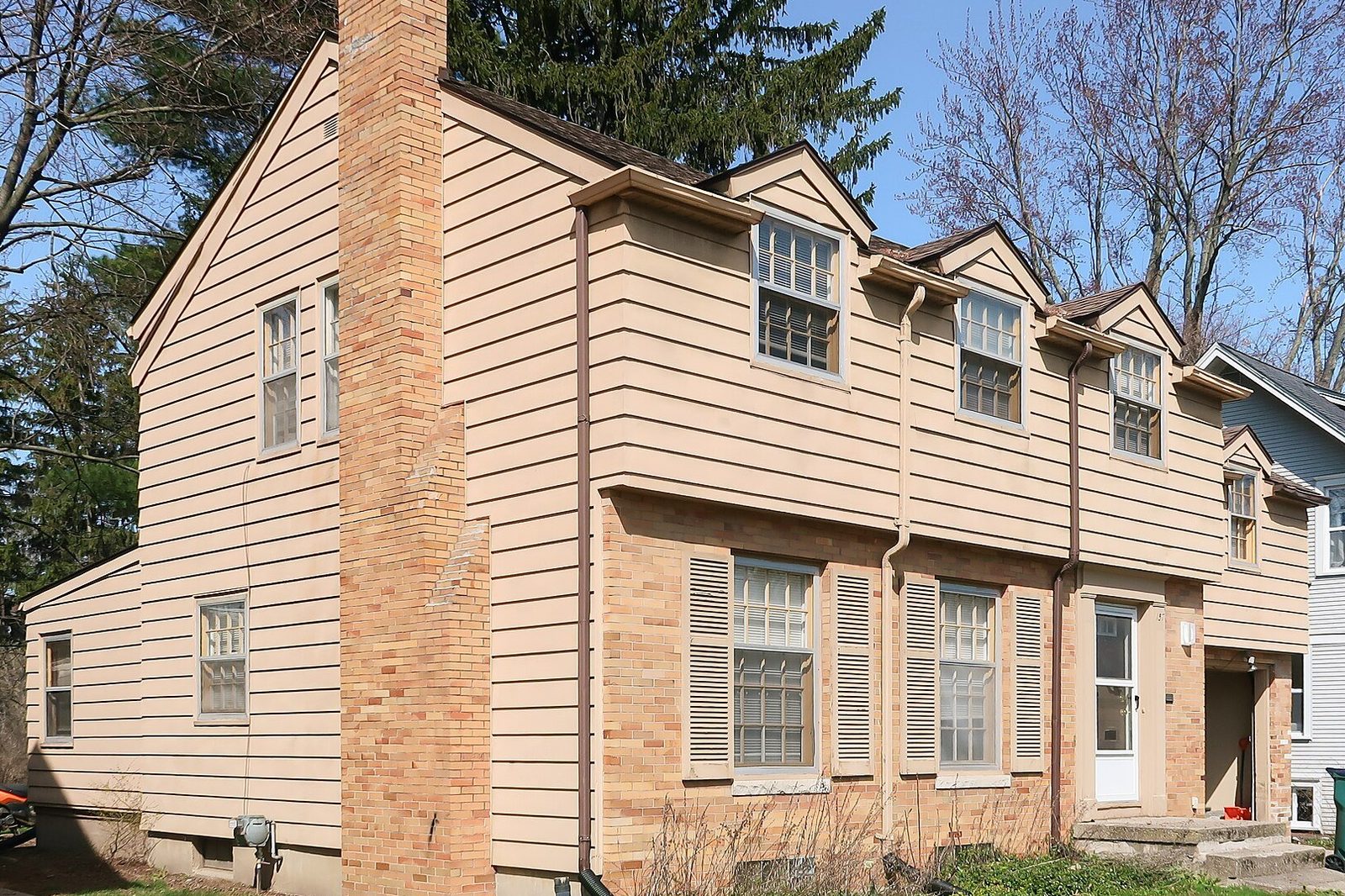
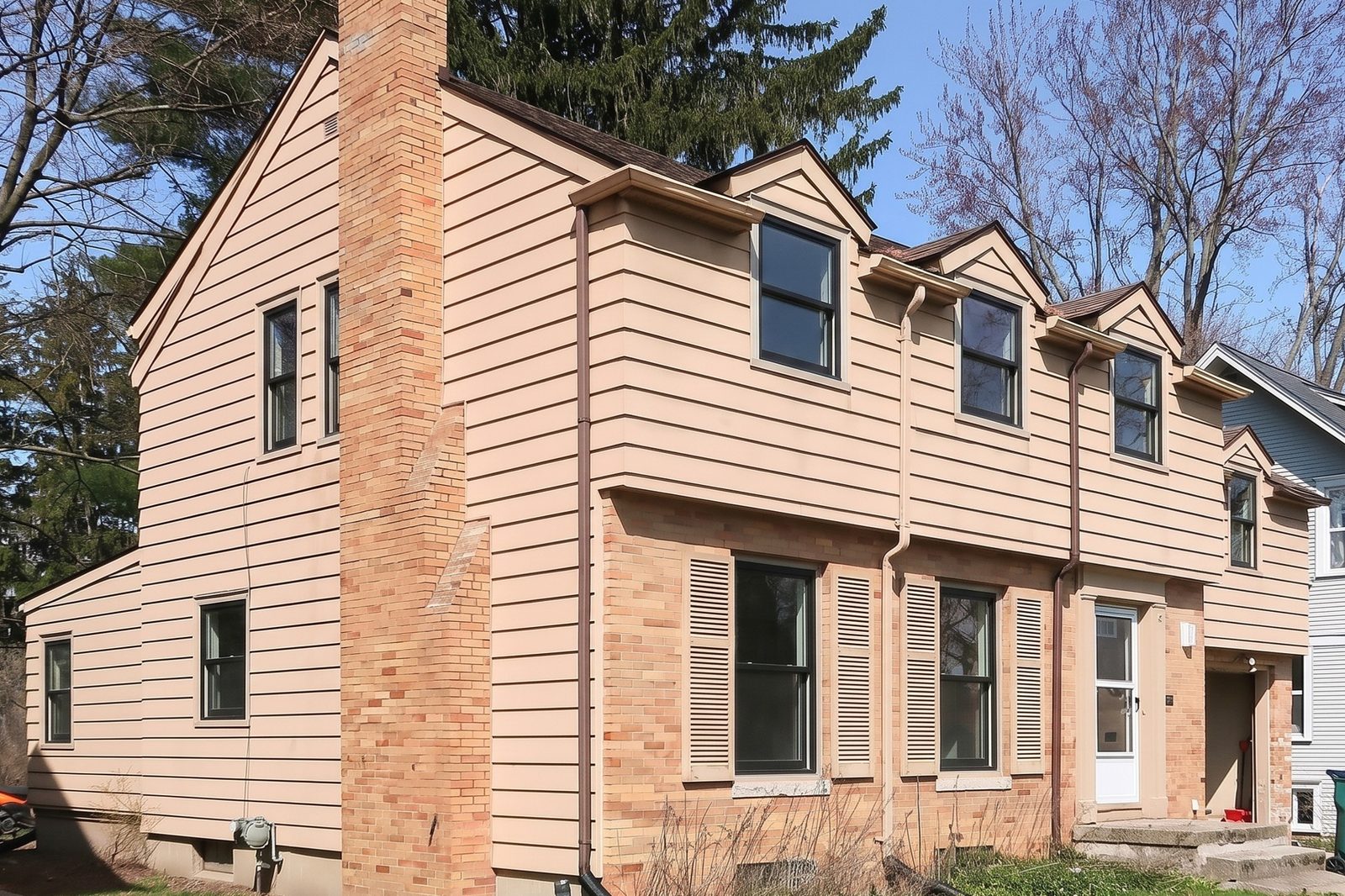
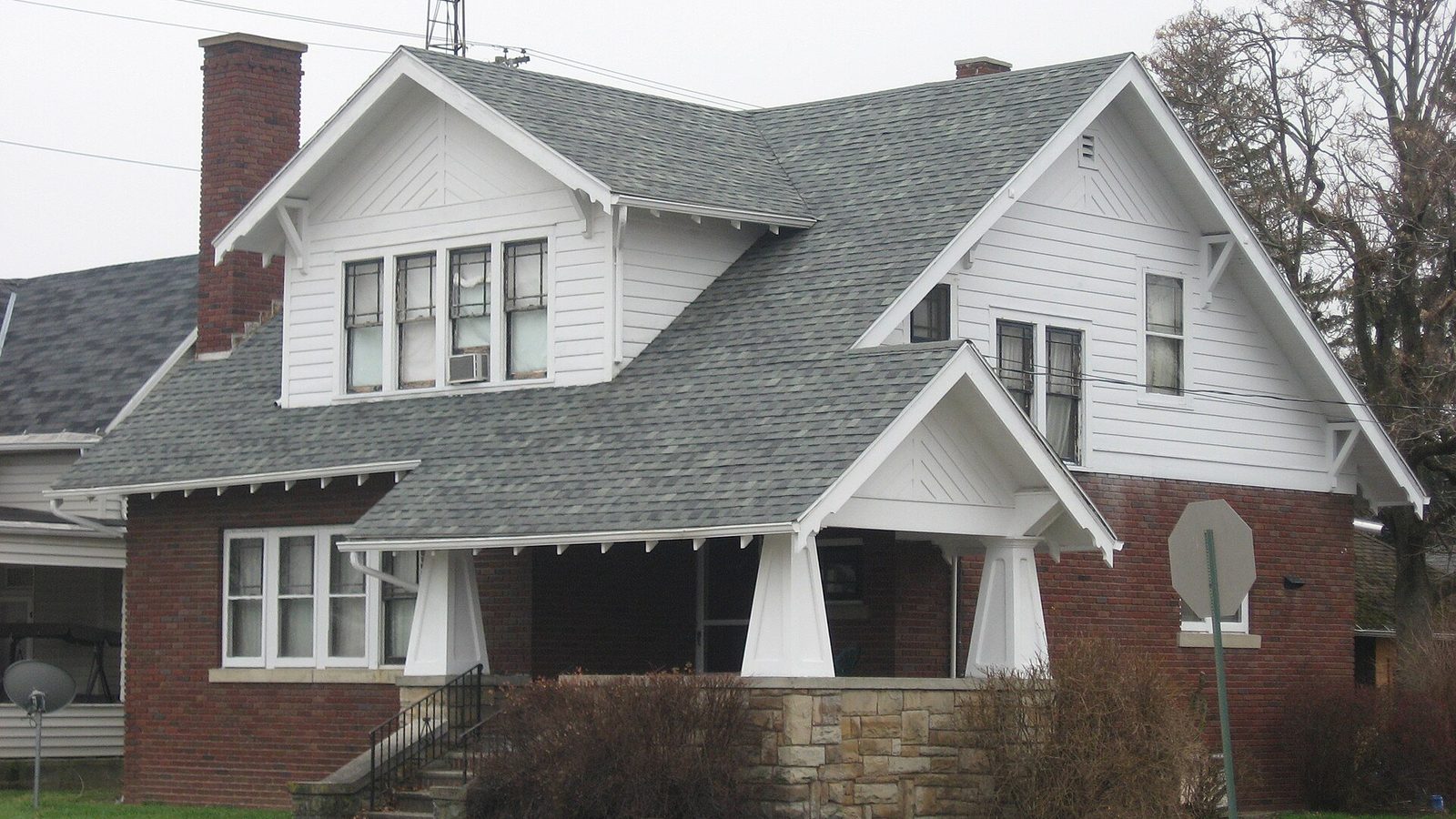
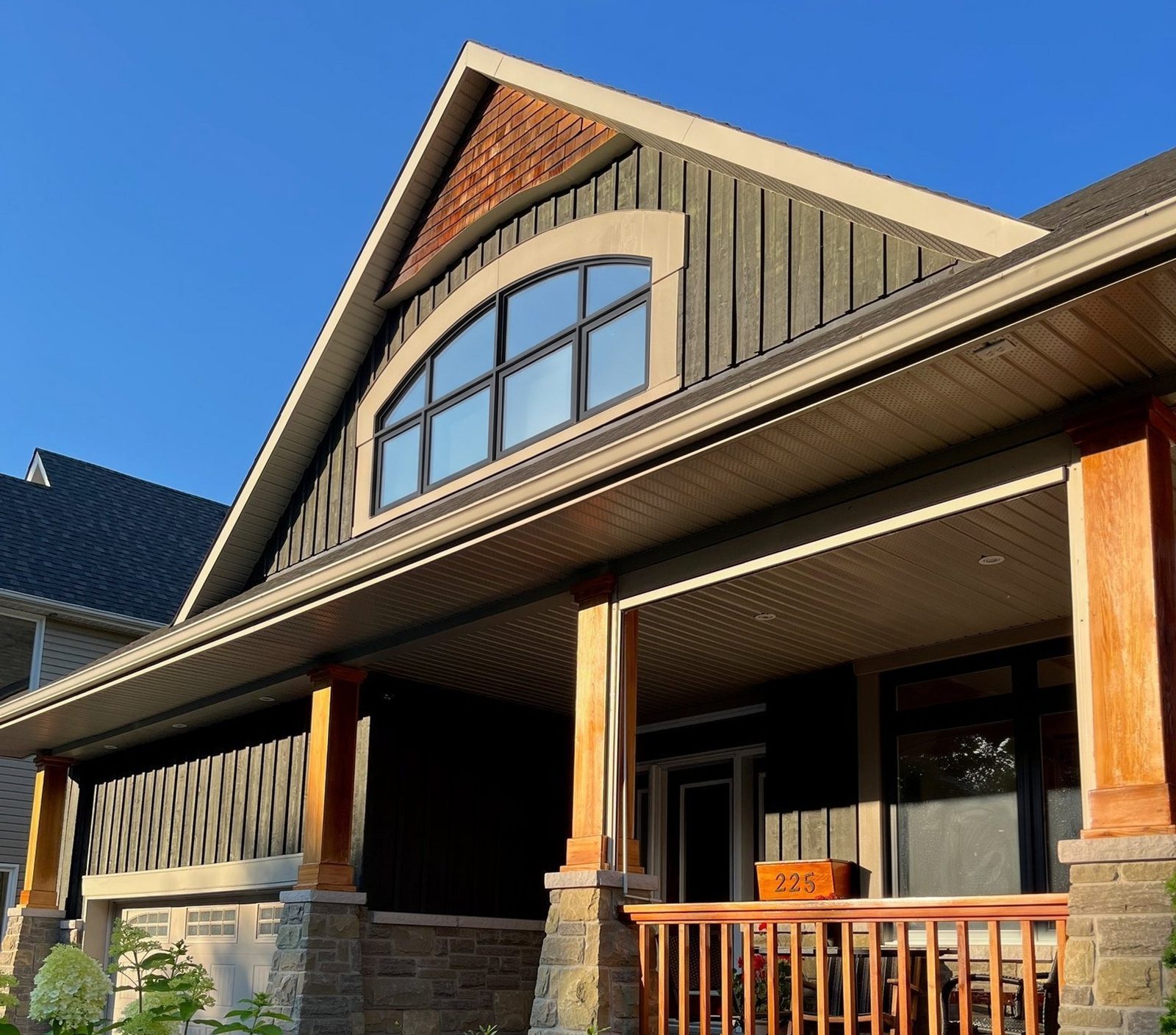
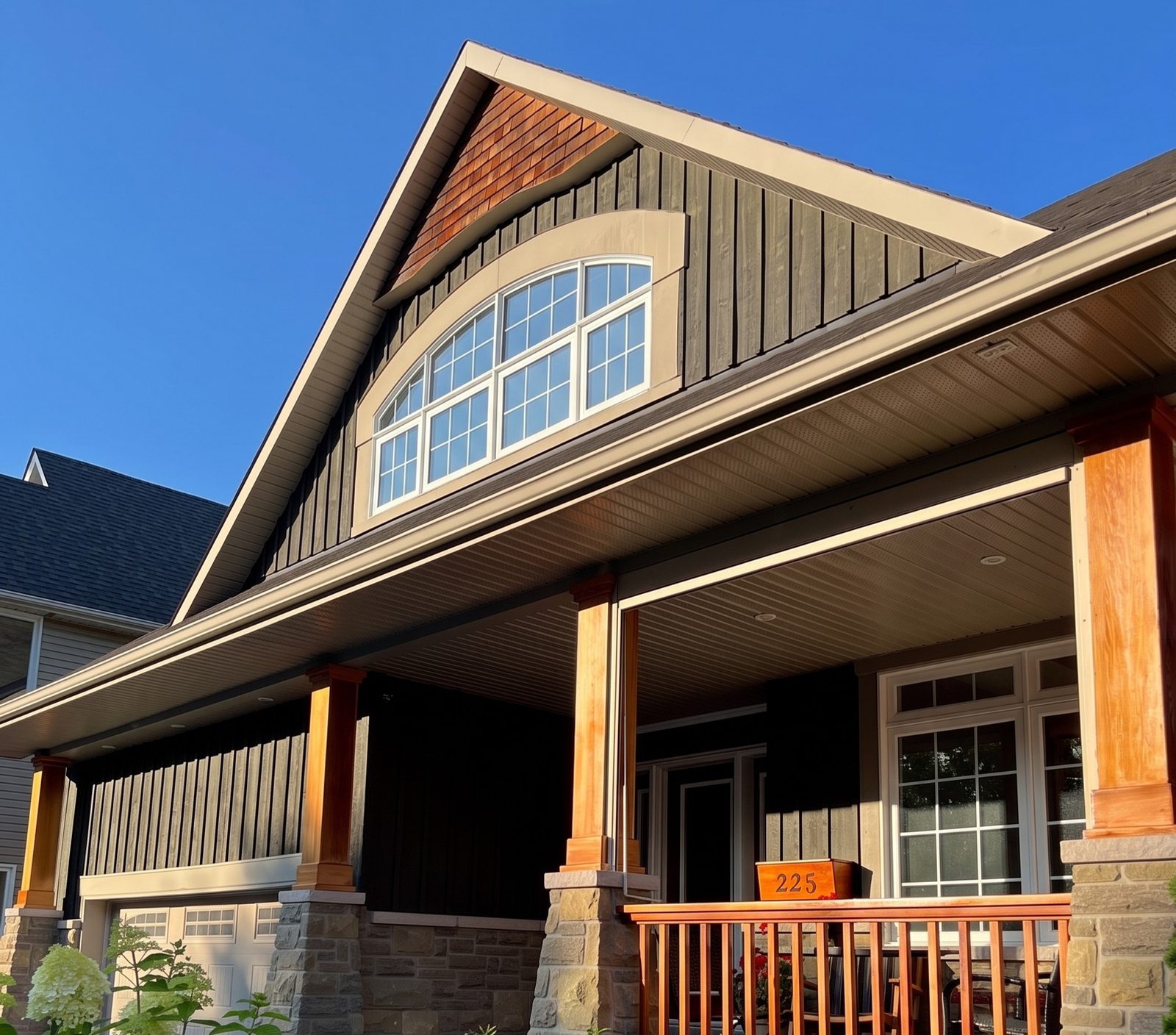
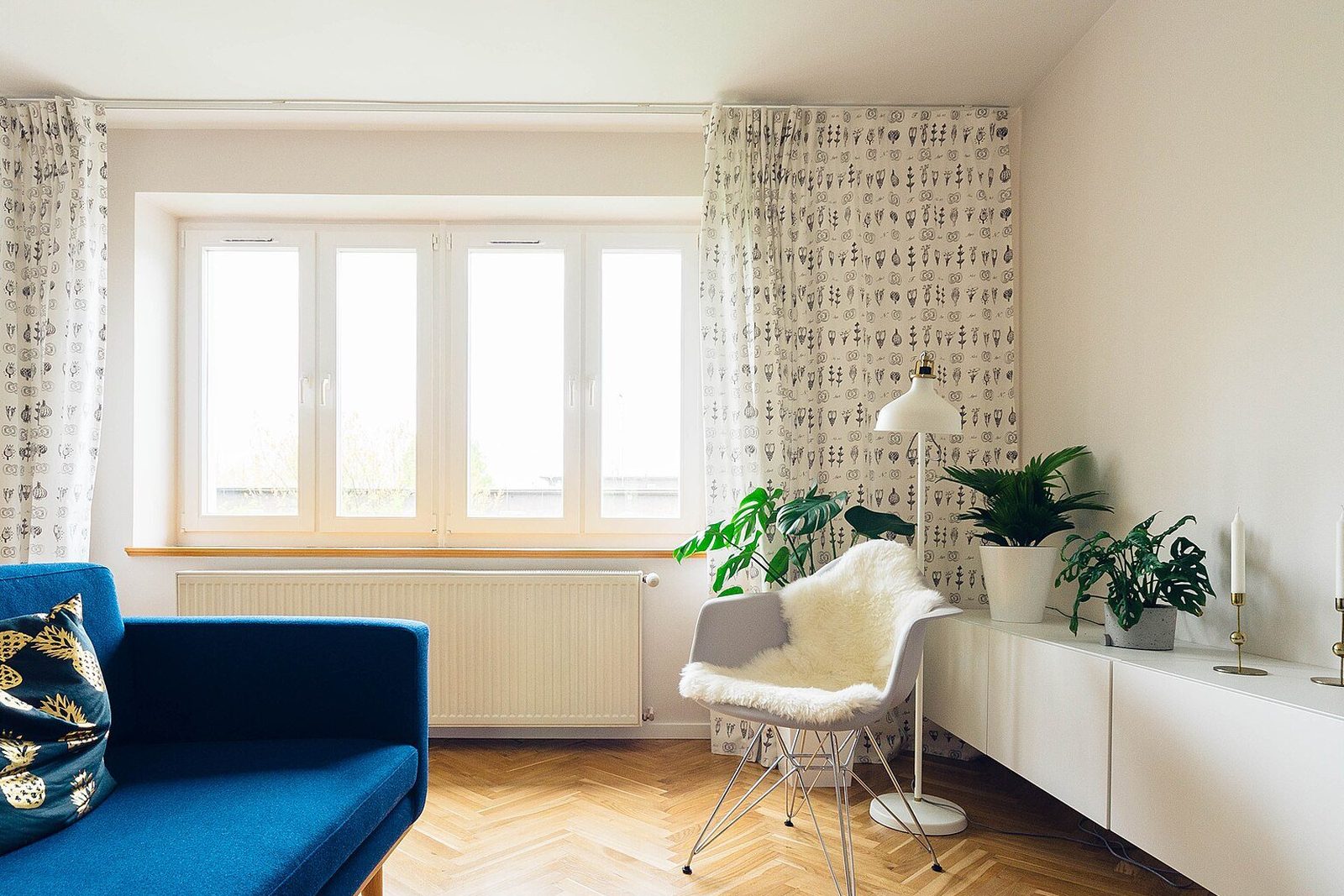
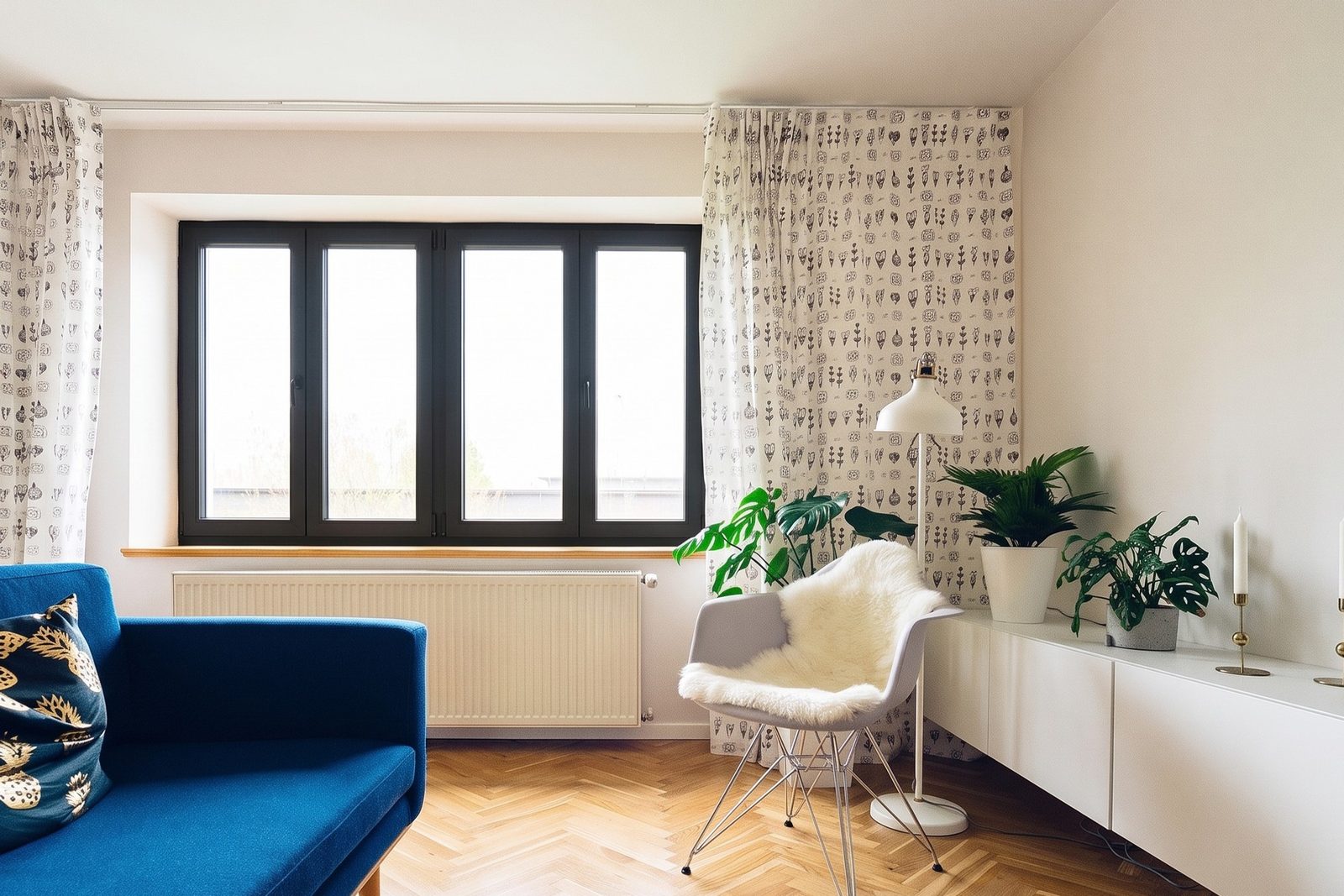
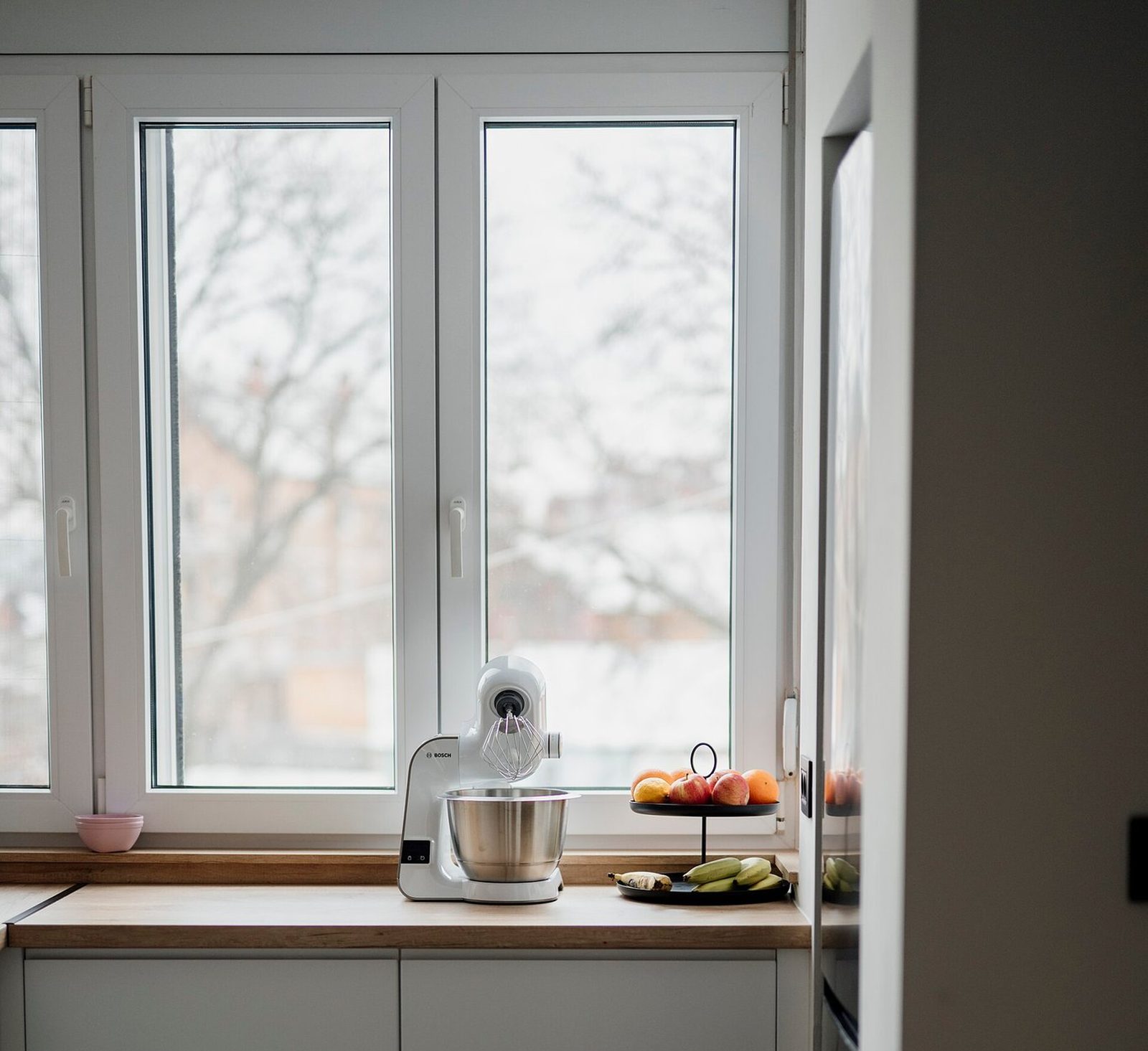
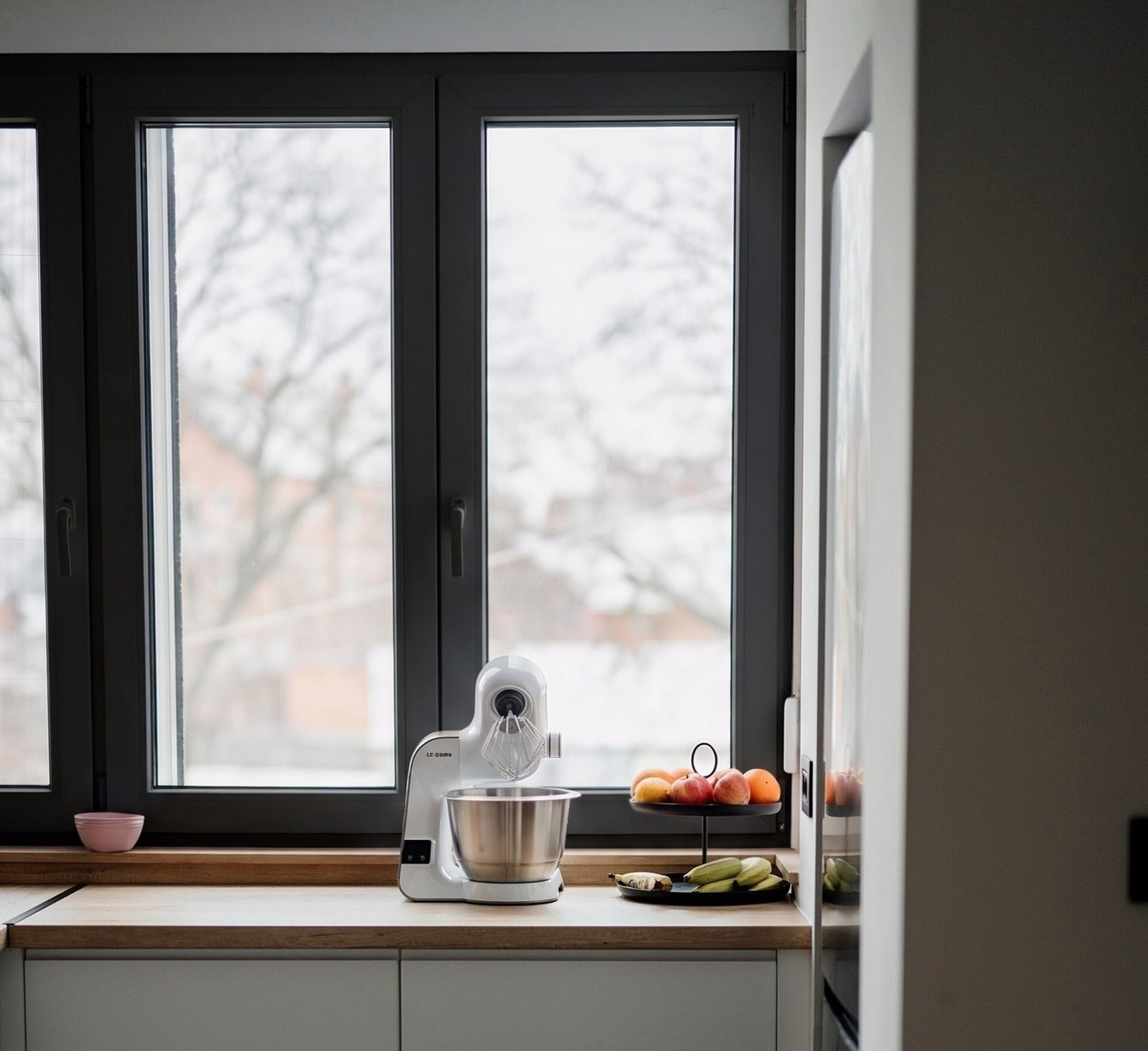
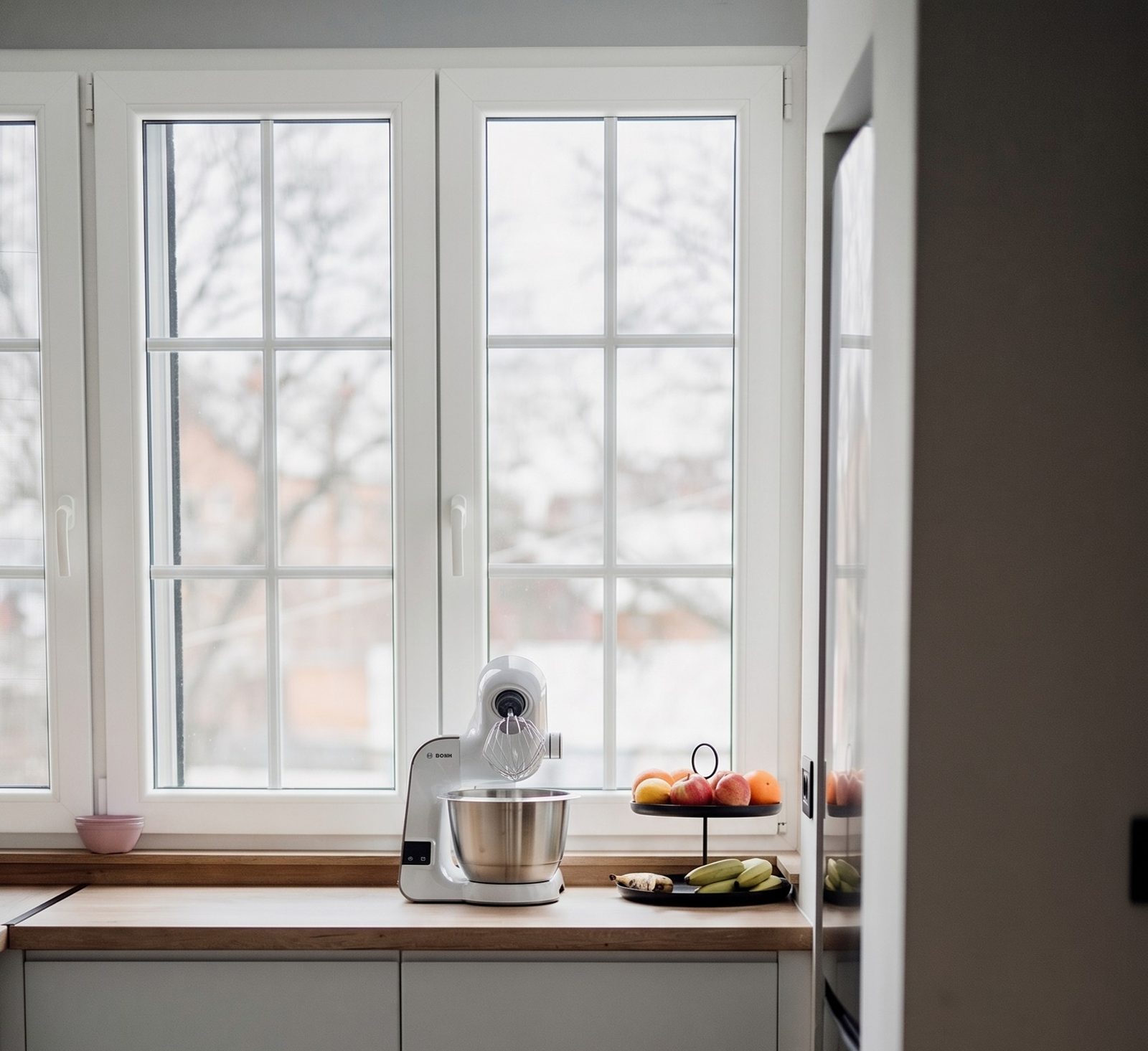
How should you read these pairs?
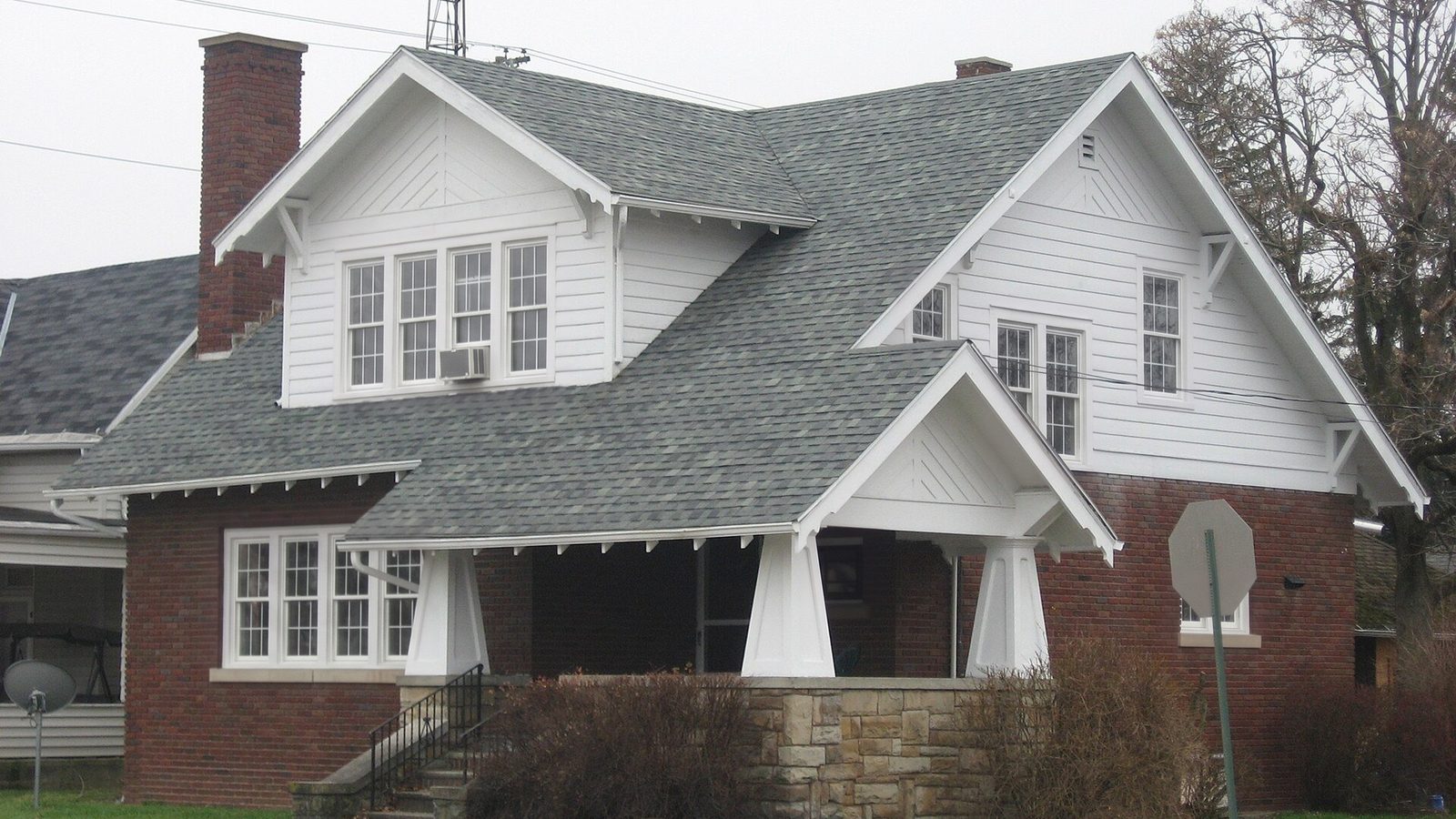
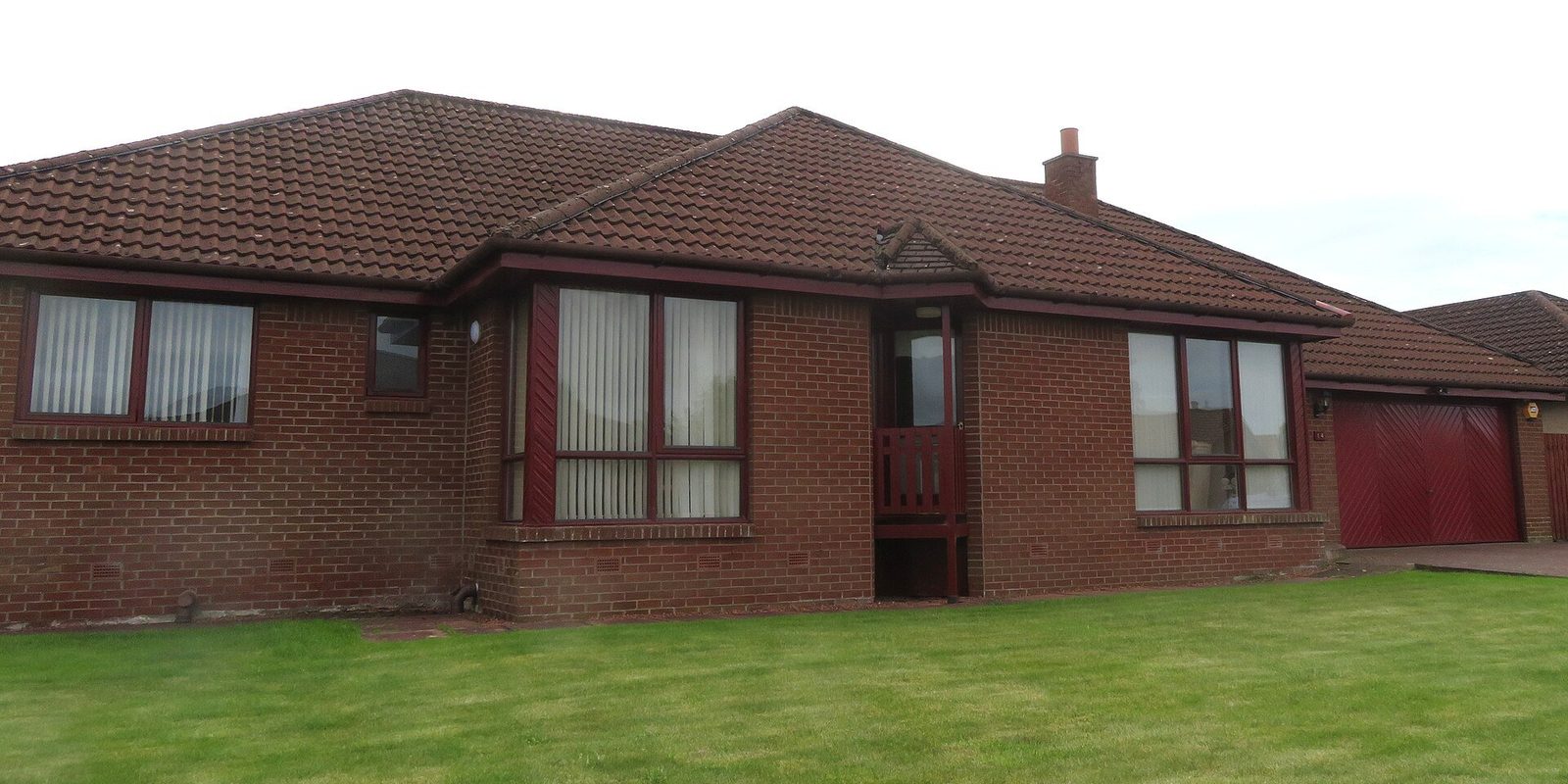
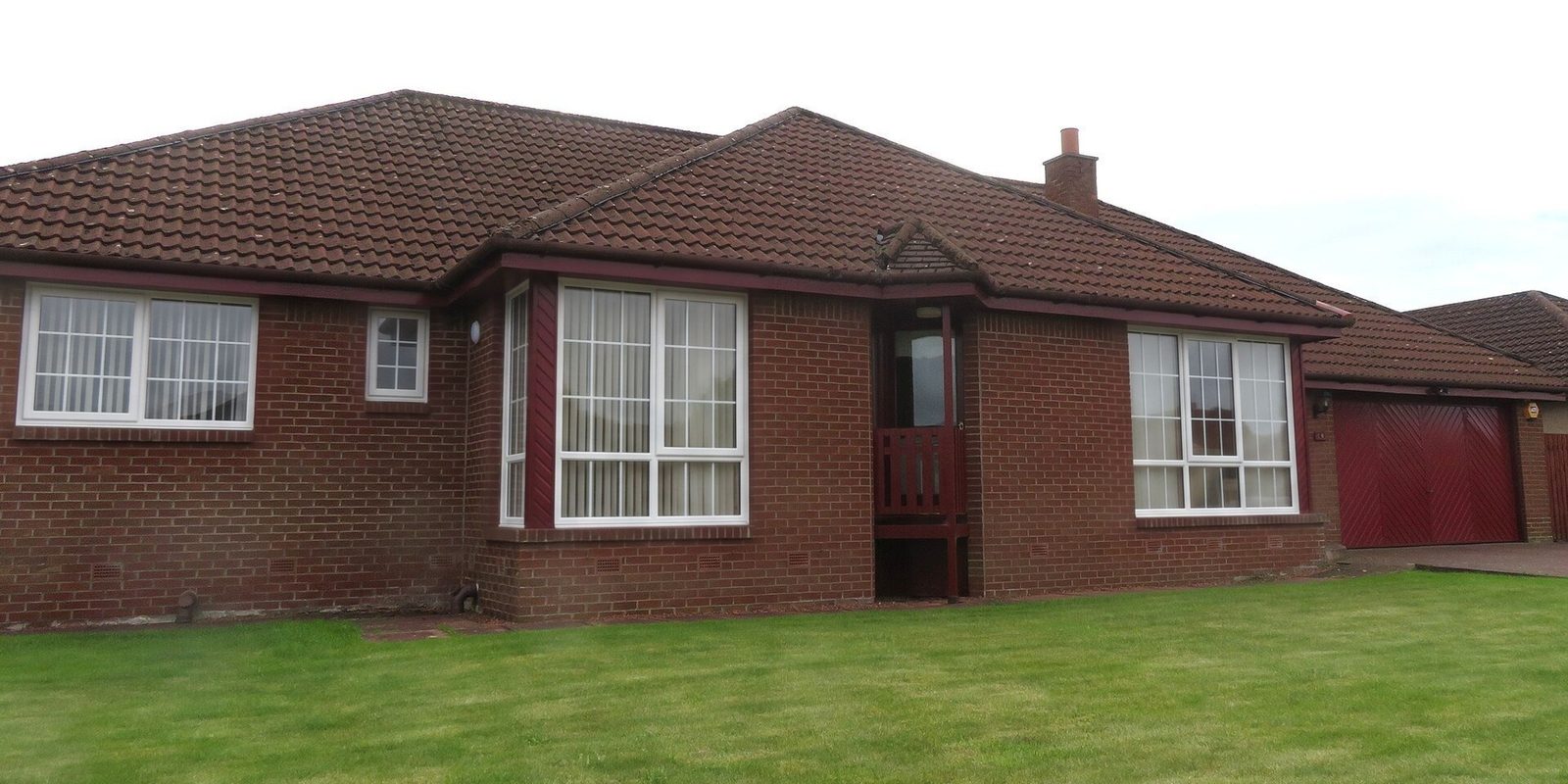
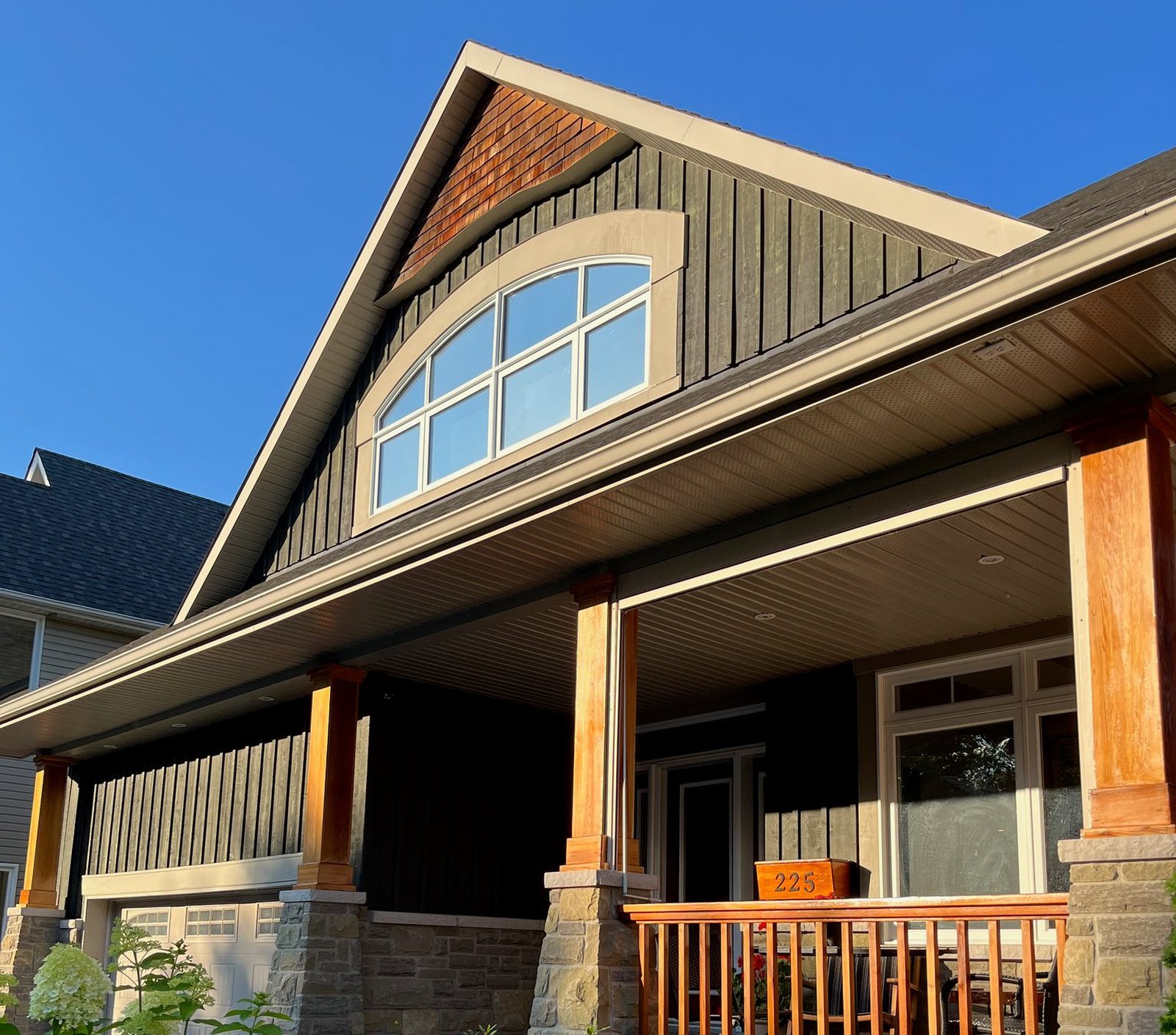
Drag each slider slowly and look at one thing at a time: the frames first, then the glass, then the trim around each window. A color change is more than the frame. Black frames make the glass look darker and the openings look bigger; white grids make a house read older and more formal.
Then look past the windows. On a good render the siding, brick, shutters, plants and anything on the porch are exactly where they were in the photo. That's what makes it the customer's house and not a stock picture, and a render only goes on this page when nothing besides the windows looks changed at the size you see it here.
What do we check a render for?
We look at every render next to its photo, at the size you see it here and up close, before it goes on this page. A pair goes up only when nothing about the windows looks wrong at that size. These are the things we check for:
- The same number of windows in the same openings, with no window added or taken away.
- Every window still the style it was in the photo: a double-hung stays a double-hung, a casement stays a casement.
- The grilles and the frame color we picked, on every window.
- Trim, casing, doors and the garage door left alone.
- Any house number or sign you can read in the photo still reads the same.
- Anything in front of a window still there, such as AC units, signs and branches.
What does a render change, and what does it keep?
It changes the windows, and only in the ways you pick: the frame color, the frame material's look, and the grilles. Each window keeps its style, its size and its place in the wall, so a double-hung stays a double-hung in the same opening. Changing a window's style, such as a double-hung to a casement, isn't offered.
Everything else is meant to stay as it is in the photo: the siding or brick, the trim and casing, the doors, the roof, the plants and the yard, and the view through the glass. If something on this page looks wrong to you, tell us and we'll look at the pair again.
How can you tell a render from a photo of a finished job?
Ask. An honest installer or website labels renders as renders, and every after on this page says Render on the image itself. If a company shows you a before and after, ask whether the after is their own installed job or a picture of what it could look like. Both are useful, but they are not the same thing.
A render shows a look. It can't show the real finish in your light, the thickness of a particular brand's frame, or how the install was done. For those, look at a sample and at photos of the installer's finished jobs.
Can you use these photos?
The before photos come from public sources such as Wikimedia Commons, under the license named on each card, and each one links to its source page. Where a photo is shared under a CC BY-SA license, our render of it is shared under the same license. Credit the photographer as shown if you reuse one.