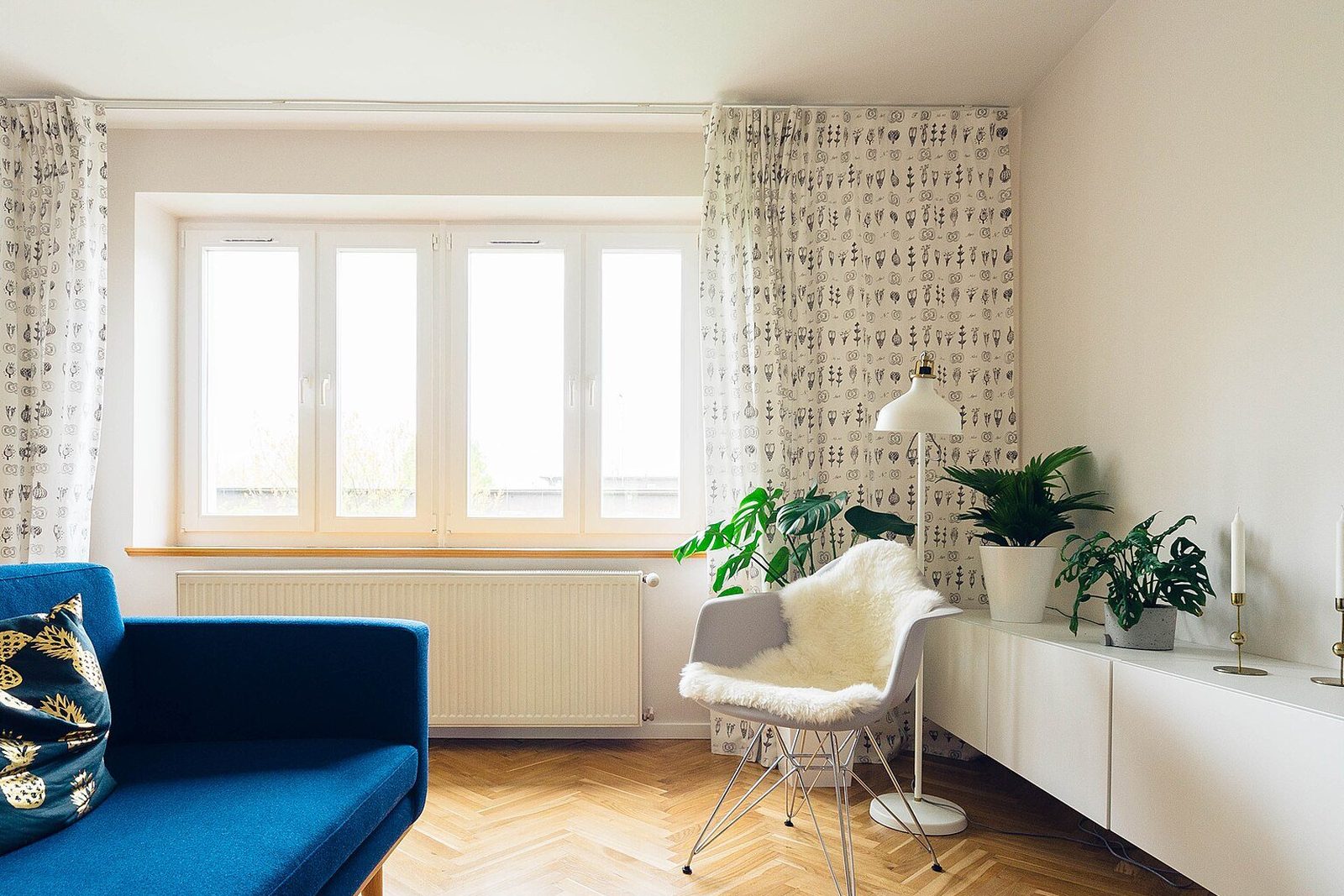
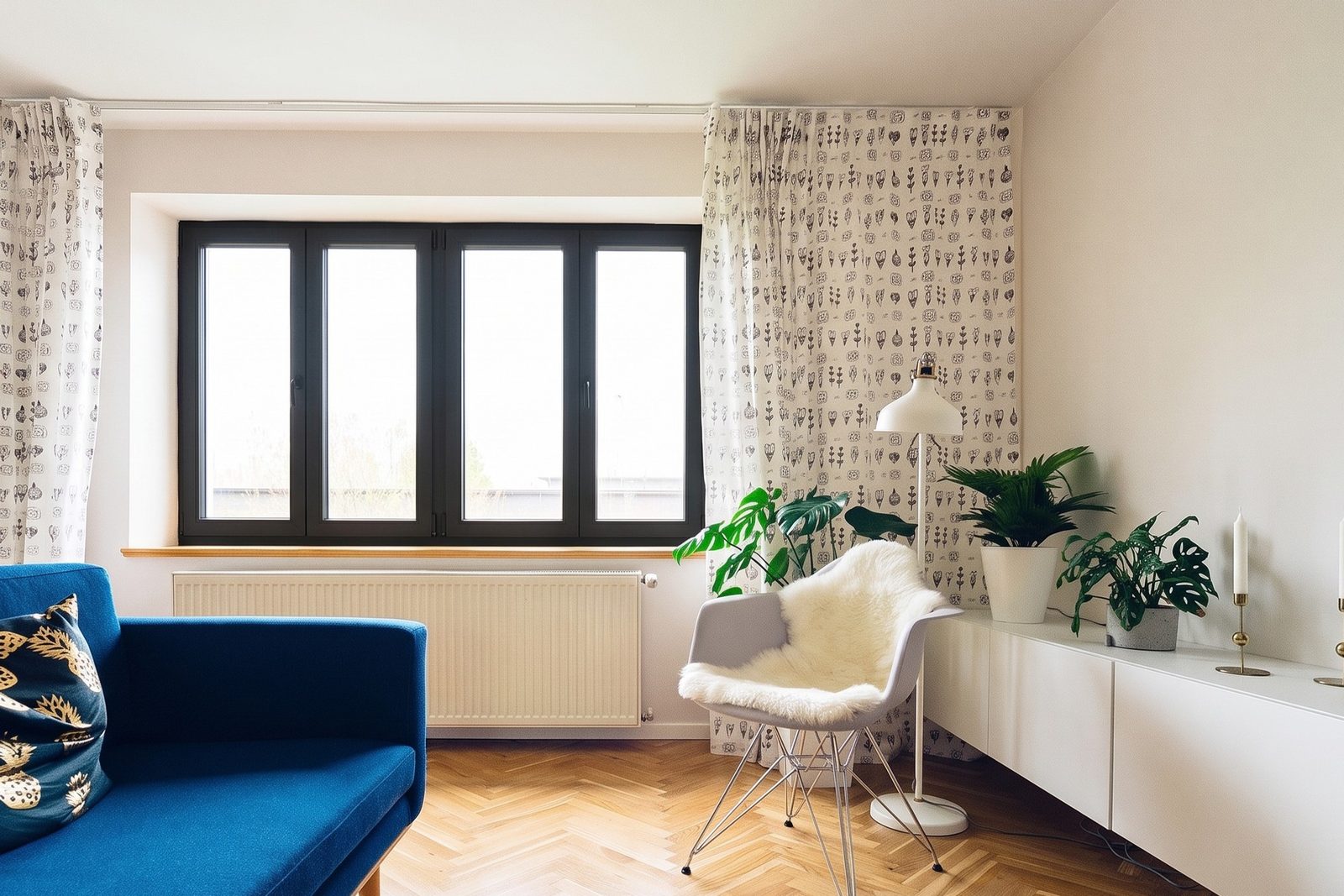
What is the Renewal by Andersen visualizer?
Today it is an augmented reality tool, not a photo editor. Renewal by Andersen's visualizer page says the tool uses vertical-plane recognition, which means the camera finds your wall, and then shows a customized window or door in your home in real time. It asks for a tablet or mobile device with a compatible operating system3. The company's 2020 newsletter adds that if you start on a desktop computer, you text or email the product to your phone or tablet to see it1.
There is also a professional version. Renewal by Andersen's June 2025 FAQ says the design consultant brings physical samples to the in-home consultation, where you can use Real View2, and that with the consultant you can place a window or door in its room, open and close it, see through it and look at the hardware up close2.
Can you upload a photo of your house to the Renewal by Andersen visualizer?
Not as far as we can tell. The tool its visualizer page describes now finds your wall through the camera and works in real time3. You may still find older posts about photo tools. A July 2012 Renewal by Andersen blog post describes an online visualizer where you uploaded a photo of your home, inside or out, and tried window styles, finishes and grilles on it4. A 2017 post describes a free 3D app for iPhone and Android that built a 3D rendering of your home from photos you uploaded5.
We couldn't confirm that either of those is still offered, so don't count on them. If what you want is new windows on a photo of your own house, that is exactly what WindowRender does: try it free on your own photo.
AR model or photo render: which one answers your question?
They answer different questions. Augmented reality lays a 3D model of one product over the live camera view, so you can judge size in the room and, in Renewal by Andersen's version, open the window and look at the handle2. A photo render changes the windows in a picture you already have, so you see the whole front of the house, or the whole window wall, in the new look at once, and you can send that picture to anyone.
Pick the tool by the question
How does this window open, and what does the lock look like?
- Better answered by
- An AR model you can operate, such as Real View at a Renewal by Andersen consultation2
What will the front of my house look like with black frames?
- Better answered by
- A photo render of the front
White with grids, or black with none?
- Better answered by
- Two photo renders of the same photo, side by side
What will my partner think? They weren't home for the visit.
- Better answered by
- A photo render, texted to them
Exactly what will this cost?
- Better answered by
- A written quote from the company that measured your windows
| Your question | Better answered by |
|---|---|
| How does this window open, and what does the lock look like? | An AR model you can operate, such as Real View at a Renewal by Andersen consultation2 |
| What will the front of my house look like with black frames? | A photo render of the front |
| White with grids, or black with none? | Two photo renders of the same photo, side by side |
| What will my partner think? They weren't home for the visit. | A photo render, texted to them |
| Exactly what will this cost? | A written quote from the company that measured your windows |
What does Renewal by Andersen's visualizer do that WindowRender doesn't?
- It lets you work the window. With Real View you can open and close the window or door in the room, look through it and see the hardware up close2. A WindowRender render is a still picture.
- Real samples come with it. The consultant brings physical product samples to the visit2. WindowRender is a screen; you still need a real color chip before you order.
- It comes with a price. Renewal by Andersen says its consultant gives an exact price in writing6. WindowRender doesn't measure or quote, and it doesn't sell windows.
- It shows that company's own windows and patio doors1. WindowRender has no product line. It shows the look: frame material, color and grilles.
Can WindowRender show Renewal by Andersen windows?
It can show a close look, not the product itself. The color picker has a group of colors named after Renewal by Andersen's frame colors, alongside groups for other big makers and the standard colors most makers sell. Treat them as close matches named after that company's colors, not its exact finish: screens vary, and the names come from public sources. Each window keeps the style it has now, so changing a double-hung to a casement isn't offered yet.
WindowRender is not affiliated with Renewal by Andersen or Andersen, and it doesn't make or sell windows.
Getting quotes from Renewal by Andersen and others? Use both tools
A homeowner can use a render to arrive at the consultation knowing what they want to see, and to compare companies on the same picture afterwards:
- Before the visit, take one photo of the front of the house in daylight and one of the room you care about most. Render the two looks you're torn between, for example black frames with no grids and white with grids.
- At the visit, show the consultant both renders and ask to see those colors on the physical samples they bring2, and in Real View if they offer it. A sample in your hand beats any screen for the real finish.
- After each quote, render the same photo once for each option you were quoted, so every company's option sits on the same picture of your house.
- Compare the written quotes line by line: product, size, installation and warranty. A render shows the look only; the price, sizes and exact product come from the company that measured your windows.
Selling against Renewal by Andersen? Show what they didn't see
If the homeowner already had a Renewal by Andersen visit, the company asked them to set aside 60 to 90 minutes for it6, they may have tried Real View in one room2, and they may be holding an estimate the company says is good for a year2. Don't knock the other company or its tool. Show them something they haven't seen: their own house, the front and the room they care about, with the windows you're quoting, rendered from two photos you take on the walk-through.
The full playbook, with word-for-word lines for when they bring up the other visit, is in competing with Renewal by Andersen. What to say when they're collecting quotes is in when the homeowner wants other quotes.