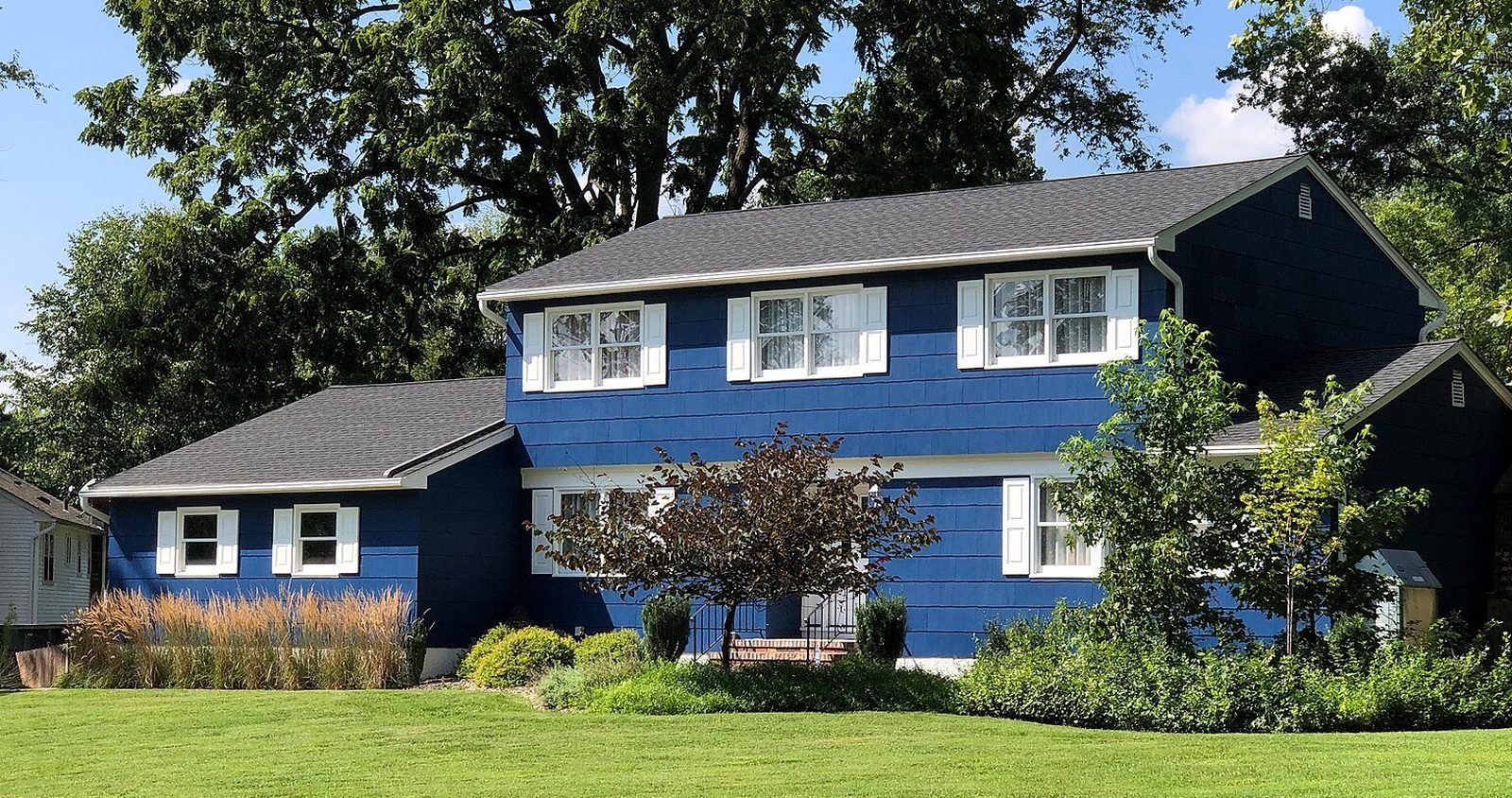
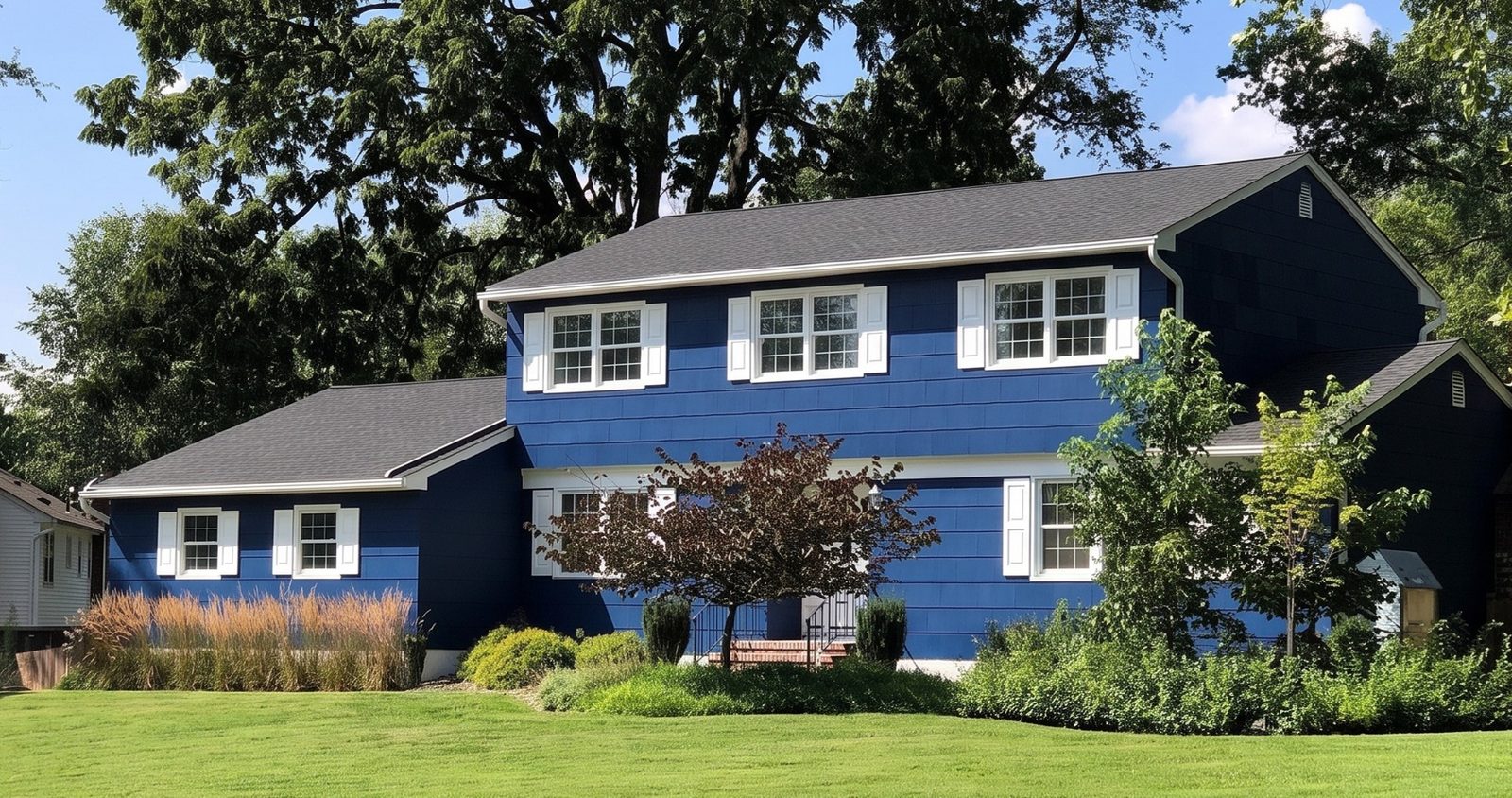
When is WindowRender the better pick over DesignWorks?
- You want the picture during the first visit. The rep takes the photo, renders it and turns the phone around before the price comes out.
- The homeowner is torn between two looks. Render black frames and white with grids from the same photo and let them choose while you're still in the room.
- The job is in a zip code Pella's design service doesn't reach2.
- You sell more than one brand, or the homeowner is holding another company's quote. One tool shows either look on the same photo.
- They care most about a room. A photo of the kitchen or the living room renders the same way as the street view.
- You only need a few a month. A 10-render pack is $29 with no subscription.
What does Pella DesignWorks do that WindowRender doesn't?
- A person designs it with you. Pella says each package comes with a virtual consultation with a Pella DesignPro, plus color and style revision1. WindowRender has no designer: you or your rep pick the look.
- The whole front of the house. A contractor's story on Pella's contractor site describes renderings that show siding, soffits, windows and entry doors1. WindowRender changes the windows and leaves everything else as it is.
- New window styles. Pella says its expert helps homeowners see different colors, grille patterns and styles on their home2. WindowRender keeps each window's current style for now.
- Pella's own products. The renderings show Pella windows and doors2. The Pella-named colors in WindowRender are close matches, not Pella's finish.
How does each one fit into a sales visit?
Neither way is wrong. The difference is timing and who does the work. DesignWorks hands the design to Pella's team and gives the homeowner a planned exterior. WindowRender keeps the rep in charge of the visit and gives them a picture while everyone is still at the table.
The same job, two ways
The photo
- With Pella DesignWorks
- Photos of the house, which a contractor on Pella's site describes sending to Pella1
- With WindowRender
- One photo of the front, or of the room they care about, taken by the rep
Who chooses the look
- With Pella DesignWorks
- A Pella DesignPro in a virtual consultation, Pella says1
- With WindowRender
- The rep and the homeowner, together
Changes
- With Pella DesignWorks
- Color and style revision is part of the package, Pella says1
- With WindowRender
- Pick another color or grille pattern and render the same photo again
When they see it
- With Pella DesignWorks
- After the photos go to Pella. We found no published turnaround
- With WindowRender
- During the visit, 30 seconds per render
What it's for
- With Pella DesignWorks
- A designed plan for the whole exterior to think over
- With WindowRender
- Settling the window look before the price comes out, and the follow-up text that night
| Step | With Pella DesignWorks | With WindowRender |
|---|---|---|
| The photo | Photos of the house, which a contractor on Pella's site describes sending to Pella1 | One photo of the front, or of the room they care about, taken by the rep |
| Who chooses the look | A Pella DesignPro in a virtual consultation, Pella says1 | The rep and the homeowner, together |
| Changes | Color and style revision is part of the package, Pella says1 | Pick another color or grille pattern and render the same photo again |
| When they see it | After the photos go to Pella. We found no published turnaround | During the visit, 30 seconds per render |
| What it's for | A designed plan for the whole exterior to think over | Settling the window look before the price comes out, and the follow-up text that night |
Can a Pella dealer use both on the same job?
Yes, if your Pella account includes DesignWorks. Use WindowRender on the first visit to settle the basics: frame color, grids or no grids, and the room that matters most. If the job grows past the windows, Pella's contractor site describes renderings that cover siding, soffits and entry doors too1, which is work WindowRender doesn't do.
At the table, with a Pella quote
Before I write this up, let me show you your own house with the windows we're talking about. I took this photo out front when I got here.
Here it is with black frames. And here it is in white with grids. Which one looks like your house?
This is a render, a preview of the look. The real finish is on this sample, so look at it in daylight before you decide.
If you'd like the whole front planned out, the siding and the entry door too, I can ask Pella's design team to work it up.
Offer the last line only if your Pella account includes DesignWorks. Name the line and color you're quoting, and put the real sample in their hands before they sign.
One photo, the two looks from the script
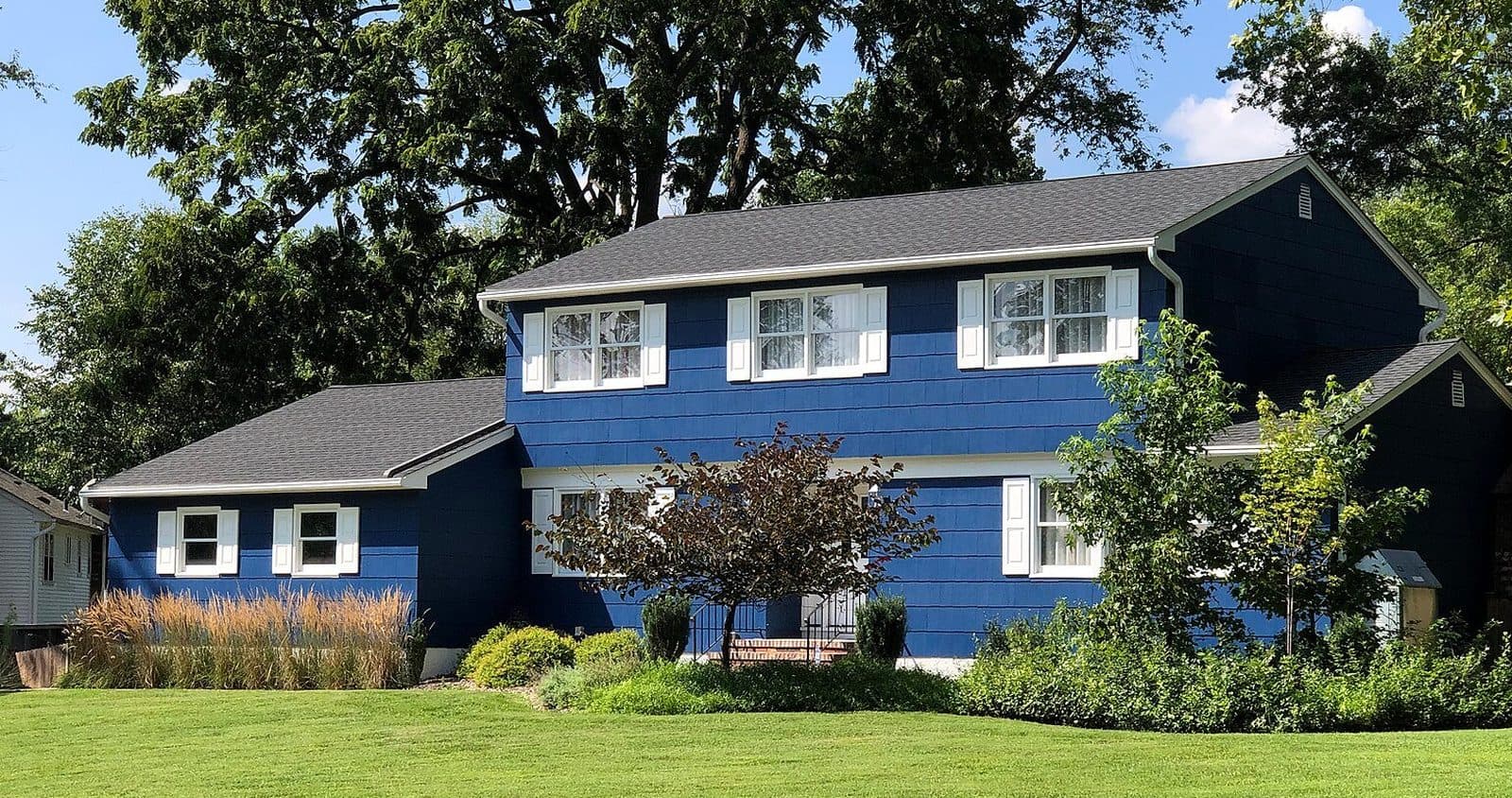 Photo
Today
The real photo
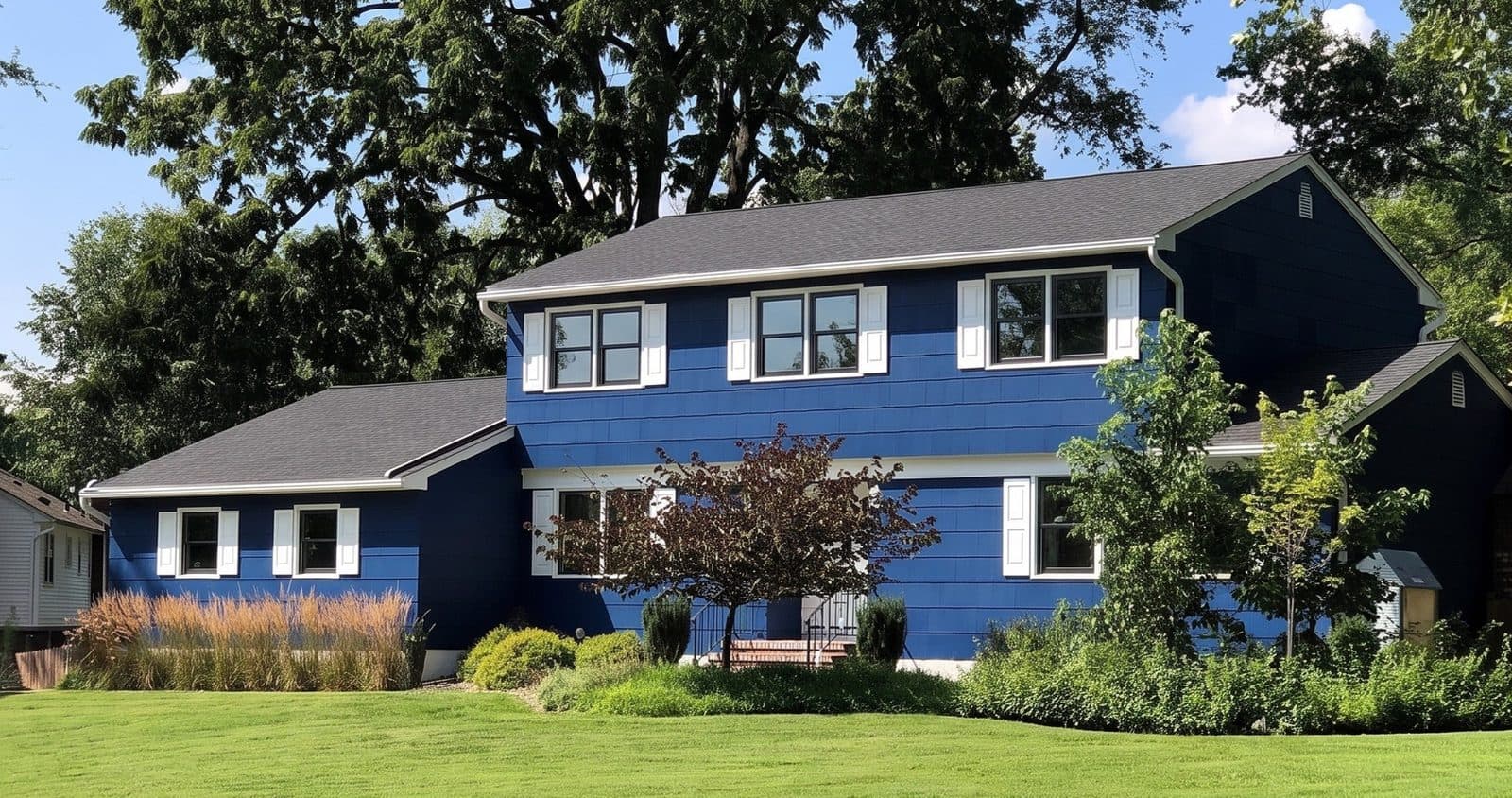 Render
Black fiberglass, no grilles
Try this look on your photo
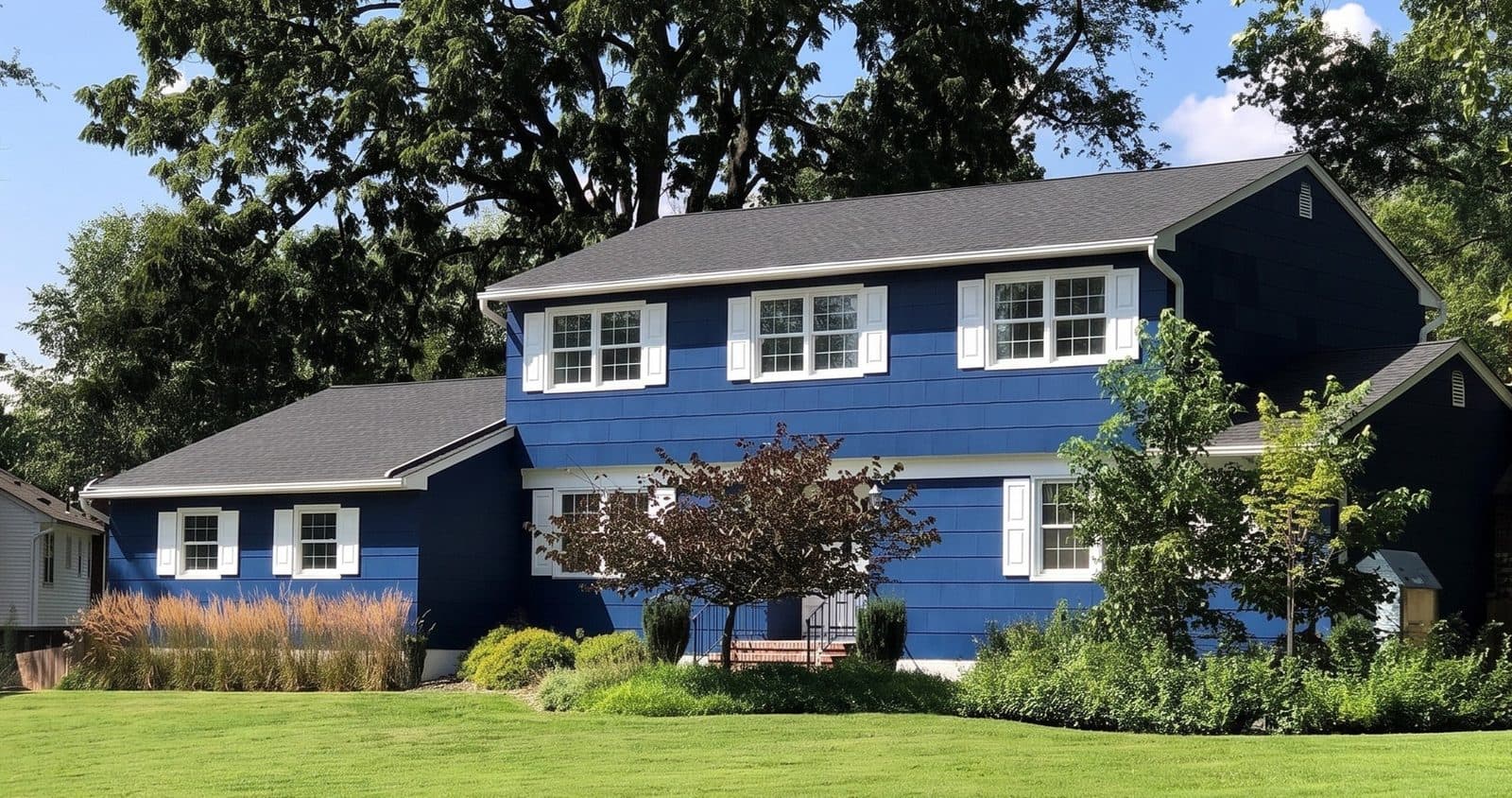 Render
White vinyl, colonial grilles
Try this look on your photo
Does WindowRender have Pella's colors?
Close matches. Next to the standard frame colors, the picker has colors named after Pella lines such as the 250 Series, Impervia, Lifestyle Series and Reserve. They aren't Pella's own finish, and we haven't checked every name against Pella's current list, which changes: Pella added nine exterior colors, black among them, to its 250 and 350 Series vinyl windows and patio doors3.
No screen shows a finish exactly, so let the render settle the look and Pella's sample settle the color.
How much do DesignWorks and WindowRender cost?
We found no DesignWorks price or turnaround on Pella's pages, so ask your Pella contact what your account includes and how long renderings take to come back.
WindowRender's first render is free with no account, and a free account adds 3 more with no card. After that, Starter is $97 a month for 50 renders, Growth is $297 for 500 and Professional is $497 for 1,000. The first month of Starter is $1 for new accounts. For the odd job, a 10-render pack costs $29 and the renders don't expire.