Why show the customer their own house instead of a brochure?
Because a brochure is somebody else's house, and a color chip is two inches of plastic. The homeowner has to imagine the rest, and when people can't picture it, they put it off. A render answers the question they are really asking: what will my house look like?
It also helps when your quote sits next to two others, which it usually will: homeowners are told to collect several written estimates, as window sales objections explains. Three quotes on the counter look alike. A picture of their own house with your windows in it does not.
A render won't close the sale on its own, and we won't claim it does. Most visits still end without a signature; the benchmark is in how to sell replacement windows. What a render does is settle the look at the table, so the talk that's left is about price, product and install date.
What does a window render look like on a real house?
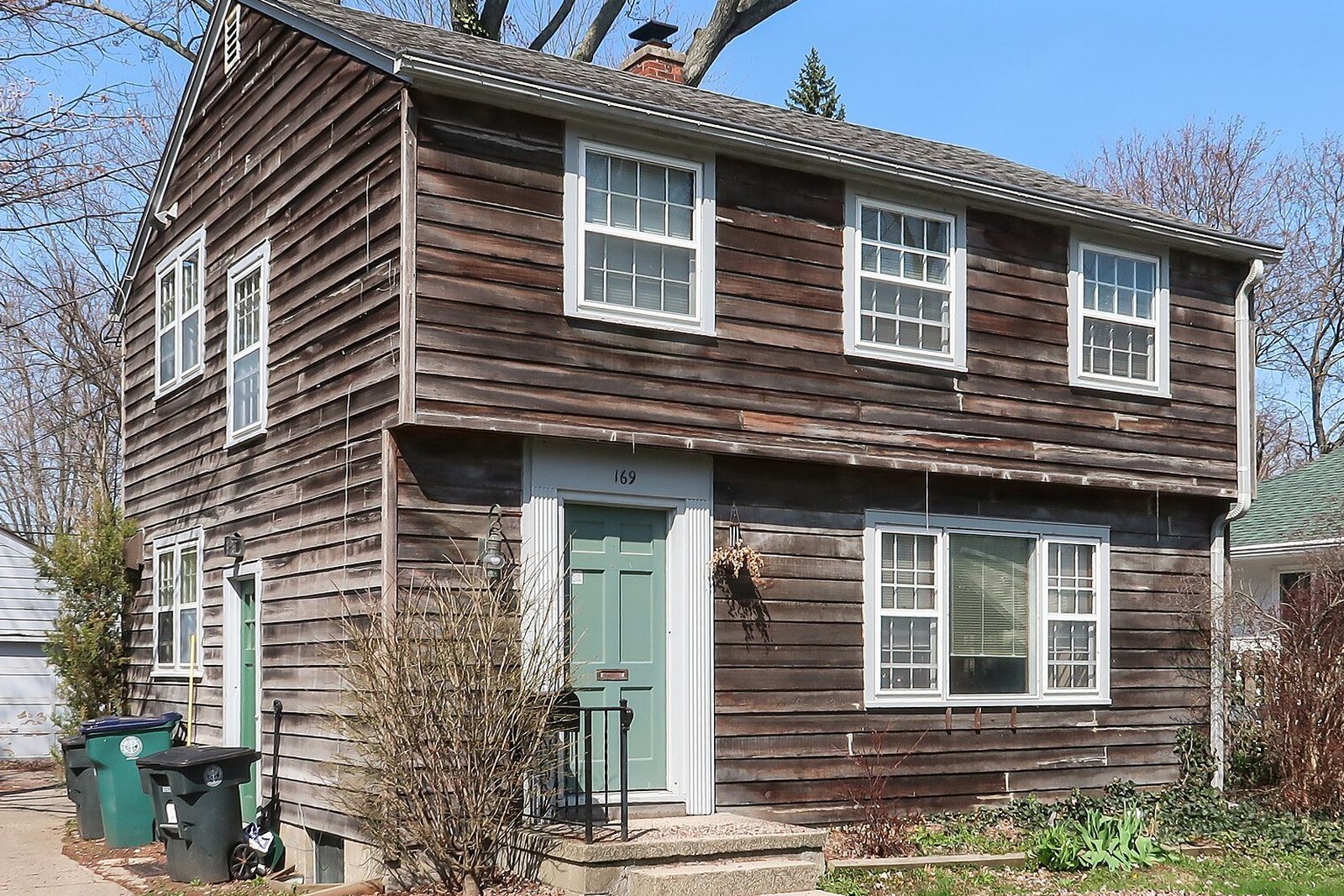
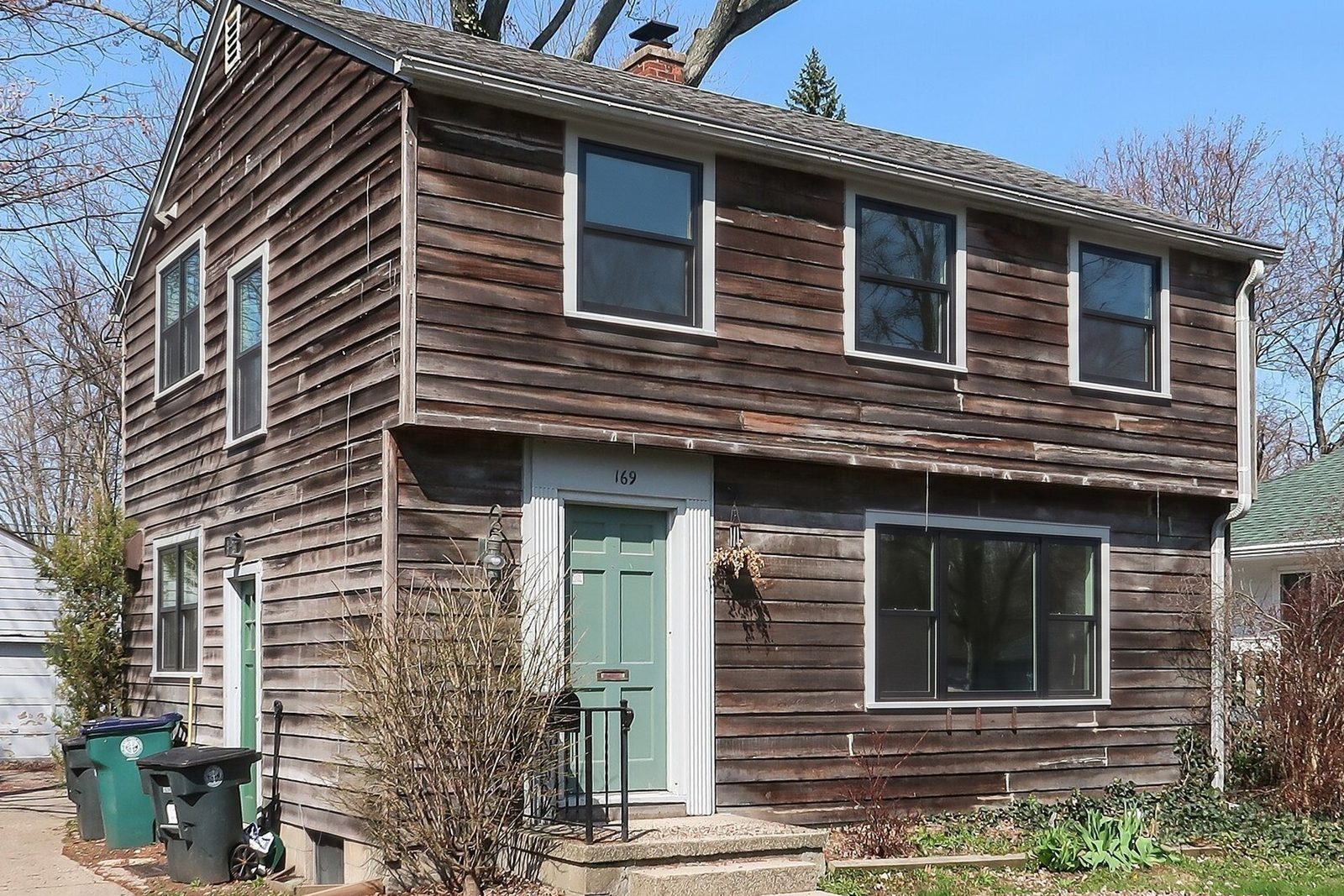
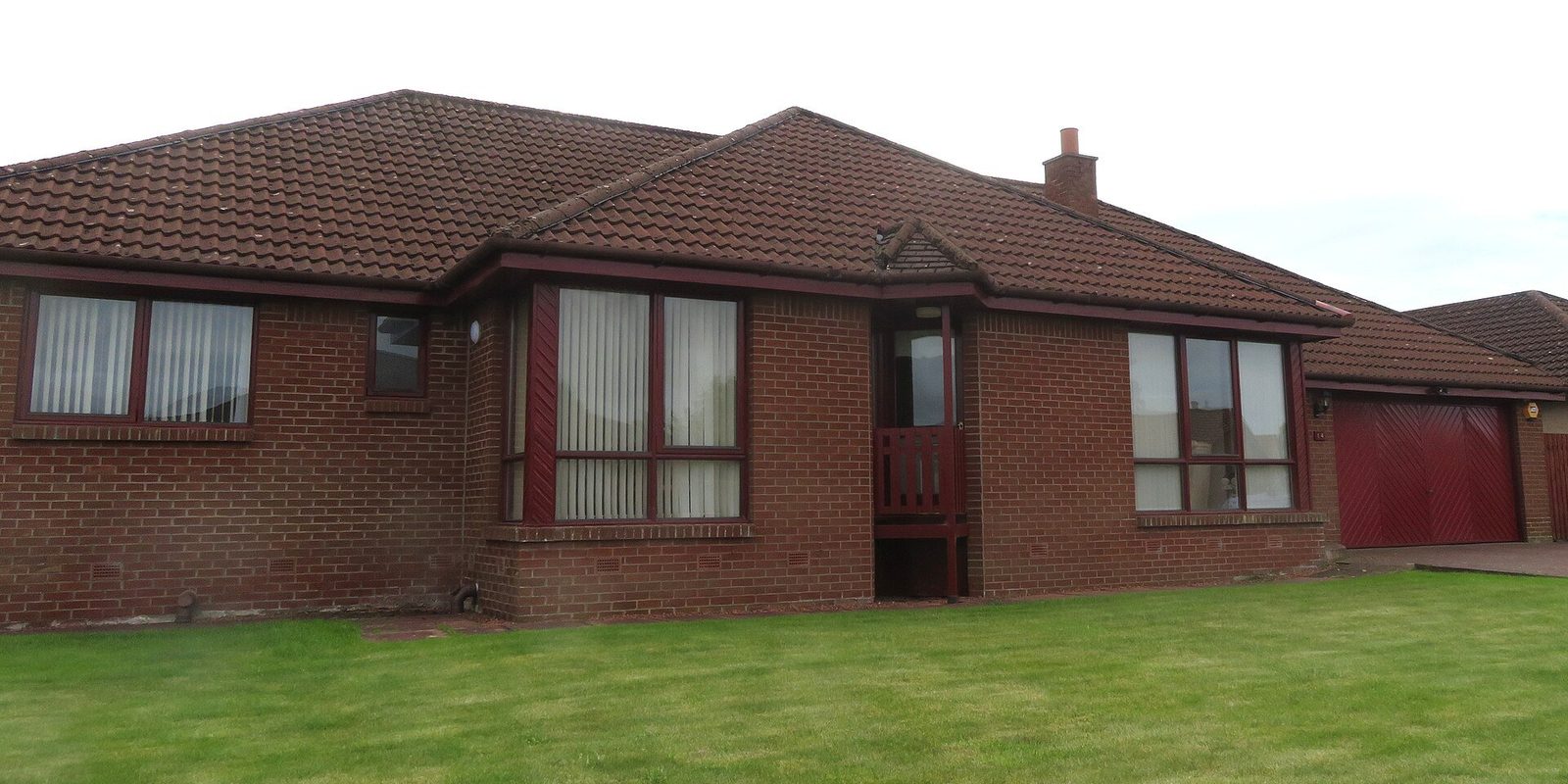
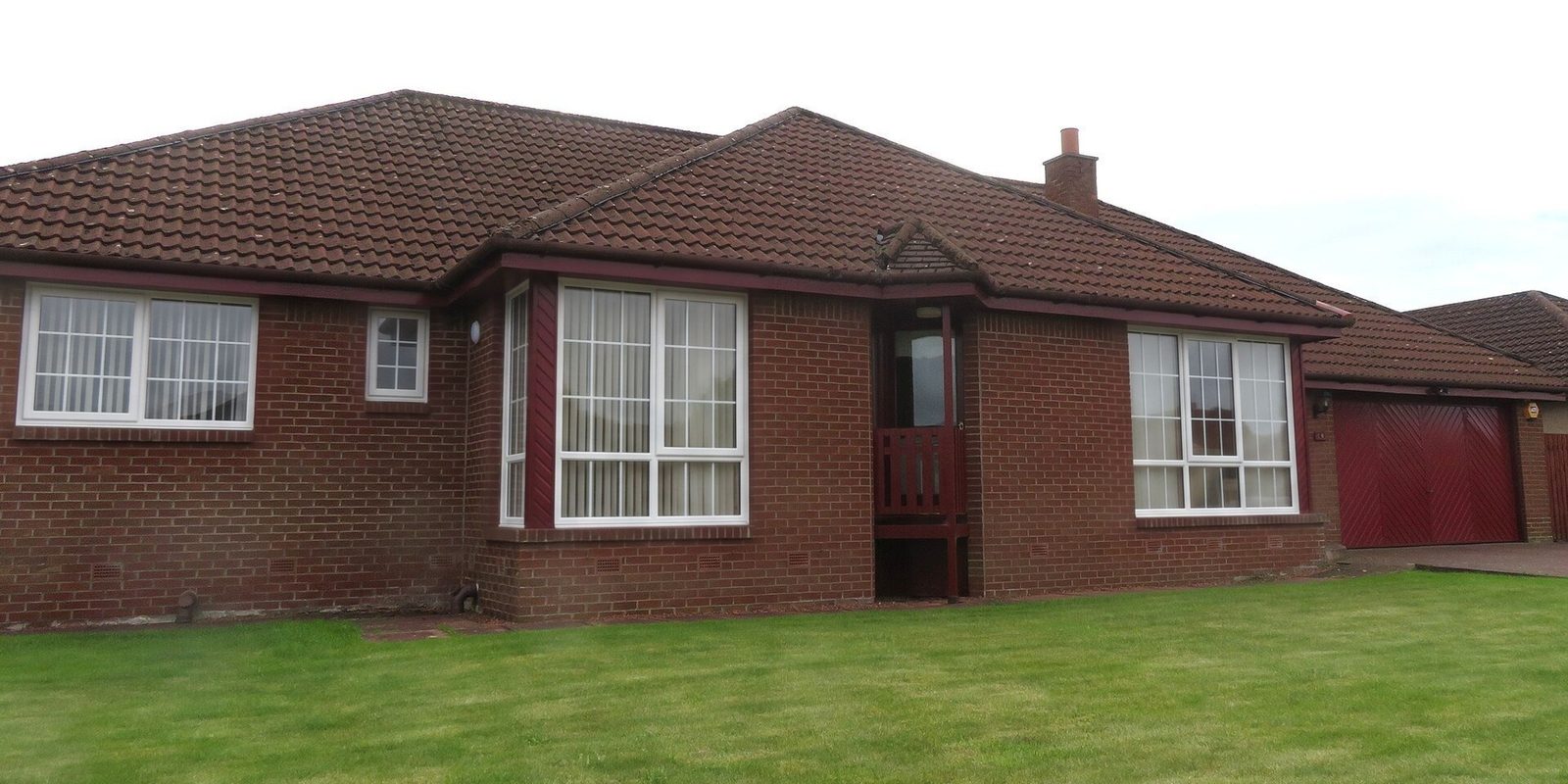
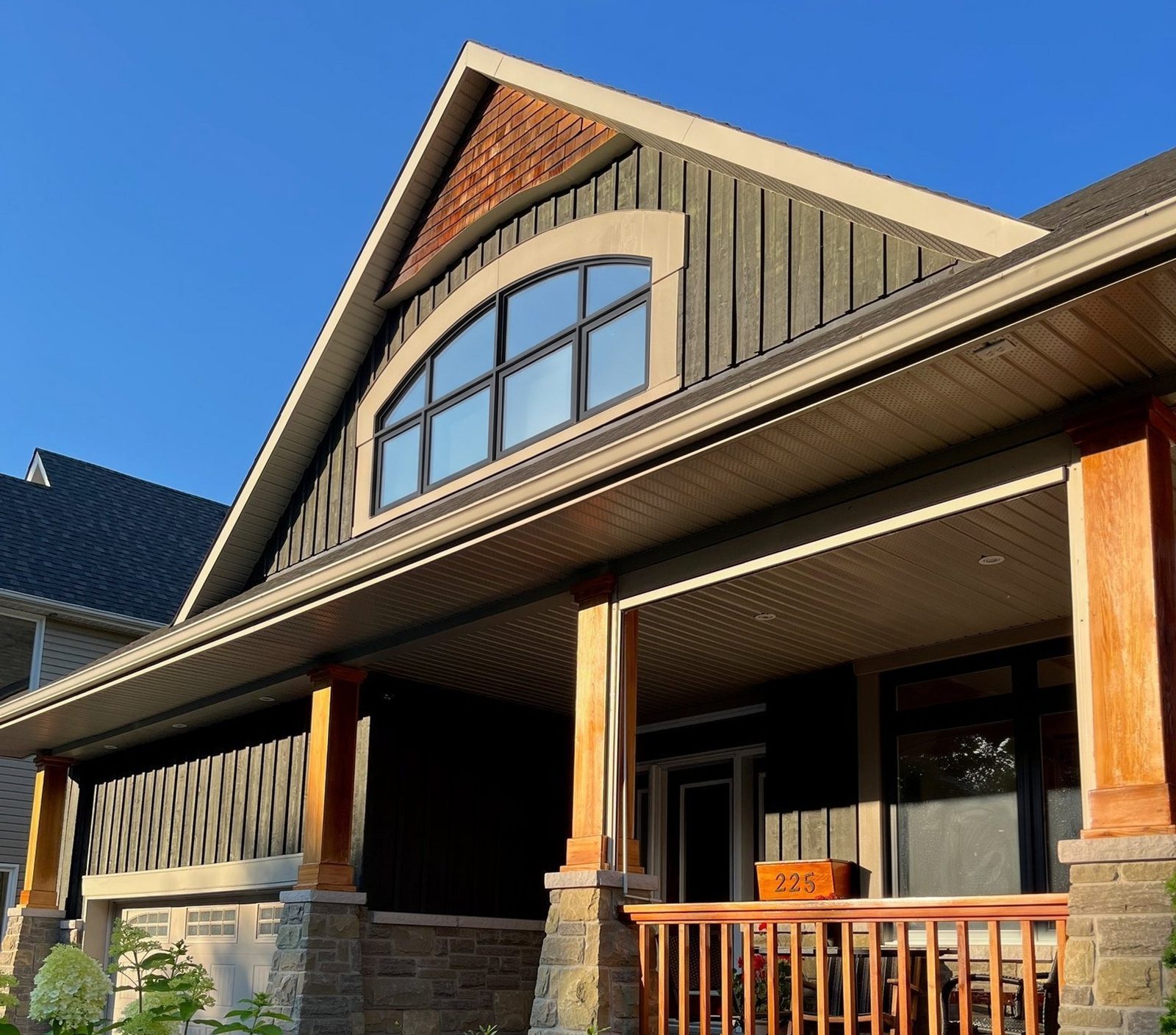
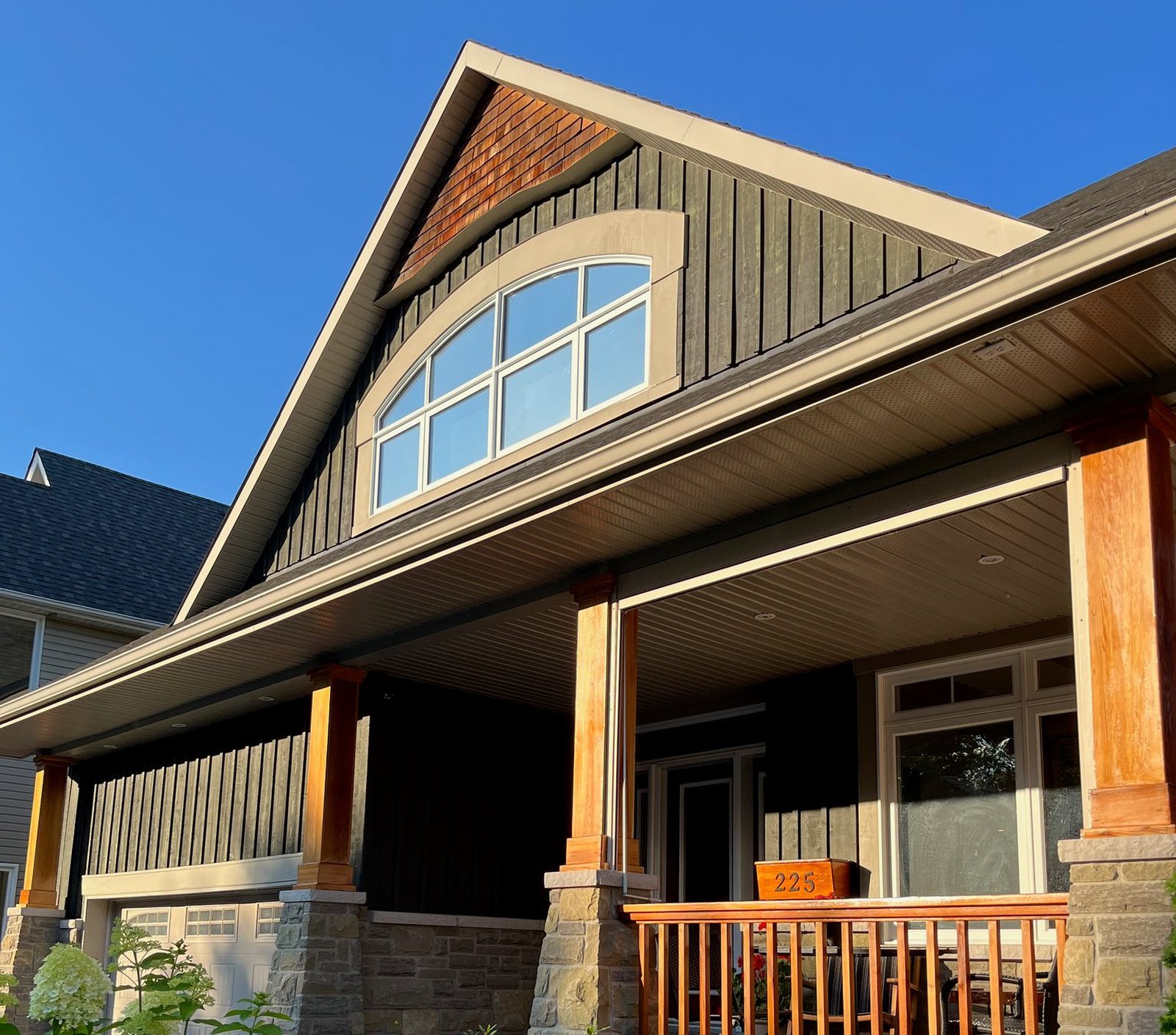
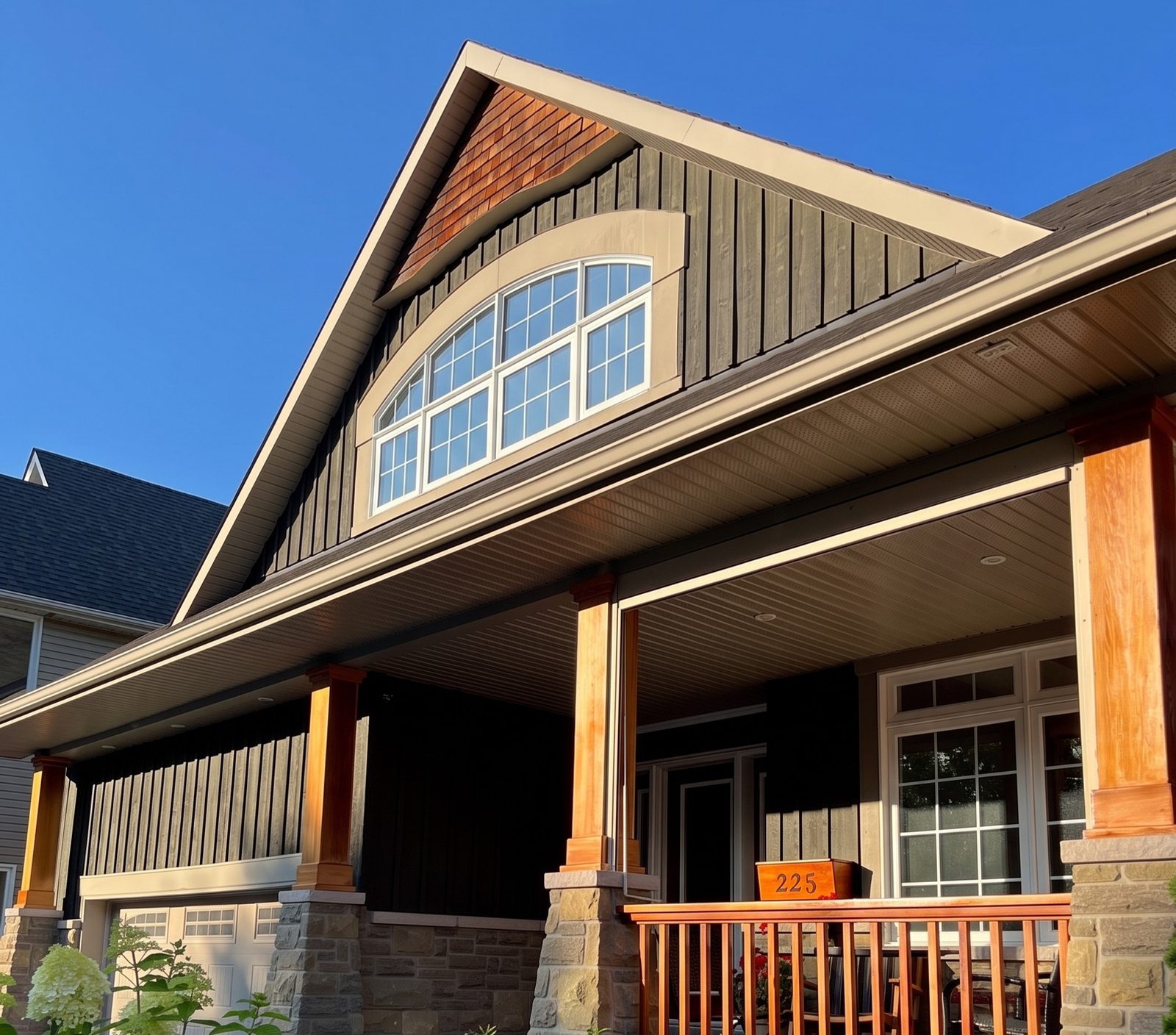
The slider at the top is a real photo of a board-and-batten Craftsman and our render of it with white colonial grids added to the arched gable window and the porch window. The dark siding, the stone, the porch posts and railing, the planter box with the house number on it and the garage door stay as they were, and each window keeps its opening and its style.
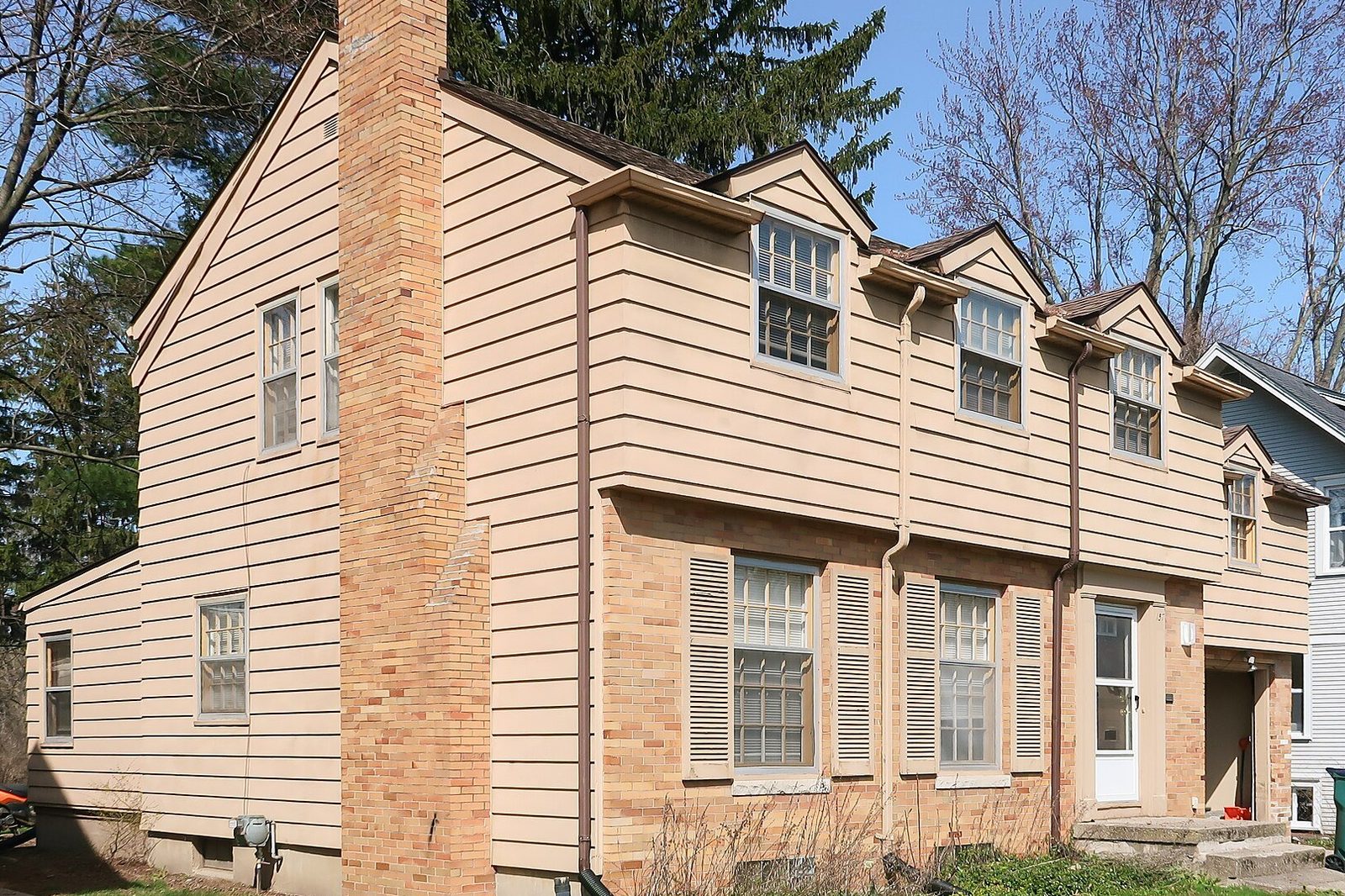
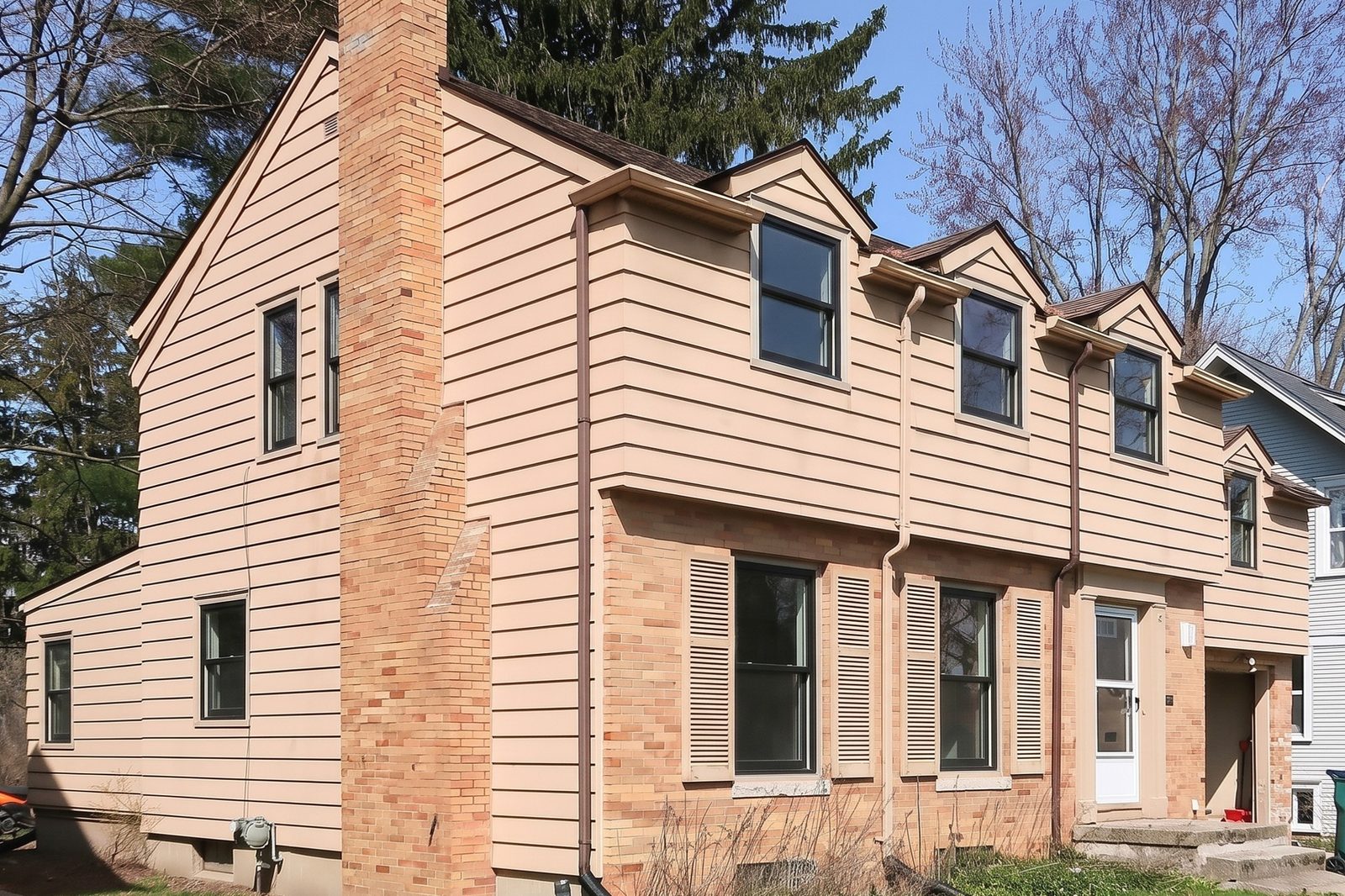
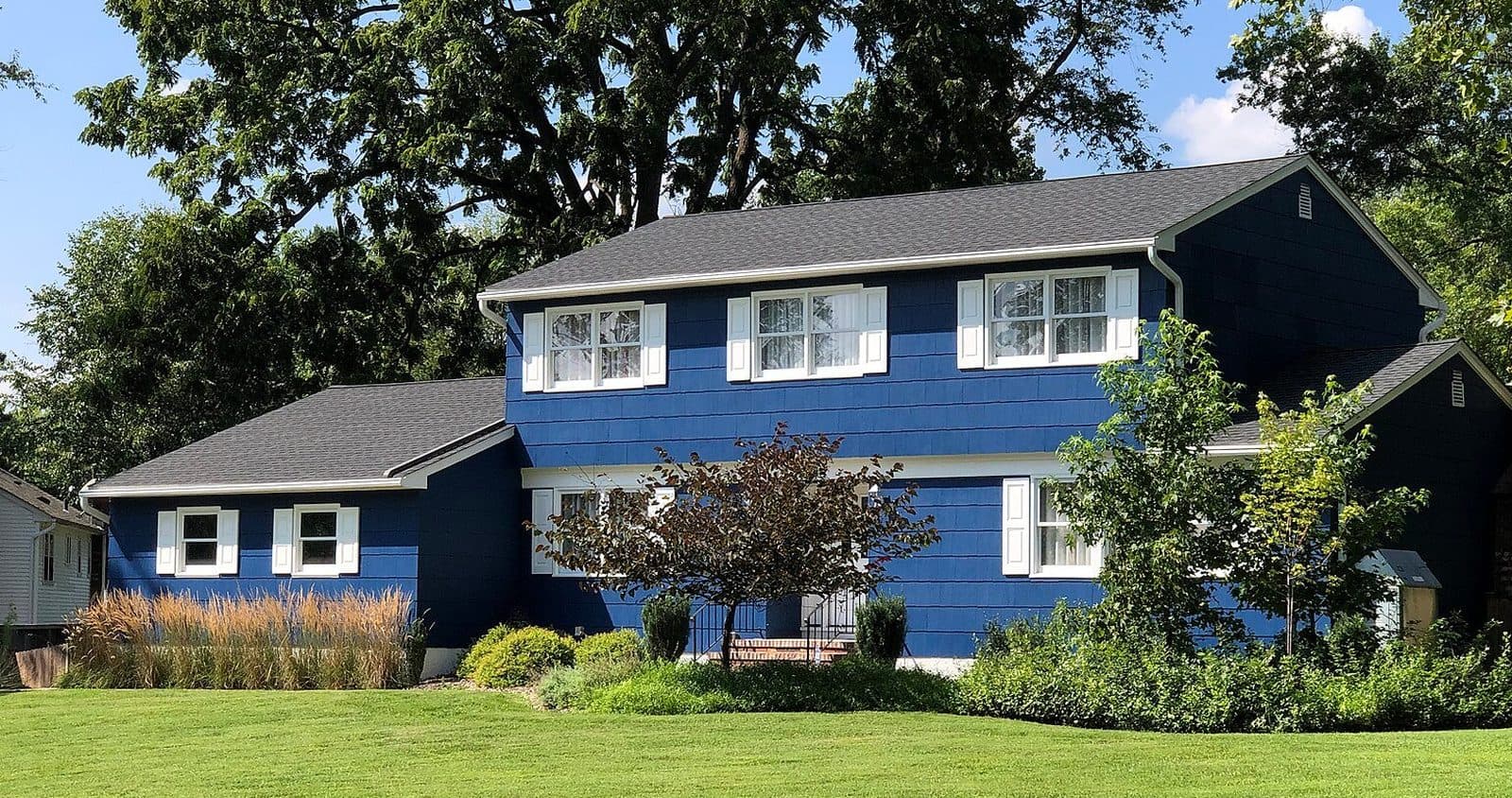
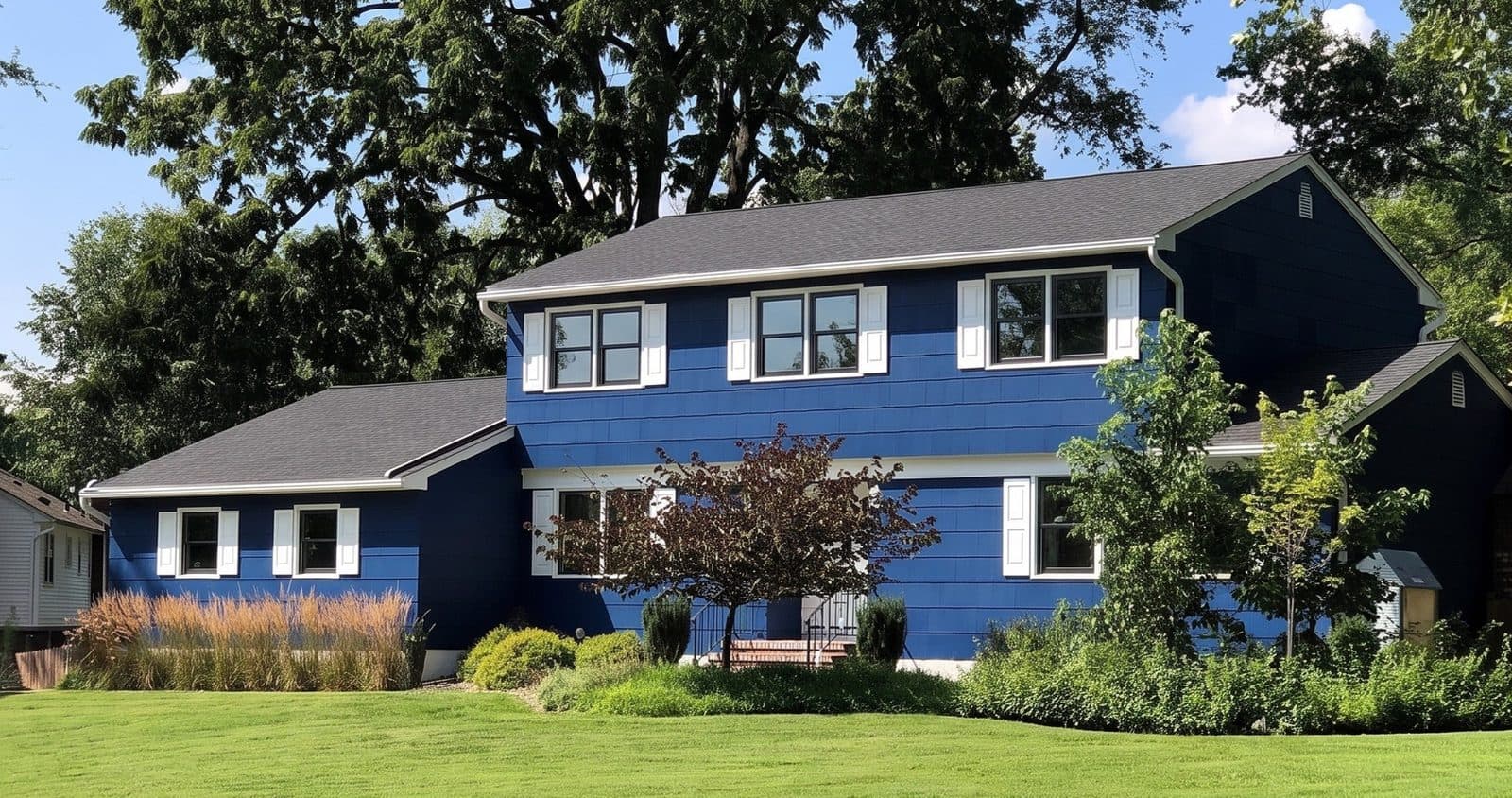
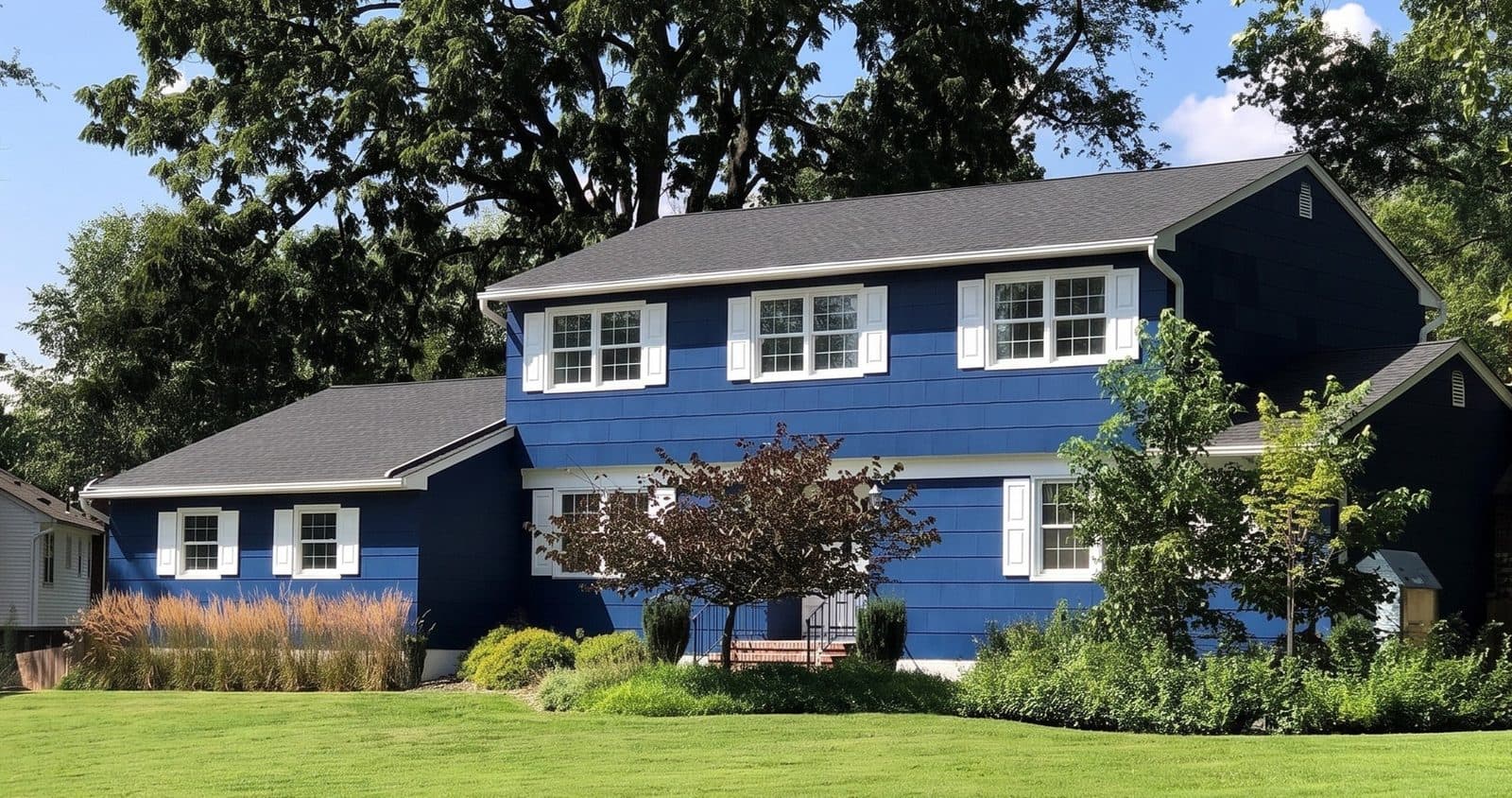
The strip above puts another house three ways side by side: a blue colonial as it is today, in black, and in white with colonial grids. That is the black or white question most reps hear every week, answered on the customer's own front. More pairs are in the window replacement before and after gallery.
Does it work on inside photos?
Yes. Stand in the room, photograph the window wall, and pick the look. The frame, sash, color and grilles change, and the walls, sill, curtains, furniture and the view through the glass are meant to stay as they are. Homeowners look at their windows from the inside most of the day, so an inside render often lands harder than the street view. The interior window visualizer page has more rooms.
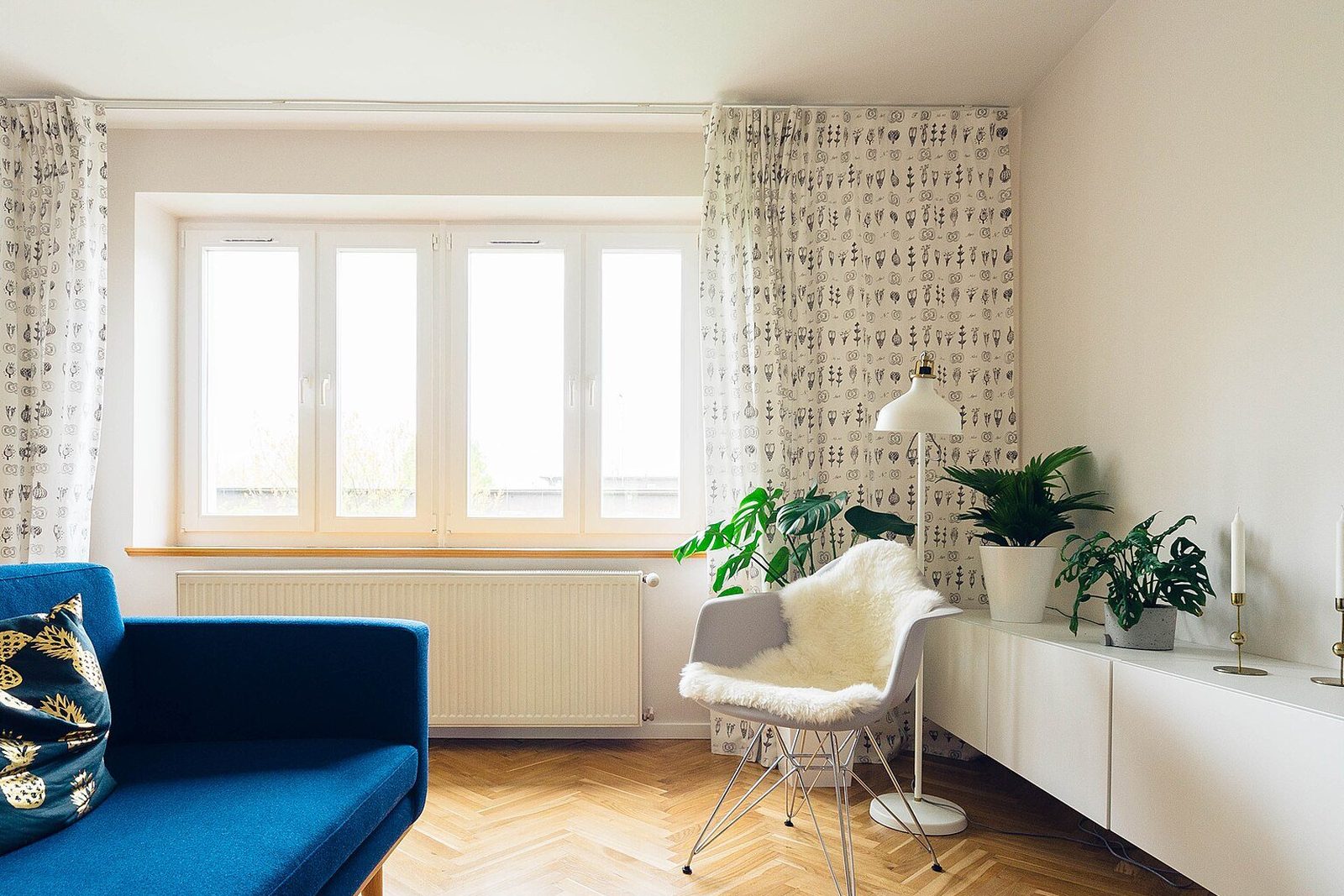
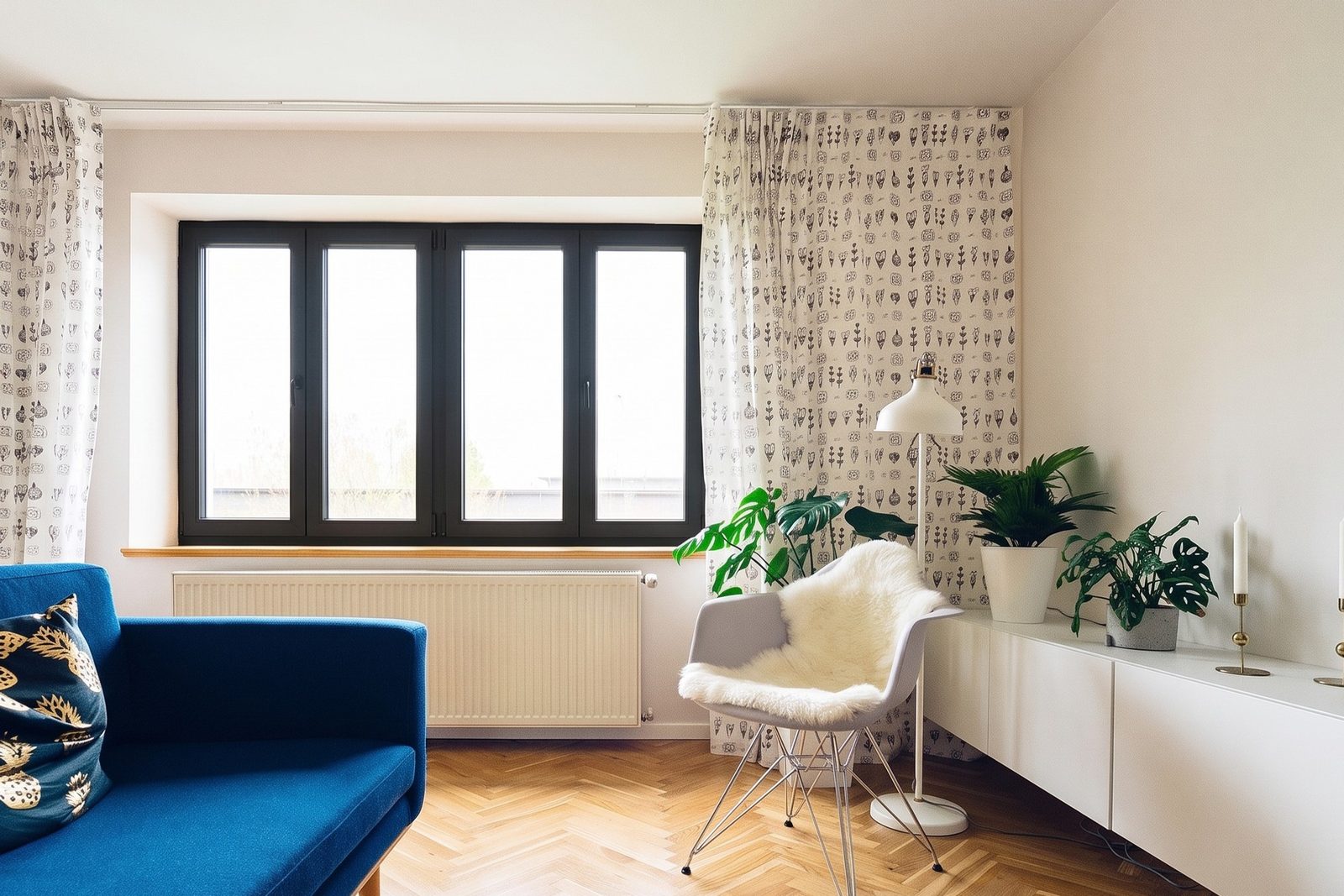
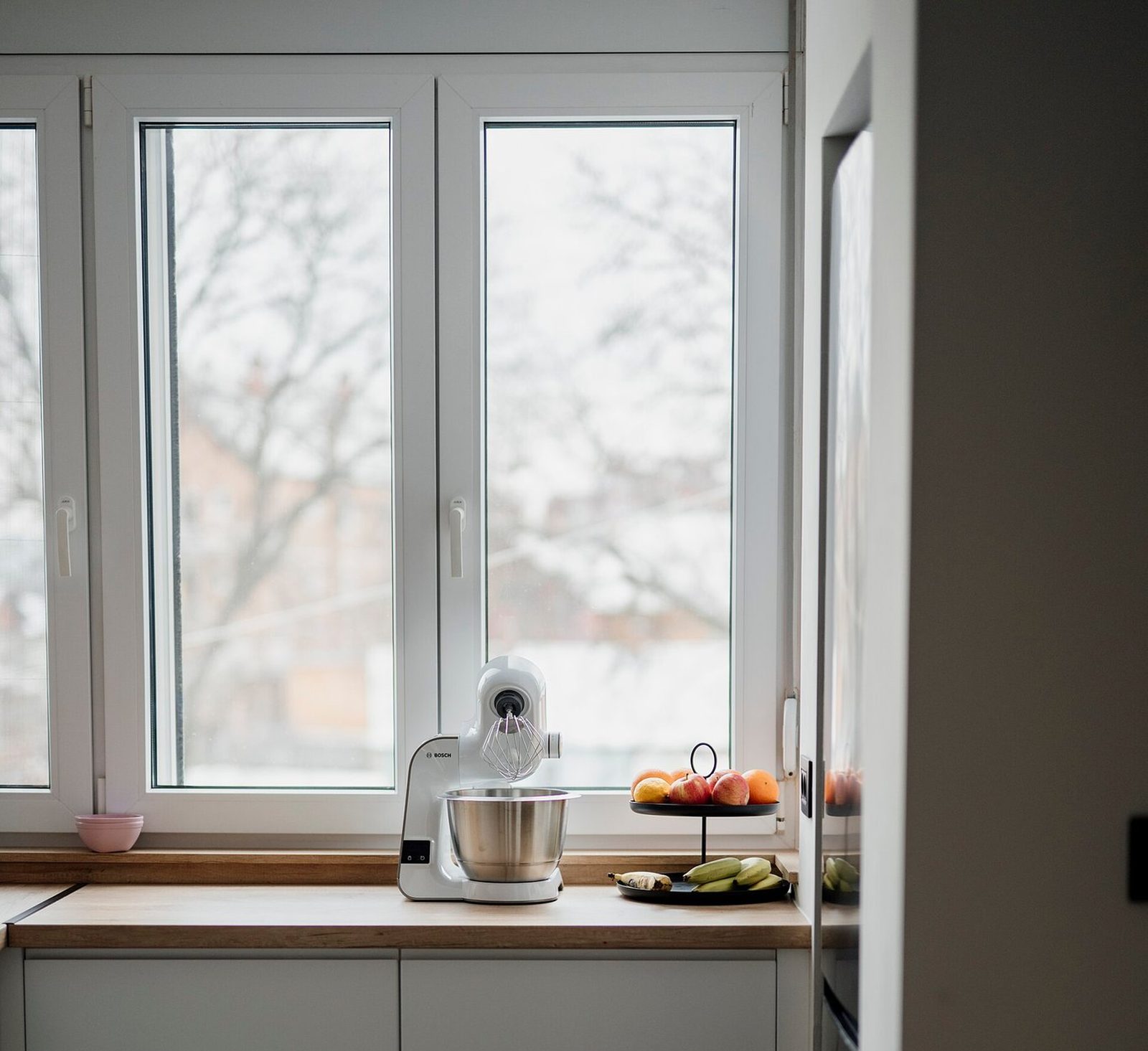
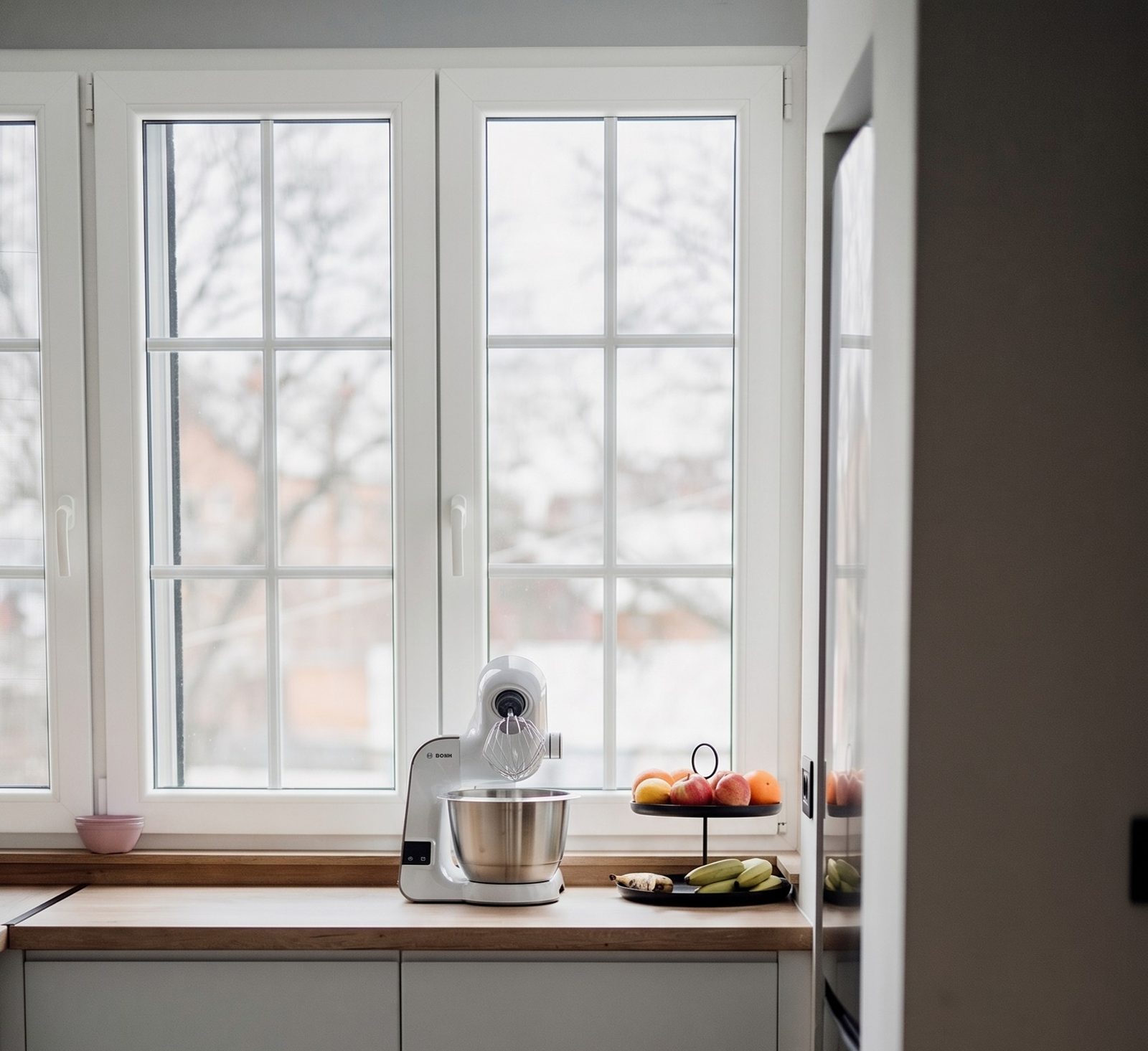
Where does a render fit in a window sale?
A render earns its keep at five points in a normal sale. Present it every time as a preview of the look, never as a photo of a finished job, and keep the corner sample and color chip on the table: a screen can't show the real finish or how the sash feels.
A render at each step of the sale
Walking the house
- What you do
- Take one photo of the front, and one of the room they care about most.
- What the homeowner gets
- Nothing yet. You have what you need.
At the table
- What you do
- Render the look they lean toward, then the one they are unsure about. Let them drag the slider.
- What the homeowner gets
- Their own house, two real options side by side.
Going over the price
- What you do
- Keep the render on the screen next to the quote for that option.
- What the homeowner gets
- A price tied to a picture, not to a product code.
After you leave
- What you do
- Text or email the render the same evening, with the quote.
- What the homeowner gets
- Something to show the spouse who wasn't home.
In the proposal
- What you do
- Put the render on the page for each option you quote.
- What the homeowner gets
- A proposal that still makes sense a week later.
| Moment | What you do | What the homeowner gets |
|---|---|---|
| Walking the house | Take one photo of the front, and one of the room they care about most. | Nothing yet. You have what you need. |
| At the table | Render the look they lean toward, then the one they are unsure about. Let them drag the slider. | Their own house, two real options side by side. |
| Going over the price | Keep the render on the screen next to the quote for that option. | A price tied to a picture, not to a product code. |
| After you leave | Text or email the render the same evening, with the quote. | Something to show the spouse who wasn't home. |
| In the proposal | Put the render on the page for each option you quote. | A proposal that still makes sense a week later. |
What do you need for a good render?
- Shoot the front straight on, from the sidewalk or the driveway, with every window you are quoting in the frame.
- Daylight works best. Avoid shooting into the sun, and skip photos where the windows are mostly reflection.
- Inside, step back far enough to get the whole window and a little wall on each side. Open the curtains or blinds if they hide the frame.
- Pick a spot where no tree, AC unit or sign sits in front of a window you are quoting.
How is it different from a manufacturer's visualizer?
Most manufacturer tools show their own brand only, and several put a person in the middle. Pella's design service works with a Pella expert and isn't offered in every zip code1. Ply Gem MyHome sends your photo to a designer to be mapped before you can try products on it2. That's fair enough: those tools exist to sell the maker's windows.
WindowRender works the same way whichever line you sell, so a dealer carrying two or three brands uses one tool for all of them. The full side by side is in manufacturer window visualizers compared, and if you already use Hover for measuring, see WindowRender vs Hover.
What doesn't it do?
It doesn't measure, quote, order or schedule. Keep your measuring app, your price book and your CRM. WindowRender is the picture step that sits between the walk-through and the price.
A render shows the look, not the product's performance. It won't tell the homeowner anything about glass, energy ratings or how the window is built, and it isn't a shop drawing. Confirm sizes, profiles and the real color with your supplier and a physical sample.