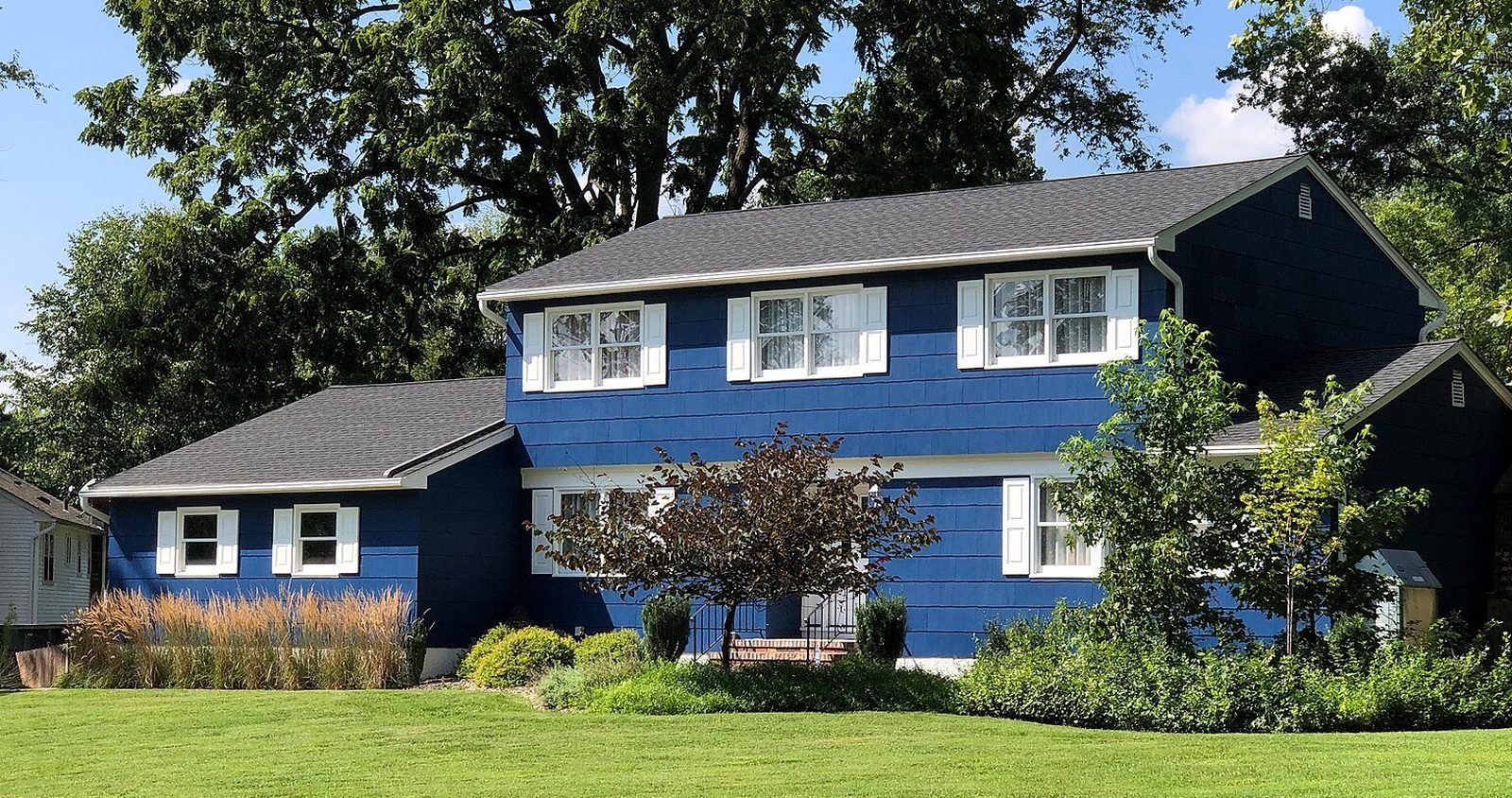
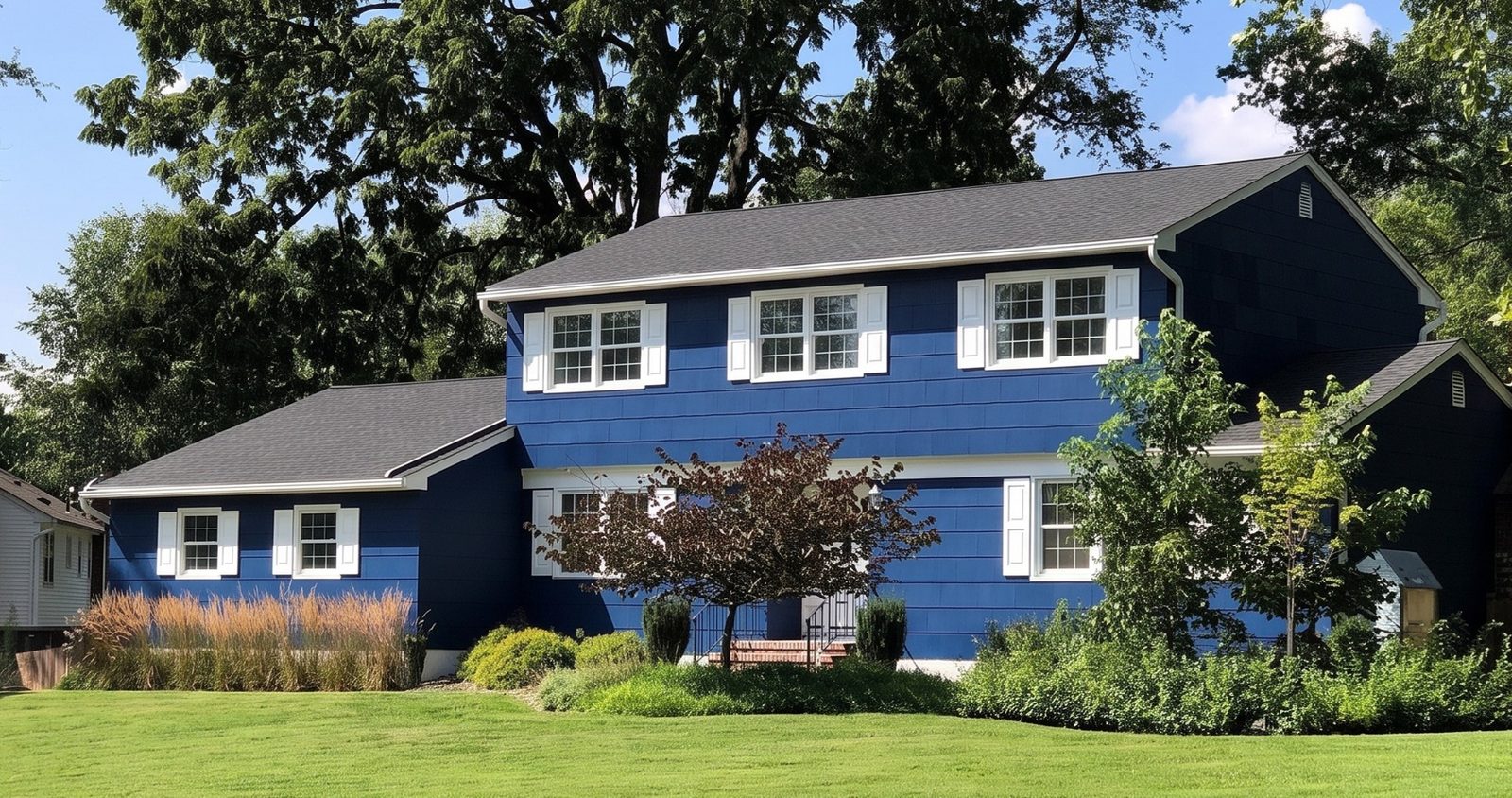
Is Ply Gem MyHome still offered?
We can't confirm it. The fullest description we found is a JLC article dated September 6, 2013. It reported MyHome as new: the homeowner uploaded a photo and paid a fee per image, and a designer mapped areas such as the windows, siding and roof so Ply Gem products would sit right on the house1. Ply Gem's free Designed Exterior Studio offered nearly two dozen pre-mapped sample homes for anyone who didn't send a photo1.
The tool Ply Gem points people to now is the Home Design Visualizer. Pro Builder reported its launch by Ply Gem's parent company, Cornerstone Building Brands, in January 2021: a web tool for trying curated color and material combinations on an uploaded photo of a home or on sample images, from a computer or a phone2. When Cornerstone relaunched PlyGem.com in June 2025, the Home Design Visualizer was one of the site's key features3. Check plygem.com for what it does today.
Why use WindowRender instead of Ply Gem's visualizer at the table?
- No mapping and no waiting on a designer. MyHome put a person between the photo and the picture1. WindowRender renders the photo you took five minutes ago, while you're still at the table.
- This customer's house, photographed today. A sample home shows a style, but the homeowner wants their own porch, and often their own kitchen, which WindowRender renders from a room photo.
- Every line you quote. If you sell Ply Gem next to another maker's windows, show both looks on the same photo with one tool.
- Detail that matches the quote: vinyl or clad wood, the frame color, and colonial, prairie or no grilles.
- A picture you can text. Send the render with the quote that evening so nobody has to remember what the sample looked like.
What does Ply Gem's visualizer do that WindowRender doesn't?
- Whole combinations. Ply Gem's tool tries curated color and material combinations on the home2. WindowRender changes the windows and is meant to leave everything else as it was.
- Ply Gem's own palettes. Cornerstone Building Brands says the Ply Gem visualizer is populated with designer-inspired color palettes and helps contractors guide homeowners through ideas and close the sale2.
- Sample houses. A homeowner with no usable photo can start from a library of sample homes2.
- A homeowner tool you don't have to run. It lives on Ply Gem's site, so a homeowner can try ideas before you arrive.
How do you show Ply Gem windows on the customer's house?
Pick the frame material that matches the line you're quoting: vinyl for Pro Series, clad wood for Mira. The color picker lists colors named after both lines next to the standard colors such as white, bronze and black. Render, then put the real Ply Gem sample beside the screen. The names are close matches, not Ply Gem's finish, and every screen shows color a little differently.
What Ply Gem customers ask, and what to show them
White or black?
- Show them
- Two renders of the same photo, one in each color
- Then
- Let them choose on the screen, then hand them the real sample
Will black vinyl warp in the sun?
- Show them
- The black render first, so the look is settled
- Then
- Ply Gem says dark colors absorb heat that can warp vinyl, and that its black vinyl windows use a black capstock over a white layer that reflects sunlight4. Go through the line's own spec sheet with them
Grids or no grids?
- Show them
- The front with colonial grilles and with none
- Then
- Render a room photo too, because grids change the view from inside
What will the kitchen look like?
- Show them
- A render of the kitchen photo
- Then
- Frame color reads differently up close, so show the room as well as the street
| The homeowner asks | Show them | Then |
|---|---|---|
| White or black? | Two renders of the same photo, one in each color | Let them choose on the screen, then hand them the real sample |
| Will black vinyl warp in the sun? | The black render first, so the look is settled | Ply Gem says dark colors absorb heat that can warp vinyl, and that its black vinyl windows use a black capstock over a white layer that reflects sunlight4. Go through the line's own spec sheet with them |
| Grids or no grids? | The front with colonial grilles and with none | Render a room photo too, because grids change the view from inside |
| What will the kitchen look like? | A render of the kitchen photo | Frame color reads differently up close, so show the room as well as the street |
Can a Ply Gem dealer use both?
Yes. Send a homeowner to Ply Gem's visualizer before the visit if they want to try color and material combinations on the whole house2. At the table, use WindowRender on the photo you take that day, with the line and color on the quote, and text the render with the price. The window sales follow-up guide has the texts that go with it.
What do Ply Gem's visualizers and WindowRender cost?
We couldn't confirm a current price for Ply Gem's Home Design Visualizer, so ask your Ply Gem rep. For MyHome, JLC reported in 2013 that the homeowner paid a fee per image for the designer's mapping1.
WindowRender lists its prices. Try one render free with no account, then 3 more on a free account with no card. Paid plans: Starter at $97 a month for 50 renders, Growth at $297 for 500, Professional at $497 for 1,000. Starter's first month is $1 for new accounts.