What software does a window and door company need?
Think in jobs, not brands. Each layer below does one job in the life of a window sale, from the first call to the finished install. Our separate guides compare the tools for each layer; this page shows how they fit together.
Around those six sit tools you'll add as you grow: review requests, email and texting, financing and payments. Several of them come with rules, covered further down.
The window company software stack
CRM
- Its job
- Every lead, call, appointment and follow-up in one place, tagged by source
- You need it when
- Leads slip through, or you can't say which source pays
- Go deeper
- Best CRM for window companies
Scheduling
- Its job
- Sales appointments, measure visits, deliveries and install days on one calendar
- You need it when
- Two people book the same crew, or homeowners keep asking when you're coming
- Go deeper
- The crew section below
Measuring
- Its job
- Sizes for the quote and for the order, by hand or from photos
- You need it when
- Return trips to measure, or windows ordered in the wrong size
- Go deeper
- Measure windows from photos
Quoting and contracts
- Its job
- Prices, options, the proposal and the signature
- You need it when
- Quotes take days, or every rep prices differently
- Go deeper
- Window estimating software and window sales software
Job photos
- Its job
- Real photos of every opening, before, during and once it's finished
- You need it when
- Damage disputes, warranty claims, or crews you can't check on
- Go deeper
- The crew section below
Visualizing
- Its job
- The homeowner's own house shown with the new windows
- You need it when
- Homeowners stall on color and grilles, or say they'll think about it
- Go deeper
- Replacement window visualizer
| Layer | Its job | You need it when | Go deeper |
|---|---|---|---|
| CRM | Every lead, call, appointment and follow-up in one place, tagged by source | Leads slip through, or you can't say which source pays | Best CRM for window companies |
| Scheduling | Sales appointments, measure visits, deliveries and install days on one calendar | Two people book the same crew, or homeowners keep asking when you're coming | The crew section below |
| Measuring | Sizes for the quote and for the order, by hand or from photos | Return trips to measure, or windows ordered in the wrong size | Measure windows from photos |
| Quoting and contracts | Prices, options, the proposal and the signature | Quotes take days, or every rep prices differently | Window estimating software and window sales software |
| Job photos | Real photos of every opening, before, during and once it's finished | Damage disputes, warranty claims, or crews you can't check on | The crew section below |
| Visualizing | The homeowner's own house shown with the new windows | Homeowners stall on color and grilles, or say they'll think about it | Replacement window visualizer |
What software should a window company buy first?
Start with the leak. Every company loses sales somewhere, and software only pays for itself when it fixes the place you're losing them. Look at last month and find the biggest gap in the table below.
For a new company, a sensible order is a CRM and a shared calendar first, then quoting, then the rest as volume justifies it. A one-person dealer can run on a CRM, a phone and a render. A team with several reps and crews needs scheduling and one job record that everyone works from.
Where you're losing sales, and the software that fixes it
Leads that never got a call back
- The likely leak
- Response speed
- Fix this first
- A CRM that alerts the right person as soon as a lead comes in. See speed to lead
Appointments that don't sit
- The likely leak
- Setting and confirming
- Fix this first
- Scheduling with reminders, and someone who confirms. See window appointment setting
Visits that end in "we'll think about it"
- The likely leak
- The visit itself
- Fix this first
- A sales app with clear options, and a way to show the look on their house
Quotes that take days to send
- The likely leak
- Pricing
- Fix this first
- Quoting software with your price book loaded
Wrong sizes, remakes and return trips
- The likely leak
- Measuring and the hand-off
- Fix this first
- A measuring routine, a second check before ordering, and one job record the crew can see
Callbacks you can't settle
- The likely leak
- Proof
- Fix this first
- A photo routine on every install
| What you see | The likely leak | Fix this first |
|---|---|---|
| Leads that never got a call back | Response speed | A CRM that alerts the right person as soon as a lead comes in. See speed to lead |
| Appointments that don't sit | Setting and confirming | Scheduling with reminders, and someone who confirms. See window appointment setting |
| Visits that end in "we'll think about it" | The visit itself | A sales app with clear options, and a way to show the look on their house |
| Quotes that take days to send | Pricing | Quoting software with your price book loaded |
| Wrong sizes, remakes and return trips | Measuring and the hand-off | A measuring routine, a second check before ordering, and one job record the crew can see |
| Callbacks you can't settle | Proof | A photo routine on every install |
Should you buy one all-in-one system or separate tools?
Both can work. Some software makers now cover more of the sale in one product: Hover says its January 2026 platform puts measurements, design, estimating and homeowner proposals with e-signature in one workflow1. Separate tools let you pick the strongest one for each job, as long as they talk to each other. Hover's help center, for example, describes an integration that imports Hover measurements into Paradigm Vendo estimates and proposals2.
Whichever way you go, ask every vendor the same questions before you sign:
- Can I export all my data, including customers, jobs, photos and documents, in a format another tool can read? Hover's product page, as one example, lists measurement exports as PDF, Excel, JSON or XML3.
- Which tools do you connect to today, and what exactly moves across: name, address, measurements, the signed order?
- What does it cost for my team now, and at twice the size?
- How long is the contract, and what happens to my data if I leave?
- Who sets it up, and how long before a rep can use it in a home?
All-in-one or separate tools
Setup
- All-in-one
- One setup, one login, one bill
- Separate tools
- Several setups, and someone has to connect them
Fit for windows
- All-in-one
- Depends on how well each part handles windows
- Separate tools
- You choose the strongest tool for each job
When one part is weak
- All-in-one
- You live with it or work around it
- Separate tools
- You replace that one tool
Your data
- All-in-one
- In one place, if you can get it out
- Separate tools
- Spread out, unless the tools sync
Leaving
- All-in-one
- Hard: everything moves at once
- Separate tools
- Easier: one tool at a time
| Question | All-in-one | Separate tools |
|---|---|---|
| Setup | One setup, one login, one bill | Several setups, and someone has to connect them |
| Fit for windows | Depends on how well each part handles windows | You choose the strongest tool for each job |
| When one part is weak | You live with it or work around it | You replace that one tool |
| Your data | In one place, if you can get it out | Spread out, unless the tools sync |
| Leaving | Hard: everything moves at once | Easier: one tool at a time |
What do window installers need from software?
Less than the office does, and it has to work on a phone at the bottom of a ladder. For crews, window installer software comes down to a schedule that tells them where to be and a job record they can see and add to.
Build the cancellation period into the schedule. The FTC's Cooling-Off Rule lets a buyer cancel a sale of $25 or more made at their home until midnight of the third business day4, and your state may add its own rules. Custom windows are made to the order, so set your software to hold the order step until that period has passed, then book the install once the maker confirms a delivery date. Ask your lawyer how your state's rules apply; this is general information, not legal advice.
Then give every crew the same photo routine. A job photo app keeps the pictures with the job: CompanyCam, for example, says its photos are filed under the job's project with the time and location recorded when they're taken, and that photos shot without a signal sync once the phone reconnects5. A shared folder works too, as long as everyone follows the list below. Those are real photos of real work. A render is not, and the two should never be mixed up in your marketing. For hiring and managing crews, see hiring window installers.
- The schedule: install date, address, crew and what's being delivered, with changes sent to their phones.
- The job record: the signed order, the maker's order confirmation, the measure sheet, photos of each opening, notes on access, pets and parking, and the render the homeowner approved.
- A sign-off: the homeowner walks the job with the crew lead and signs on the phone, so the last payment isn't held up by a question nobody wrote down.
The install photo shot list
Before removal
- What to shoot
- Each opening inside and out, and any damage already there
- Why
- Settles "that crack wasn't there before"
Old window out
- What to shoot
- The rough opening and sill, close up
- Why
- Shows rot or water damage you found, fixed or flagged
Before the trim goes on
- What to shoot
- Shims, fasteners, insulation and the outside seal
- Why
- Proof the install followed the maker's instructions, for warranty claims
Finished
- What to shoot
- Each window inside and out, and the cleaned-up room
- Why
- The record of the job, and marketing photos once the homeowner agrees
Labels
- What to shoot
- The maker's label or order number on each unit
- Why
- Warranty registration and service calls later
| When | What to shoot | Why |
|---|---|---|
| Before removal | Each opening inside and out, and any damage already there | Settles "that crack wasn't there before" |
| Old window out | The rough opening and sill, close up | Shows rot or water damage you found, fixed or flagged |
| Before the trim goes on | Shims, fasteners, insulation and the outside seal | Proof the install followed the maker's instructions, for warranty claims |
| Finished | Each window inside and out, and the cleaned-up room | The record of the job, and marketing photos once the homeowner agrees |
| Labels | The maker's label or order number on each unit | Warranty registration and service calls later |
Which software features come with legal rules?
Software makes some things easy that the law treats carefully. That's not a reason to skip the tool; it's a reason to set it up right the first time. This is general information, not legal advice, so check your state's rules and ask your lawyer. More detail is in getting more reviews for a window company.
Features to set up carefully
Automated texts
- What to check
- Consent before autodialed texts, written consent for autodialed marketing texts, and stopping when someone replies STOP6
- Where the rule comes from
- FCC rules
Recording calls and visits
- What to check
- Whether your state needs every party's consent before a call or visit is recorded. The Reporters Committee for Freedom of the Press keeps a state-by-state guide7
- Where the rule comes from
- State law
E-signed contracts
- What to check
- The cancellation notice and form for sales made at the home4
- Where the rule comes from
- The FTC's Cooling-Off Rule, plus your state
Contract and ad templates
- What to check
- Your license number wherever your state requires it. California requires it in construction contracts, subcontracts and all advertising8
- Where the rule comes from
- State contractor law
Review requests
Marketing email
- What to check
- The CAN-SPAM Act covers all commercial email, not just bulk sends, and gives people the right to make you stop11
- Where the rule comes from
- The FTC's CAN-SPAM guide
| Feature | What to check | Where the rule comes from |
|---|---|---|
| Automated texts | Consent before autodialed texts, written consent for autodialed marketing texts, and stopping when someone replies STOP6 | FCC rules |
| Recording calls and visits | Whether your state needs every party's consent before a call or visit is recorded. The Reporters Committee for Freedom of the Press keeps a state-by-state guide7 | State law |
| E-signed contracts | The cancellation notice and form for sales made at the home4 | The FTC's Cooling-Off Rule, plus your state |
| Contract and ad templates | Your license number wherever your state requires it. California requires it in construction contracts, subcontracts and all advertising8 | State contractor law |
| Review requests | No fake reviews, no paying for reviews on the condition they're positive, and no undisclosed reviews by your own people9. Ask every customer, not only the ones you expect to be happy10 | The FTC's 2024 rule and its guidance |
| Marketing email | The CAN-SPAM Act covers all commercial email, not just bulk sends, and gives people the right to make you stop11 | The FTC's CAN-SPAM guide |
What mistakes do window companies make with software?
- Buying features instead of fixing a leak. The demo shows everything; you need the one thing that's costing you sales.
- Signing a long contract before a trial on real jobs with real reps.
- Nobody owning it. Price books, catalogs and user accounts need one named person, or they drift.
- Typing the same order into three systems. Every retype is a chance to order the wrong size or color.
- Paying full seats for people who only need the schedule. Ask whether crews can get a lighter or free login.
- Tools the reps won't use in the home. If it's slow at the table, they go back to paper and your data stops.
- Data you can't get out. Ask before you sign, not on the way out.
- Mixing up renders and job photos. A render shows the look you're selling; your finished-job photos show the work.
Where the render fits in the stack
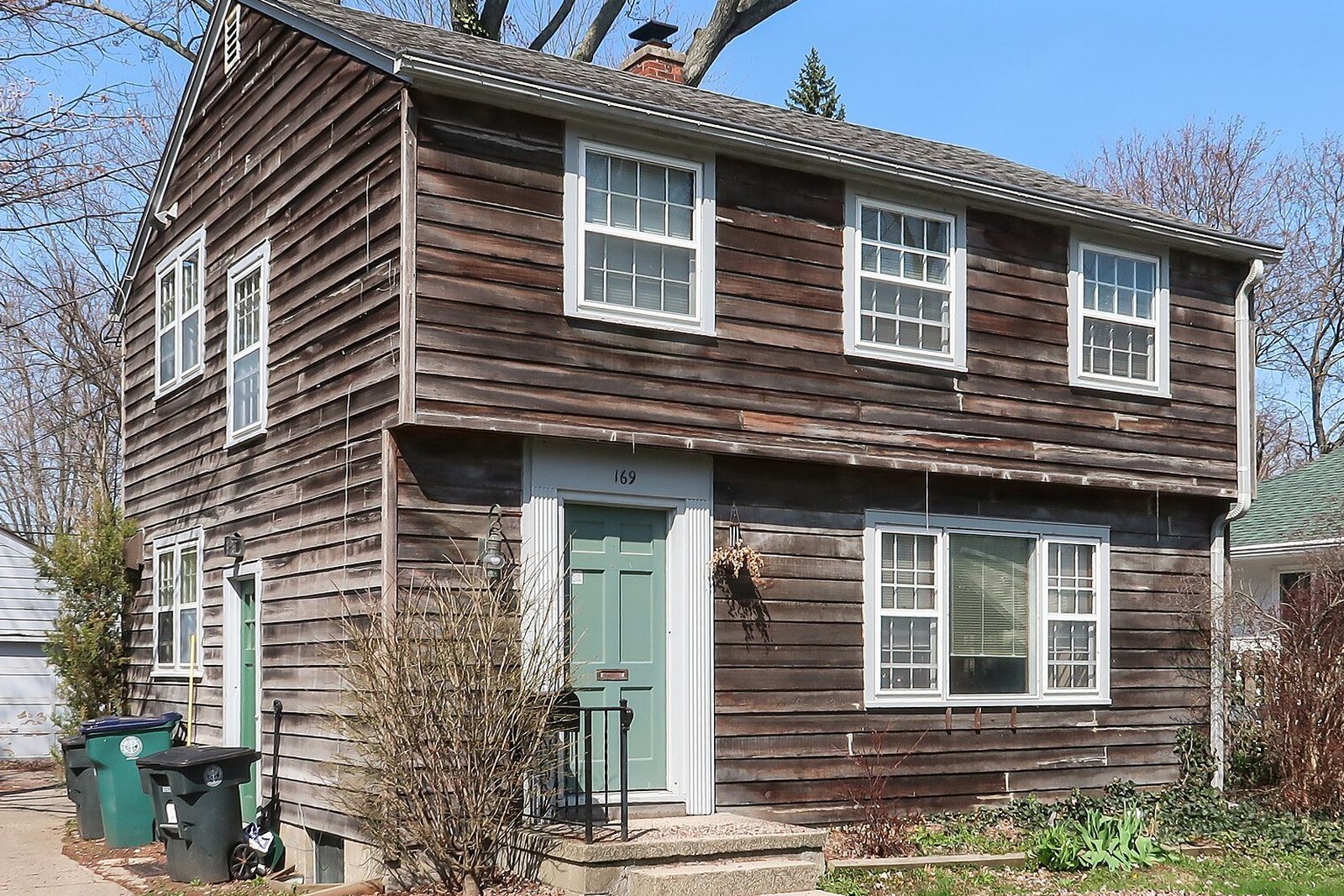
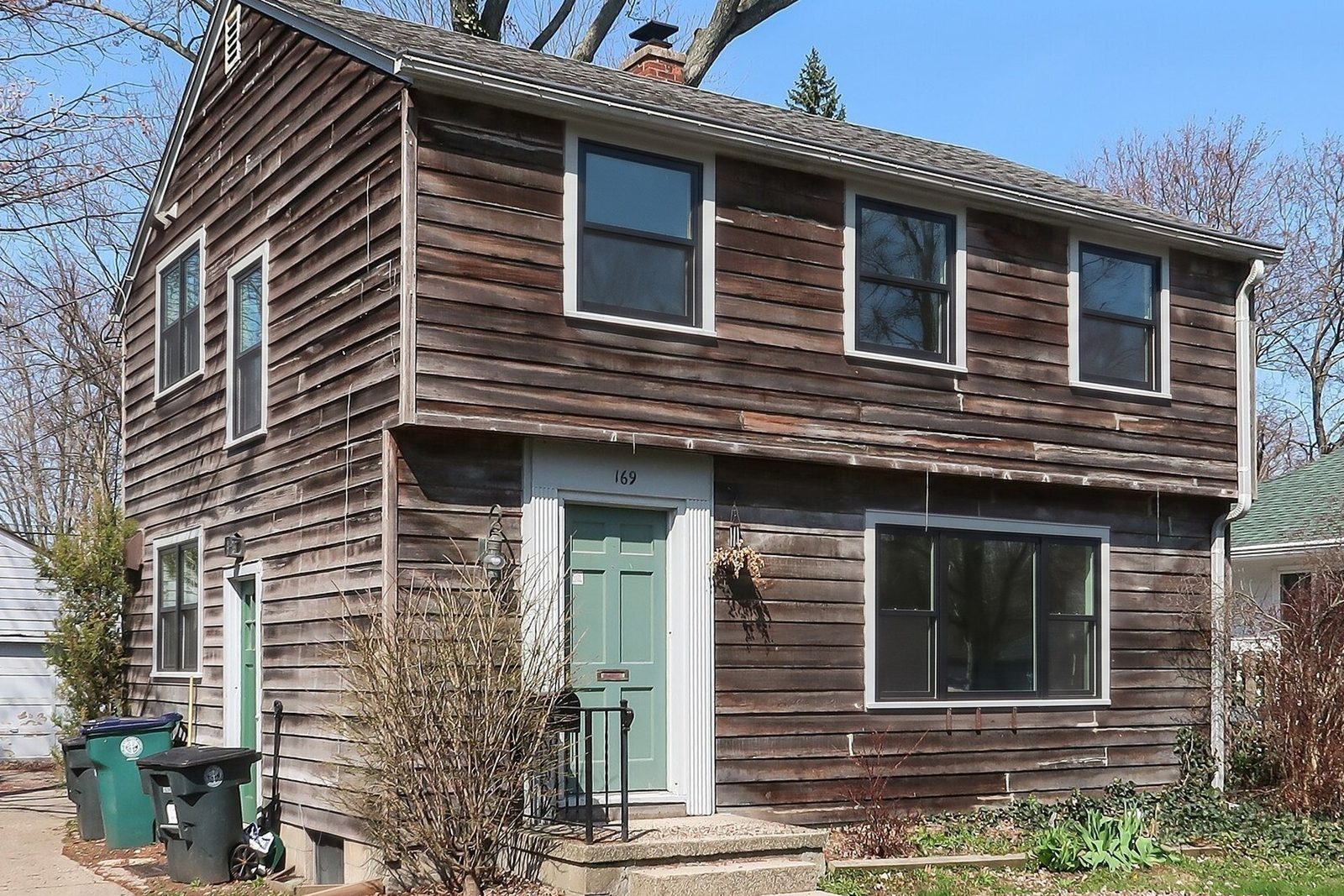
It's the visual layer, and it shows up at two points: at the table, between measuring and the price, and in the follow-up text that night. One photo of the house or the room, the frame material, color and grilles you're quoting, and in 30 seconds the homeowner sees their own house with the new windows.
It doesn't need to connect to your CRM or your quoting tool, because it starts from a photo on your phone. Save the render to the job record so the office and the crew see what was sold. It doesn't measure or price anything; keep those in the tools built for them.
Starting costs nothing: the first render needs no account, then 3 more come with a free account and no card. Plans start at $97 a month, and the first month of Starter is $1 for new accounts.