Can you really measure windows from photos?
Yes, for estimating. Several tools now turn pictures into sizes. Hover markets its window and door measurements as a way to replace the tape measure and the return trip to the house3. Paradigm says Paradigm View maps the corners of each window it finds in a photo, so contractors can measure and configure products4. Alside says its Visualizer 3D can source measurements without a visit to the home5. One Click Contractor's help center describes a Window-inator tool: you click each window in a photo of the house, and for approximate measurements you set a scale from a reference point in the photo6.
What none of them can do is see behind the trim. A photo shows the face of the old window and the casing around it. The size you order depends on the opening behind all that: whether it's square, whether the sill is sound, how deep the jamb is, and what your install method needs. That's why a big brand's in-home appointment still includes measuring: Pella describes its expert measuring the windows and doors during a 90-minute visit7.
Ways to get window sizes, from roughest to exact
One photo with a known size in it
- What you need
- A straight-on photo with something you've measured in it, like the front door. Alside's visualizer guide uses the same idea: you set a scale from a known size such as the front door8. So does One Click Contractor's Window-inator6
- What you get
- Rough widths and heights. They get worse toward the edges of the photo and on any wall seen at an angle
- Good for
- A ballpark on the first call, before you book the visit
Phone photos into a 3D model
Aerial measurements
- What you need
- The property address. EagleView's measurements come from its own aerial imagery2
- What you get
- Wall and opening sizes with no visit. EagleView says its Walls, Windows & Doors report gives window and door dimensions remotely12, and ProVia says its Pro Visualizer gives dealers measurements of exterior walls, openings and roofing13
- Good for
- Quoting before the first visit, or leads too far away to drive to
A measure app on a phone, inside the room
- What you need
- An iPhone or iPad, ideally a Pro model with a LiDAR Scanner
- What you get
- Rough window sizes. Apple says its Measure app's measurements are approximate14
- Good for
- A quick check of a size the homeowner gave you, or of inside trim
Tape measure at the house
- What you need
- A tape, a level and access to every window, inside and out
- What you get
- Exact opening sizes, plus what a photo can't show: square, sill, rot, jamb depth
- Good for
- The order
| Method | What you need | What you get | Good for |
|---|---|---|---|
| One photo with a known size in it | A straight-on photo with something you've measured in it, like the front door. Alside's visualizer guide uses the same idea: you set a scale from a known size such as the front door8. So does One Click Contractor's Window-inator6 | Rough widths and heights. They get worse toward the edges of the photo and on any wall seen at an angle | A ballpark on the first call, before you book the visit |
| Phone photos into a 3D model | For Hover, eight exterior photos, one of each side and each corner9, taken in the Hover app10, by you or by the homeowner through an invite11 | A measured 3D model with window and door measurements1 | Estimates, remote quotes, and siding or roofing on the same job |
| Aerial measurements | The property address. EagleView's measurements come from its own aerial imagery2 | Wall and opening sizes with no visit. EagleView says its Walls, Windows & Doors report gives window and door dimensions remotely12, and ProVia says its Pro Visualizer gives dealers measurements of exterior walls, openings and roofing13 | Quoting before the first visit, or leads too far away to drive to |
| A measure app on a phone, inside the room | An iPhone or iPad, ideally a Pro model with a LiDAR Scanner | Rough window sizes. Apple says its Measure app's measurements are approximate14 | A quick check of a size the homeowner gave you, or of inside trim |
| Tape measure at the house | A tape, a level and access to every window, inside and out | Exact opening sizes, plus what a photo can't show: square, sill, rot, jamb depth | The order |
Hover vs EagleView: how does each one measure windows?
They start from different pictures. Hover works from phone photos taken at the house: its help center says a model starts from eight exterior photos, one of each side and each corner9. You can take them yourself, or send the homeowner an invite to take them in the Hover app, and you're told when the model and measurements are ready11. EagleView works from aerial imagery, so nobody has to stand in the yard for the measurements2. EagleView says its Walls, Windows & Doors report includes window and door dimensions12.
Both feed other tools. ProVia's Pro Visualizer is built on EagleView aerial images13, and Renoworks Pro pairs its design tool with EagleView measurements2. EagleView says its measurements can be brought into Paradigm Vendo projects and quotes15, and Hover's help center describes a Vendo integration that imports Hover measurements into Vendo estimates and proposals16.
Whichever one you use, measure every opening by hand before you order. The checks are below, under what a photo can't tell you. How the two design sides compare is in Hover vs Renoworks.
Hover and EagleView for window measurements
Who goes to the house
What you get
Design on top
Pick it when
- Hover
- You or the homeowner can get to the house with a phone, and you quote other exterior work too
- EagleView
- You want sizes before anyone visits, or your manufacturer's sales tools already run on it
| Hover | EagleView | |
|---|---|---|
| Starts from | Phone photos of the house, eight or more9 | Aerial imagery of the property2 |
| Who goes to the house | You, or the homeowner through an invite to capture11 | Nobody needs to, for the measurements2 |
| What you get | A measured 3D model with roof, siding, window and door measurements1, exported as PDF or Excel, and the model as CAD files such as DWG1. Each window gets a label that matches a Windows table17 | A report: EagleView says its Walls, Windows & Doors report gives exterior measurements and window and door dimensions12. Partner tools build on it; ProVia says its Pro Visualizer, built on EagleView13, measures walls, openings and roofing13 |
| Design on top | Products from brands such as GAF, James Hardie and Alside on the model1 | Through partner tools such as Renoworks Pro2 |
| Pick it when | You or the homeowner can get to the house with a phone, and you quote other exterior work too | You want sizes before anyone visits, or your manufacturer's sales tools already run on it |
How accurate are window measurements from photos?
Close enough to price is the fair test for any of them. Vendors quote their own accuracy numbers. Before you lean on one, ask how it was tested: on how many houses, measured against what (the visible frame or the opening behind it), and whether the error is per window or per wall.
Better still, test it on your own jobs. For your next few installs, write the photo size next to your tape size for every window. You'll see how far apart they run, and whether the photo sizes come out big or small. That tells you more than any vendor's number.
Most of the error comes from a few places:
- Scale. Every size in a photo comes from something of known size. If that reference is a little off, every window in the photo is off the same way.
- Angle. A wall shot at an angle squeezes the far windows. Straight on beats a corner shot, and several views beat one.
- What the camera can see. The photo shows the old window's face, the stops and the trim. The order depends on the opening behind them.
- Height. Upper-floor and dormer windows are farther from a camera on the ground and seen from below, so they measure less reliably than the ones at eye level.
- Things in the way: shrubs, shutters, storm windows, awnings and screens.
What can't a photo tell you about a window?
Most of what decides whether the new window fits. Homeowners know it too: Angi tells them many contractors won't quote over the phone, because a reasonable quote needs a full look at the project18. Here's what you check by hand at the final measure, whatever tool gave you the first numbers. Your manufacturer's measuring guide for the product and install method has the last word.
What the final measure catches that a photo misses
Width at the top, middle and bottom
- Why it matters for the order
- Openings are rarely the same all the way across. Pella's measuring tips say to measure the width between the inside jambs in all three places and record the smallest19. Your manufacturer's guide says what to deduct from there.
Height at the left, middle and right
- Why it matters for the order
- Same rule, from the top of the frame to the sill19. A sagging header or a settled sill shows up here.
Where you measure from
- Why it matters for the order
- Pella's tips warn that measuring only to the sash stops or the interior sill trim makes the new window too small19. The stops and the trim are exactly what a photo shows.
Both diagonals
- Why it matters for the order
- If they differ, the opening is out of square and the size or the shimming has to allow for it.
Sill and jamb condition
- Why it matters for the order
- Soft wood can turn an insert job into a full-frame job, and fresh paint hides it in a photo.
Jamb depth and what's in the way
- Why it matters for the order
- Stops, storm windows, blind brackets and alarm sensors change what fits and what has to come off.
Code items
- Why it matters for the order
- Bedroom egress and safety glass near doors, tubs and floors can have local code rules. Check with your local building department.
| Check | Why it matters for the order |
|---|---|
| Width at the top, middle and bottom | Openings are rarely the same all the way across. Pella's measuring tips say to measure the width between the inside jambs in all three places and record the smallest19. Your manufacturer's guide says what to deduct from there. |
| Height at the left, middle and right | Same rule, from the top of the frame to the sill19. A sagging header or a settled sill shows up here. |
| Where you measure from | Pella's tips warn that measuring only to the sash stops or the interior sill trim makes the new window too small19. The stops and the trim are exactly what a photo shows. |
| Both diagonals | If they differ, the opening is out of square and the size or the shimming has to allow for it. |
| Sill and jamb condition | Soft wood can turn an insert job into a full-frame job, and fresh paint hides it in a photo. |
| Jamb depth and what's in the way | Stops, storm windows, blind brackets and alarm sensors change what fits and what has to come off. |
| Code items | Bedroom egress and safety glass near doors, tubs and floors can have local code rules. Check with your local building department. |
When the price is based on photo sizes
This price is based on sizes from the photos, so it's solid for planning. Before we order anything, our installer comes out and measures every opening by hand.
Windows are made to the size we send, so we check each one. If a size changes and it moves the price, you'll see it in writing before anything is ordered.
Say it before they sign, and put the same words on the quote. Have your contract say how a change after the final measure is handled, and check that wording with your lawyer.
Which window measuring app should a contractor use?
Pick by the job you need done. If you already sell through a manufacturer's tools or a sales app, start with what those connect to. Then put the same questions to any vendor before you pay:
- What exactly does it measure: the visible frame, the opening or the rough opening?
- What accuracy does the vendor claim, and how was it tested?
- Does the vendor tell you to check sizes before ordering? If it says you don't need to, ask who pays for a window that doesn't fit.
- Who takes the photos, in which app, and how long until the sizes come back?
- Does it export to your quoting tool or your manufacturer's order form? Hover, for one, exports measurements as PDF, Excel, JSON or XML1.
- What does each project or report cost, and how many people on your team can use it?
Pick a measuring tool by what you need
Measure from phone photos and quote siding or roofing on the same house
- Look at
- Hover1
Have the homeowner take the photos for a remote quote
- Look at
- Hover's invite to capture11. How to coach any homeowner photo is in how to photograph a house for a window quote
Get sizes before anyone visits
Sell ProVia
- Look at
- ProVia's Pro Visualizer, built on EagleView13. More in ProVia visualizer alternative
Run the whole sale in Paradigm Vendo
Mark windows on your own photos inside One Click Contractor
- Look at
- Its Window-inator6
Turn sizes into a price
- Look at
- Your estimating tool; see window estimating software
Show the homeowner new windows on their own house
- Look at
- A photo render. WindowRender does this one job and measures nothing
| If you need to | Look at |
|---|---|
| Measure from phone photos and quote siding or roofing on the same house | Hover1 |
| Have the homeowner take the photos for a remote quote | Hover's invite to capture11. How to coach any homeowner photo is in how to photograph a house for a window quote |
| Get sizes before anyone visits | EagleView's Walls, Windows & Doors report12, or a tool built on EagleView's measurements2 |
| Sell ProVia | ProVia's Pro Visualizer, built on EagleView13. More in ProVia visualizer alternative |
| Run the whole sale in Paradigm Vendo | Its Hover integration16, or EagleView measurements, which EagleView says flow into Vendo quotes15 |
| Mark windows on your own photos inside One Click Contractor | Its Window-inator6 |
| Turn sizes into a price | Your estimating tool; see window estimating software |
| Show the homeowner new windows on their own house | A photo render. WindowRender does this one job and measures nothing |
What does a photo-first measuring workflow look like?
Photo sizes save the most time at the start of a job and the least at the end. A simple way to run it, from the first call to the order:
- Use one set of window labels from the first photo to the order. If your measuring tool already labels windows, as Hover's report does to match its Windows table17, copy those labels onto your measure sheet instead of starting a second numbering.
- Check grouped windows at the house. Hover's help center says windows that share trim are reported as a window group with one group width and height17. Before you order, confirm whether each group is one mulled unit or separate windows.
- Keep the photo report and the tape sheet side by side in the job file. Where they disagree by a lot, look again before you order.
- Selling over video? The call itself is covered in virtual window consultation.
Which sizes to use at each step
First call
- What you do
- Ask for one photo of the front, or pull aerial measurements, and count the windows on the job
- Sizes you use
- Photo or aerial sizes, for a price range only
Sales visit
- What you do
- Walk every window, take your own photos, show the homeowner the look they're choosing
- Sizes you use
- Photo, 3D-model or your own tape sizes, for a written price marked subject to the final measure
After they sign
- What you do
- Measure every opening by hand: widths, heights, diagonals, sill and jamb
- Sizes you use
- Tape sizes
Order day
- What you do
- Check the order against the measure sheet, not against the photo report
- Sizes you use
- Tape sizes
| Step | What you do | Sizes you use |
|---|---|---|
| First call | Ask for one photo of the front, or pull aerial measurements, and count the windows on the job | Photo or aerial sizes, for a price range only |
| Sales visit | Walk every window, take your own photos, show the homeowner the look they're choosing | Photo, 3D-model or your own tape sizes, for a written price marked subject to the final measure |
| After they sign | Measure every opening by hand: widths, heights, diagonals, sill and jamb | Tape sizes |
| Order day | Check the order against the measure sheet, not against the photo report | Tape sizes |
Where a render fits next to your measuring tool
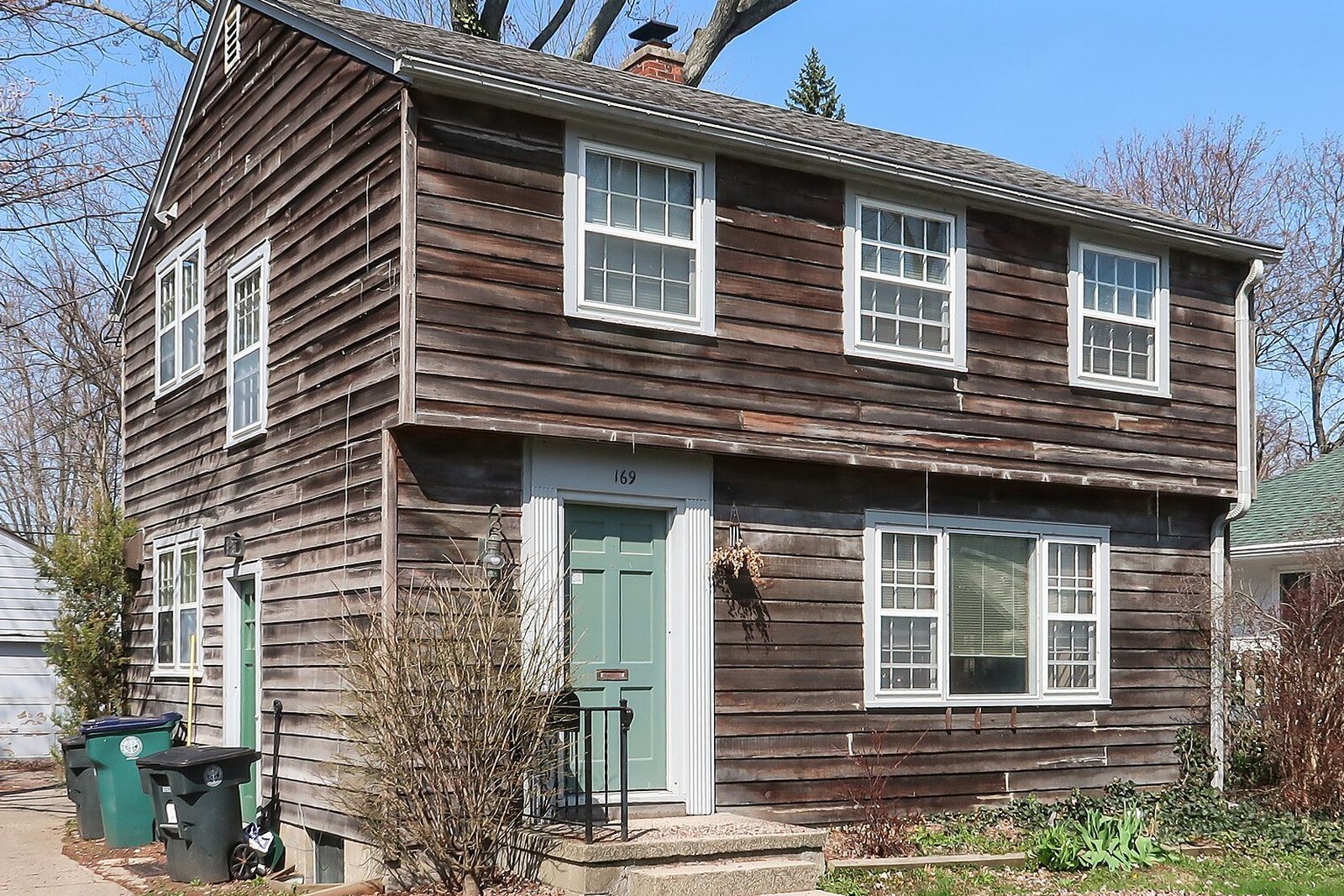
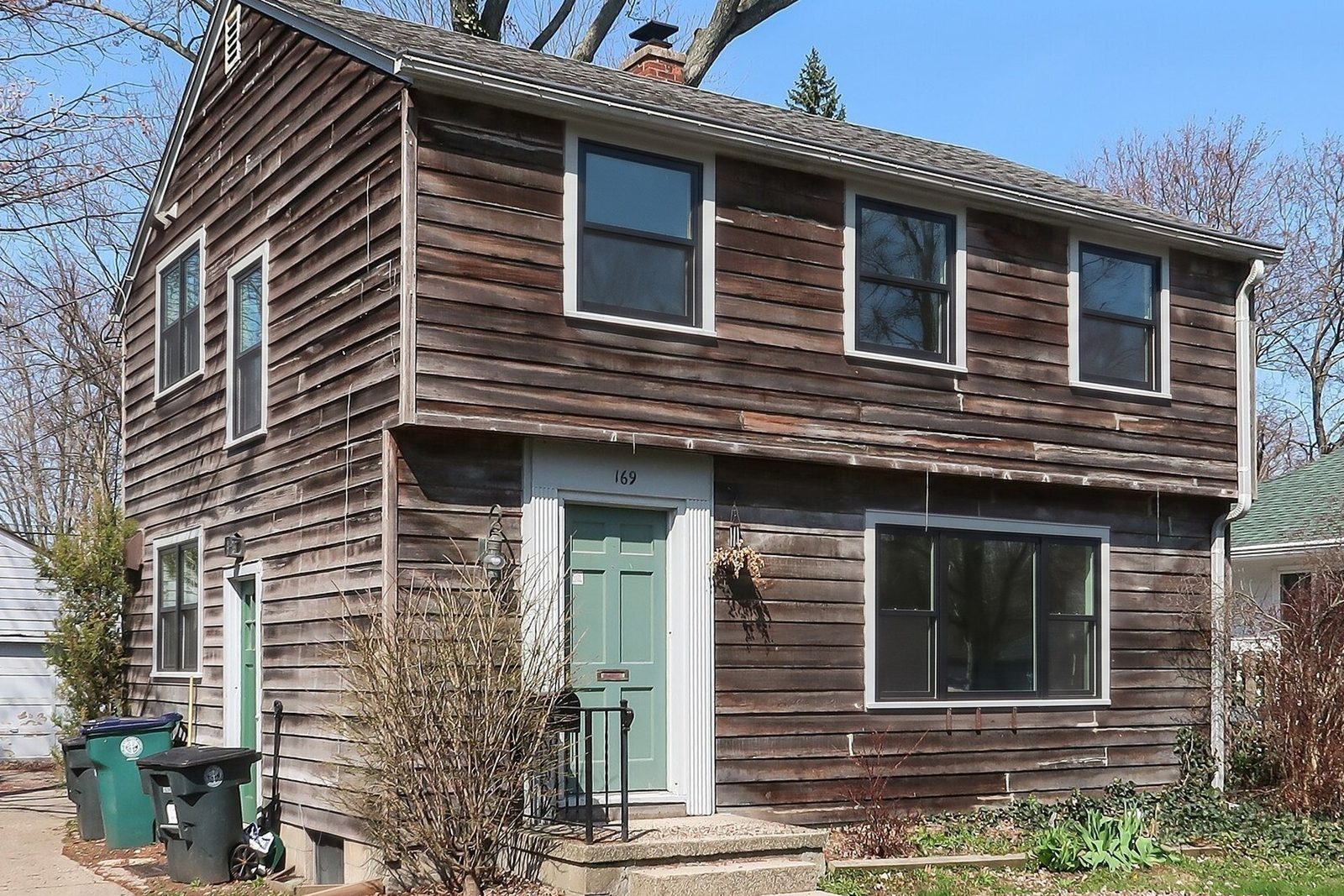
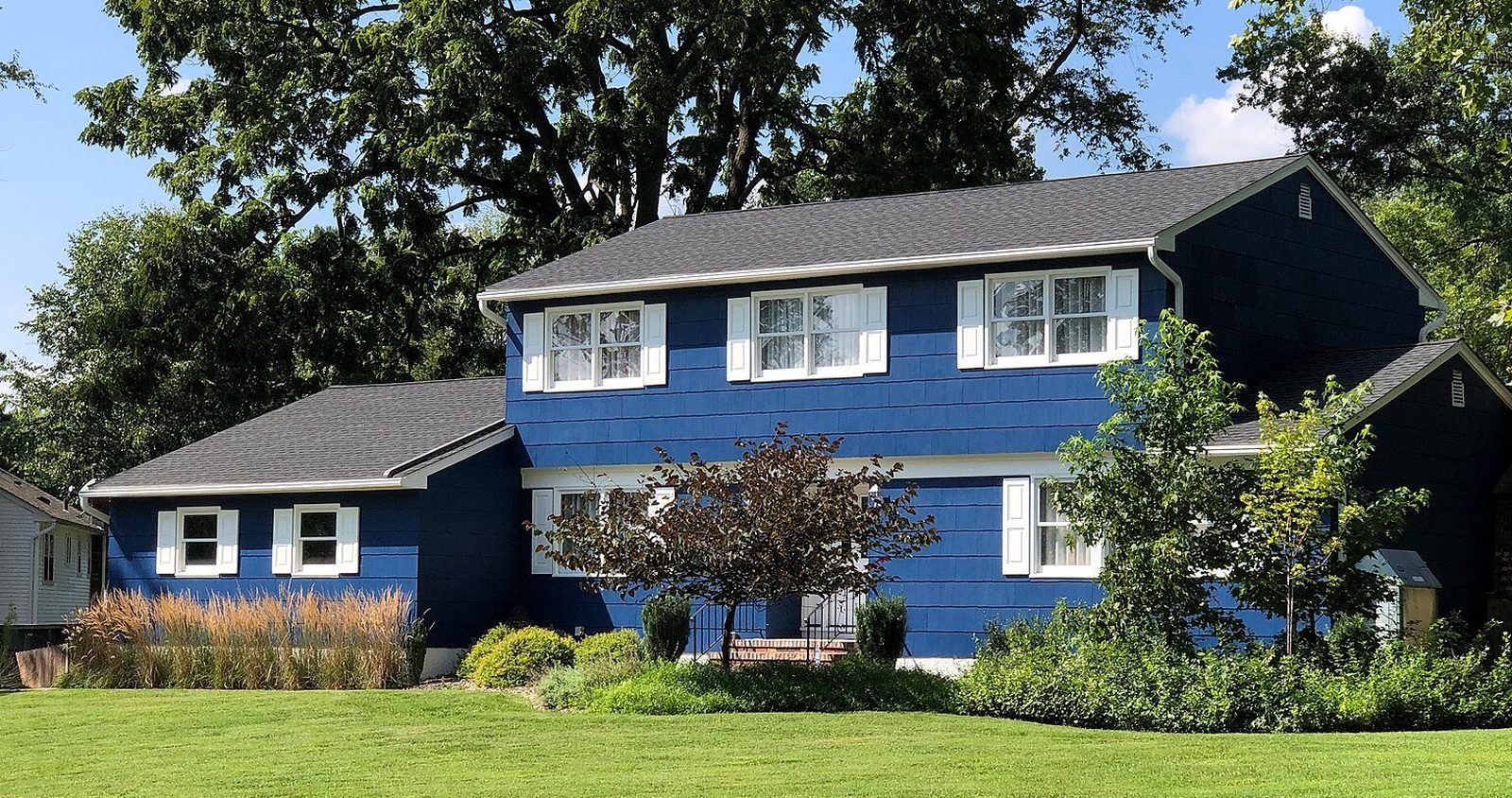
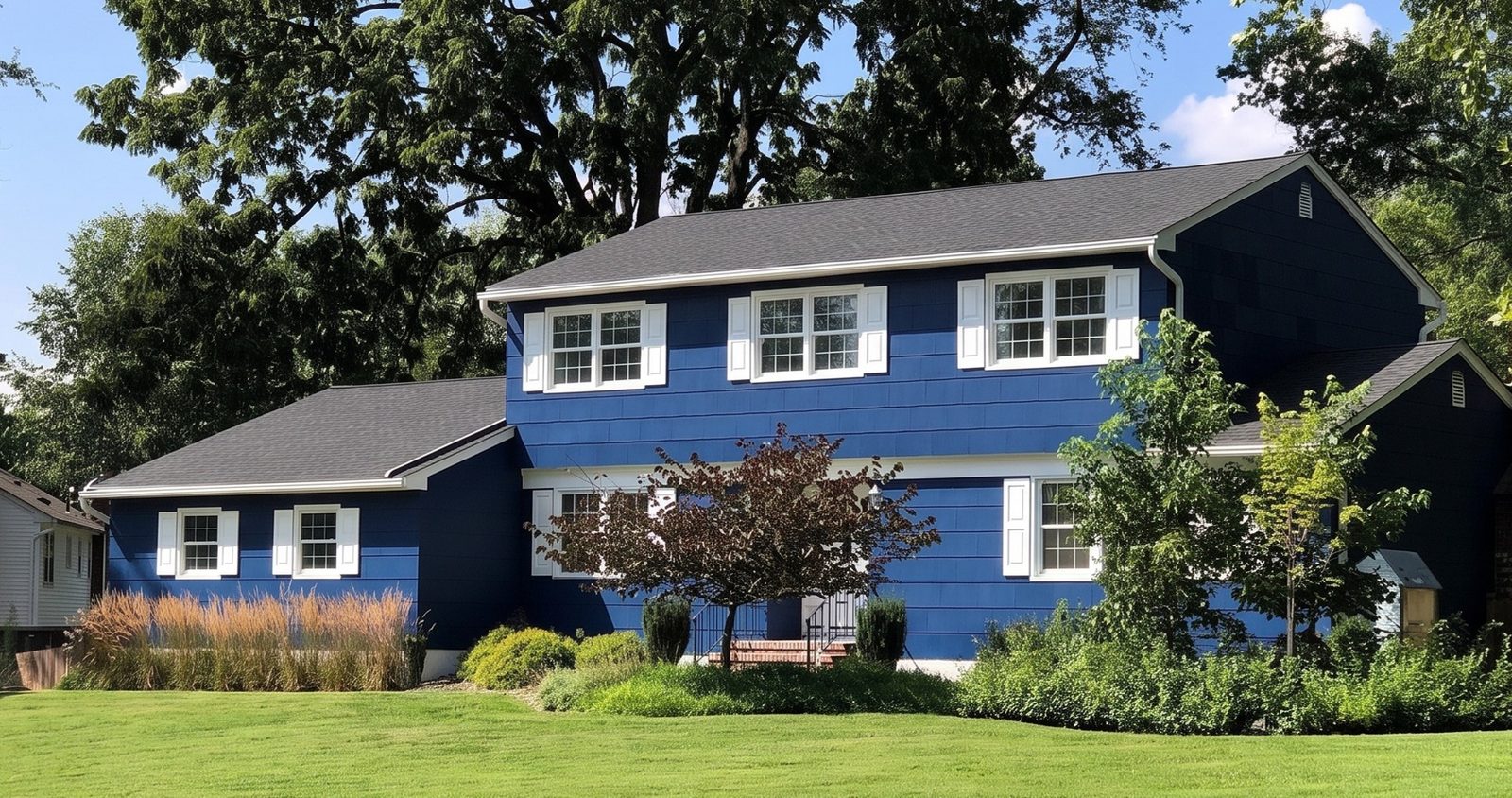
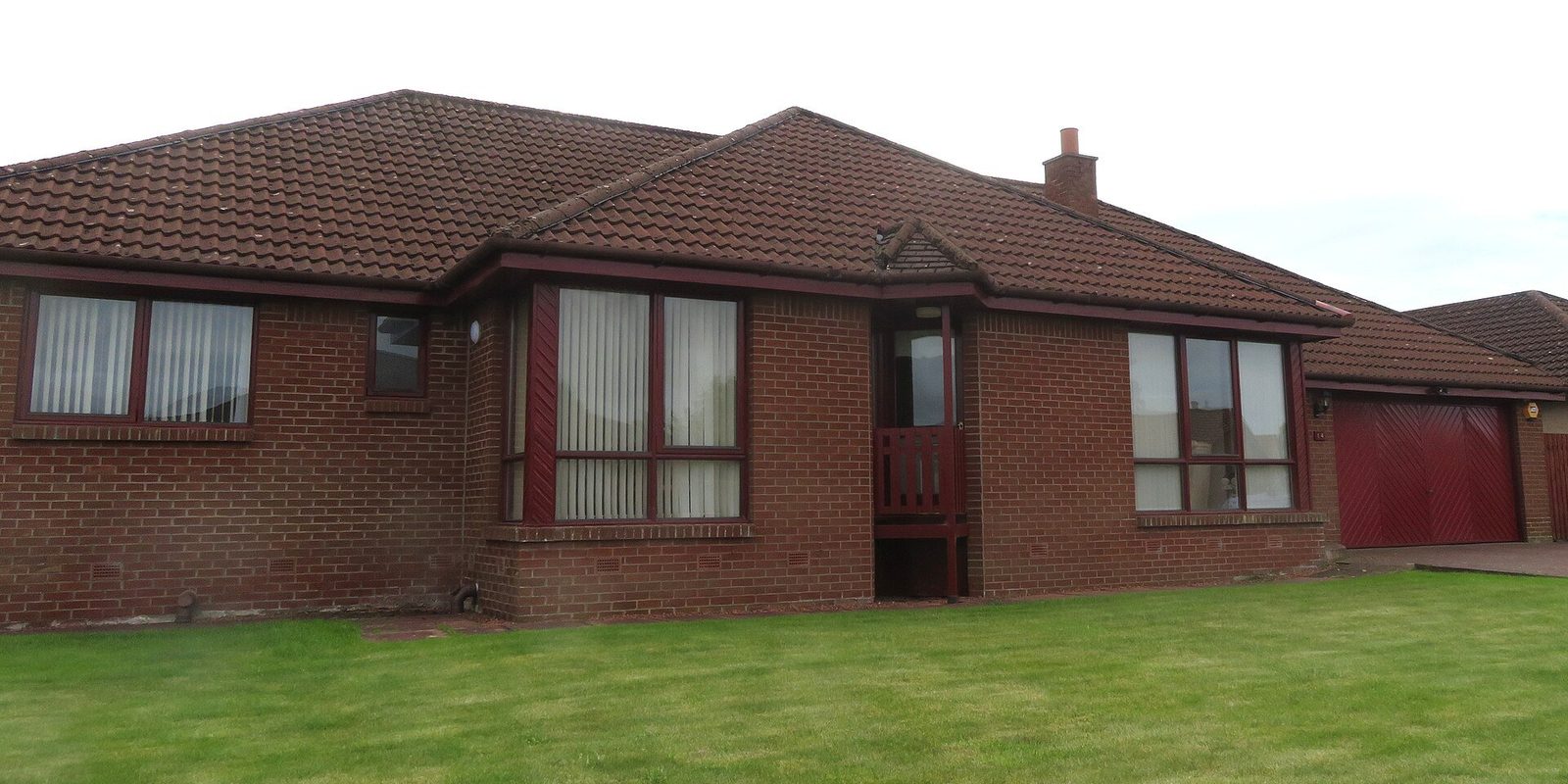
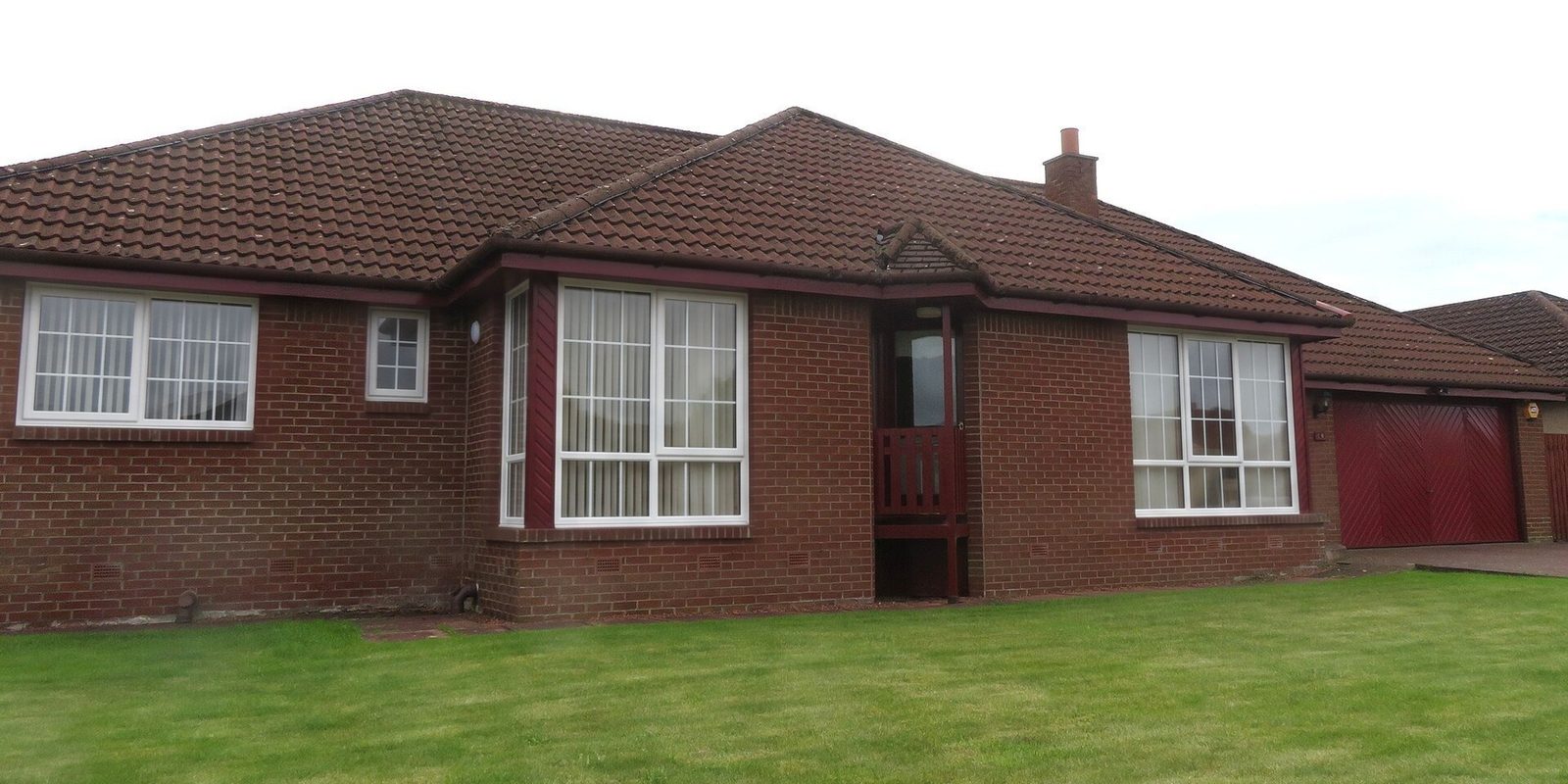
Measuring answers "what size?" The question at the kitchen table is usually "what will it look like?" A render answers that one. Take one straight-on photo of the front, or of the room they care about, pick the frame material, color and grilles you're quoting, and in 30 seconds they see their own house with the new windows. Each window keeps its current style.
Show it after the walk-through and before the price, then text it with the quote that night. Bring it to the final measure visit too, so the installer sees the look the homeowner picked; confirm the color and grilles on the order against your product samples, not the screen. It's a preview of the look, never a size: every number on the order still comes off your tape.