What does window sales software do?
It replaces the binder, the price sheet and the paper contract with one screen. Instead of flipping pages and working a calculator, the rep builds the quote in front of the homeowner, changes it when they ask, and gets it signed before leaving. That only pays off if each step is faster than paper, in a kitchen, with the homeowner watching.
The contract step carries legal weight. Under the FTC's Cooling-Off Rule, a buyer can cancel a sale of $25 or more made at their home until midnight of the third business day, and the seller has to tell them about that right and hand over a cancellation form and a dated contract or receipt2. An app's contract template has to do that, plus whatever your state adds. Have your lawyer check the template before the first signature; this is general information, not legal advice.
What a full in-home sales app covers, step by step
Before the visit
- What the app does
- Pulls the lead, notes and who'll be home from your CRM
- What to check
- That it works with the CRM you have, both ways. CRMs are compared in best CRM for window companies
Products
- What the app does
- Configures each window from your makers' catalogs: series, size, frame color, glass, grilles
- What to check
- That your lines are loaded, and who keeps the prices current
Measurements
- What the app does
- Takes sizes typed in, or imports them from a measuring tool
- What to check
- Which measuring tools connect, and what comes across: sizes only, or photos and notes too
Options and price
- What the app does
- Builds two or three options side by side with your markup
- What to check
- That it follows your price book, discount rules and minimums
Financing
- What the app does
- Shows a monthly payment next to each option and can start an application
- What to check
- Which lenders, and who sees the homeowner's application. More in offering financing for window replacement
Showing the look
- What the app does
- Some apps show products on a photo of the house
- What to check
- How long it takes, and how it looks on houses like yours
Contract
- What the app does
- Fills in the contract and takes an electronic signature
- What to check
- Your state's required terms and the cancellation notice
After the visit
- What the app does
- Sends the signed order to the office and the proposal to the homeowner
- What to check
- That nobody has to retype the order
| Step at the table | What the app does | What to check |
|---|---|---|
| Before the visit | Pulls the lead, notes and who'll be home from your CRM | That it works with the CRM you have, both ways. CRMs are compared in best CRM for window companies |
| Products | Configures each window from your makers' catalogs: series, size, frame color, glass, grilles | That your lines are loaded, and who keeps the prices current |
| Measurements | Takes sizes typed in, or imports them from a measuring tool | Which measuring tools connect, and what comes across: sizes only, or photos and notes too |
| Options and price | Builds two or three options side by side with your markup | That it follows your price book, discount rules and minimums |
| Financing | Shows a monthly payment next to each option and can start an application | Which lenders, and who sees the homeowner's application. More in offering financing for window replacement |
| Showing the look | Some apps show products on a photo of the house | How long it takes, and how it looks on houses like yours |
| Contract | Fills in the contract and takes an electronic signature | Your state's required terms and the cancellation notice |
| After the visit | Sends the signed order to the office and the proposal to the homeowner | That nobody has to retype the order |
Which window sales apps do companies look at?
They fall into a few kinds, sorted below by what each is built to do, with what the company says or what's on the record about it. Features change often, so treat this as a map for your demos, not a scorecard, and check each one on its own site before you book a demo.
If an app records the appointment for coaching, get consent first. Some states require every party's consent before a conversation is recorded, and the Reporters Committee for Freedom of the Press keeps a state-by-state guide3. Check your state's rule, tell the homeowner before you start, and ask your lawyer; this is general information, not legal advice.
Kinds of window sales software
All-in-one in-home selling app
- Examples, and what's on the record
- Paradigm describes Paradigm Vendo as a selling app used in the home or virtually that covers appointments, configuration, quotes, contracts and e-signature1. Leap says its SalesPro app handles estimates, financing and signatures during the appointment for contractors who sell in the home4
- Good fit for
- Dealers who want one app from the first screen to the signature, with their makers' products loaded
Presentation app
- Examples, and what's on the record
- Ingage says its Pro presentations download for offline use and can include before/after sliders, galleries, video and analytics on how reps use them5
- Good fit for
- Companies that want every rep to give the same polished pitch
A window maker's own selling app
- Examples, and what's on the record
- The App Store lists Infinity Designer, a free iPad app for Infinity by Marvin windows and doors that prices products, compares options and financing offers side by side, and creates contracts the customer can sign6
- Good fit for
- Dealers who sell mostly one brand
Measure-first platform
- Examples, and what's on the record
- Hover says the platform it launched in January 2026 puts measurements, design, estimating and proposals with e-signature in one workflow7. One Click Contractor's help center describes labeling each window on uploaded photos of the house to build a window estimate8
- Good fit for
- Companies that measure from photos and want the proposal built from the same job
Visual tools
Recording and coaching
- Examples, and what's on the record
- In a 2023 trade article on HVAC sales, Rilla said its analysis of recorded sales conversations found top performers talk less than the team average11
- Good fit for
- Managers who coach from real appointments, once consent is sorted
| Kind | Examples, and what's on the record | Good fit for |
|---|---|---|
| All-in-one in-home selling app | Paradigm describes Paradigm Vendo as a selling app used in the home or virtually that covers appointments, configuration, quotes, contracts and e-signature1. Leap says its SalesPro app handles estimates, financing and signatures during the appointment for contractors who sell in the home4 | Dealers who want one app from the first screen to the signature, with their makers' products loaded |
| Presentation app | Ingage says its Pro presentations download for offline use and can include before/after sliders, galleries, video and analytics on how reps use them5 | Companies that want every rep to give the same polished pitch |
| A window maker's own selling app | The App Store lists Infinity Designer, a free iPad app for Infinity by Marvin windows and doors that prices products, compares options and financing offers side by side, and creates contracts the customer can sign6 | Dealers who sell mostly one brand |
| Measure-first platform | Hover says the platform it launched in January 2026 puts measurements, design, estimating and proposals with e-signature in one workflow7. One Click Contractor's help center describes labeling each window on uploaded photos of the house to build a window estimate8 | Companies that measure from photos and want the proposal built from the same job |
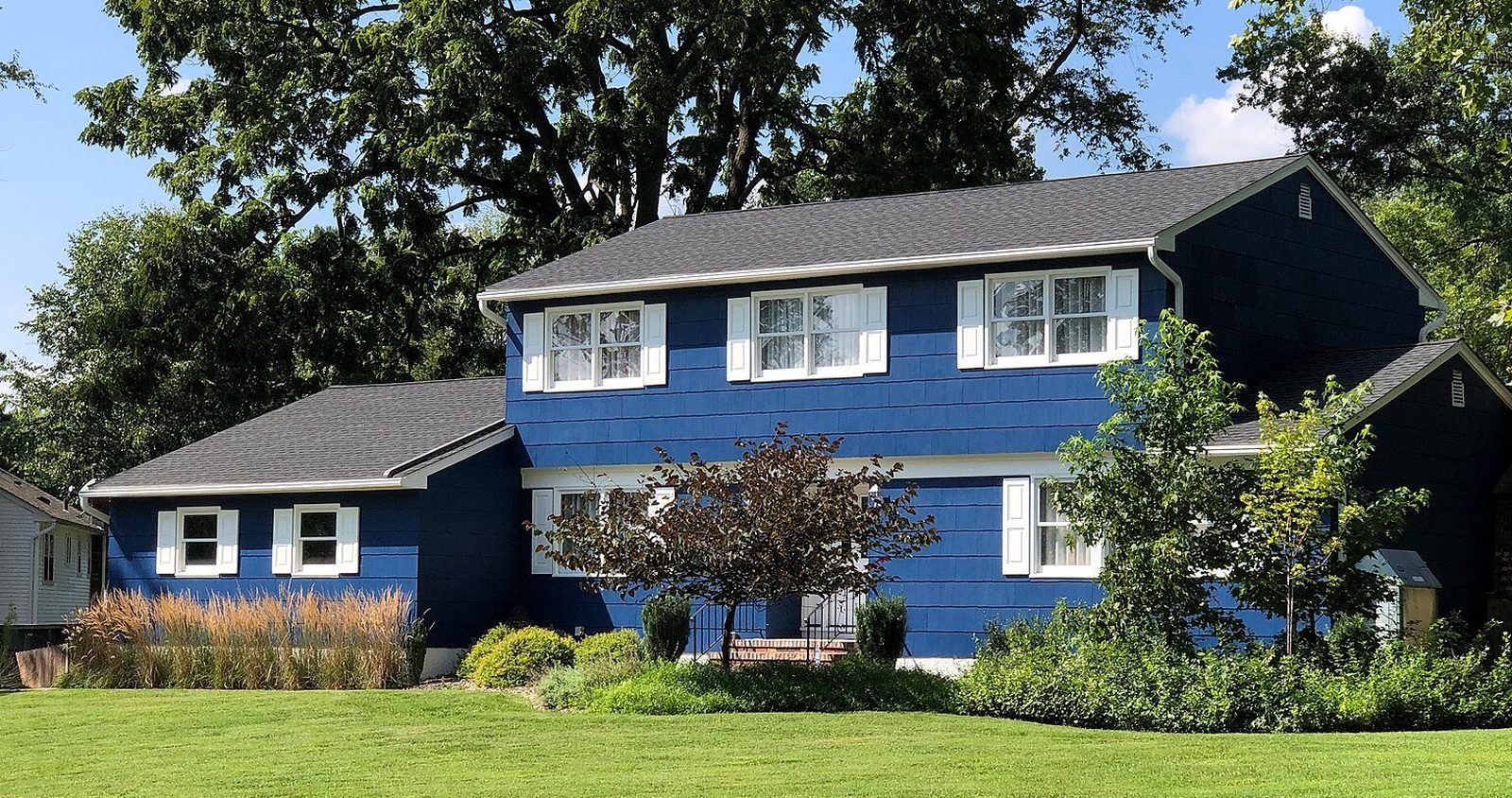
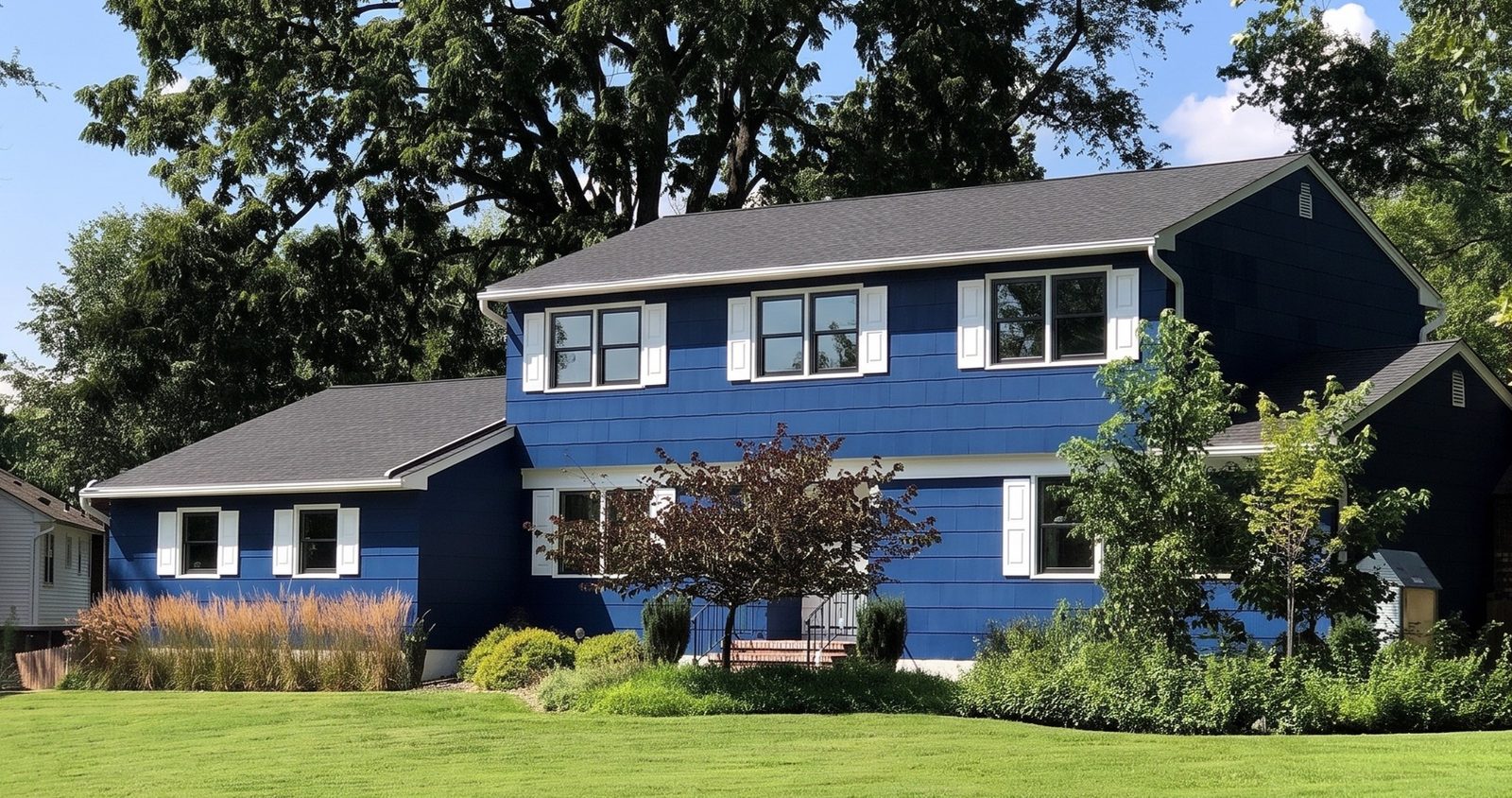
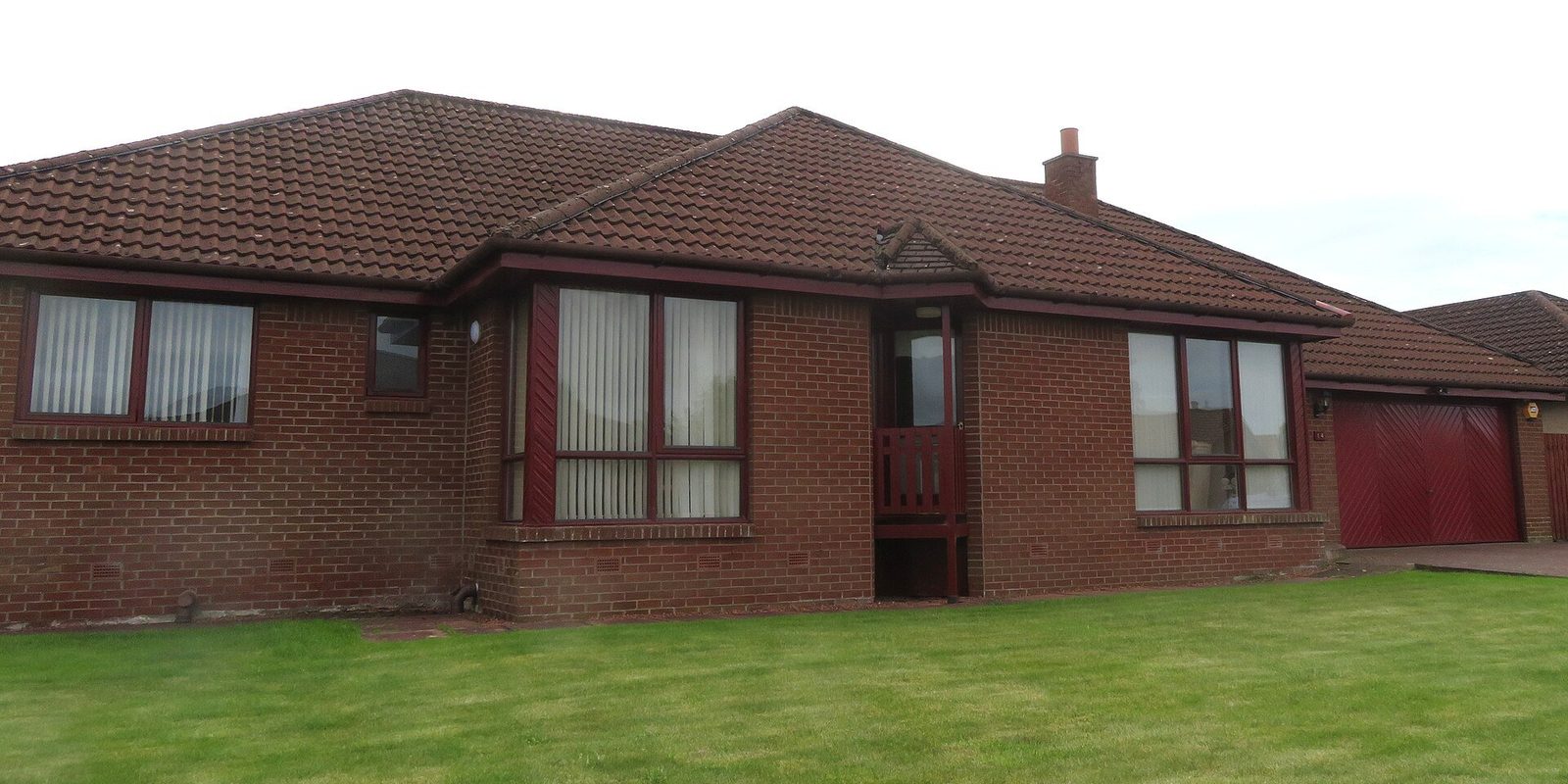
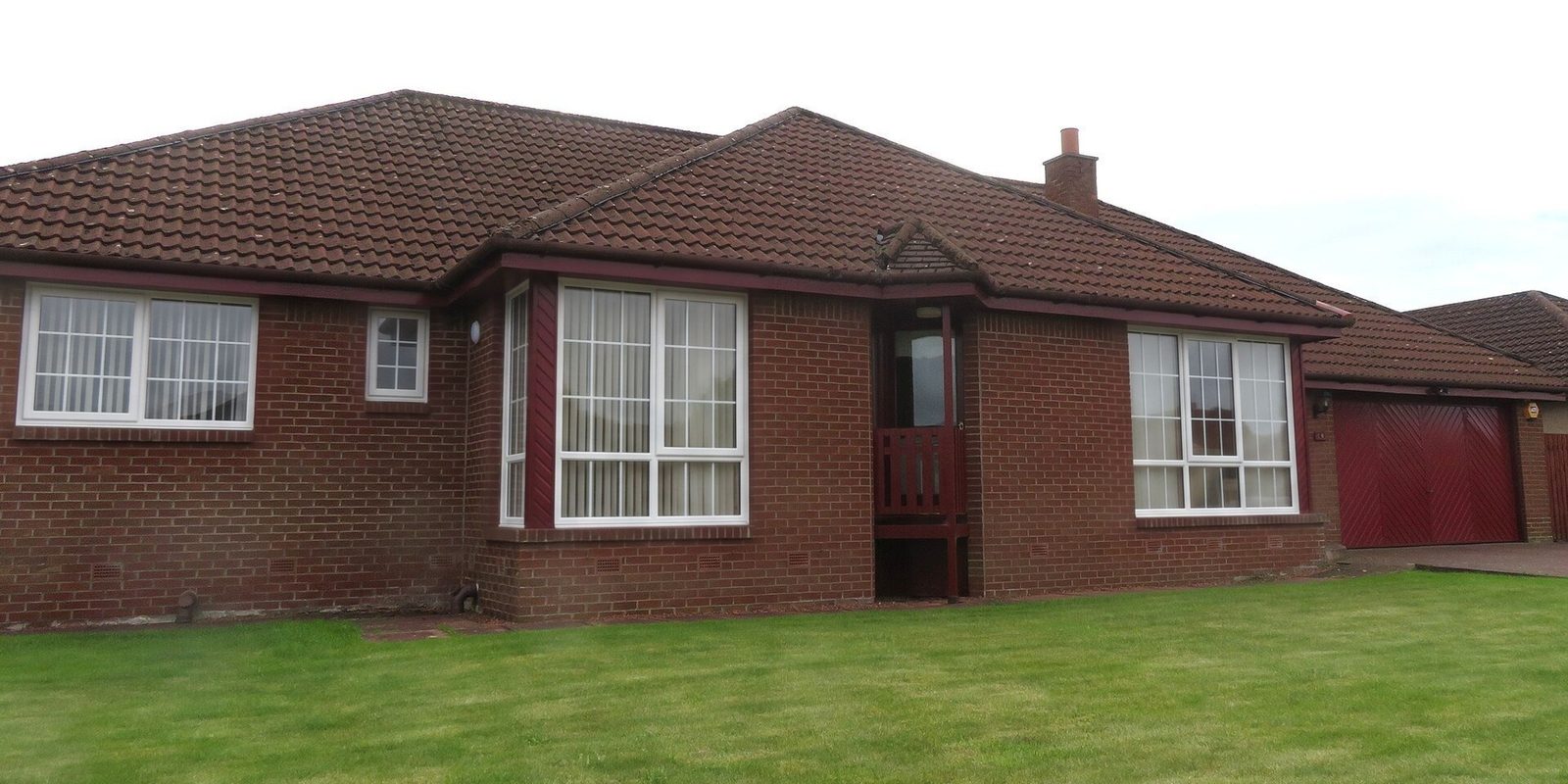
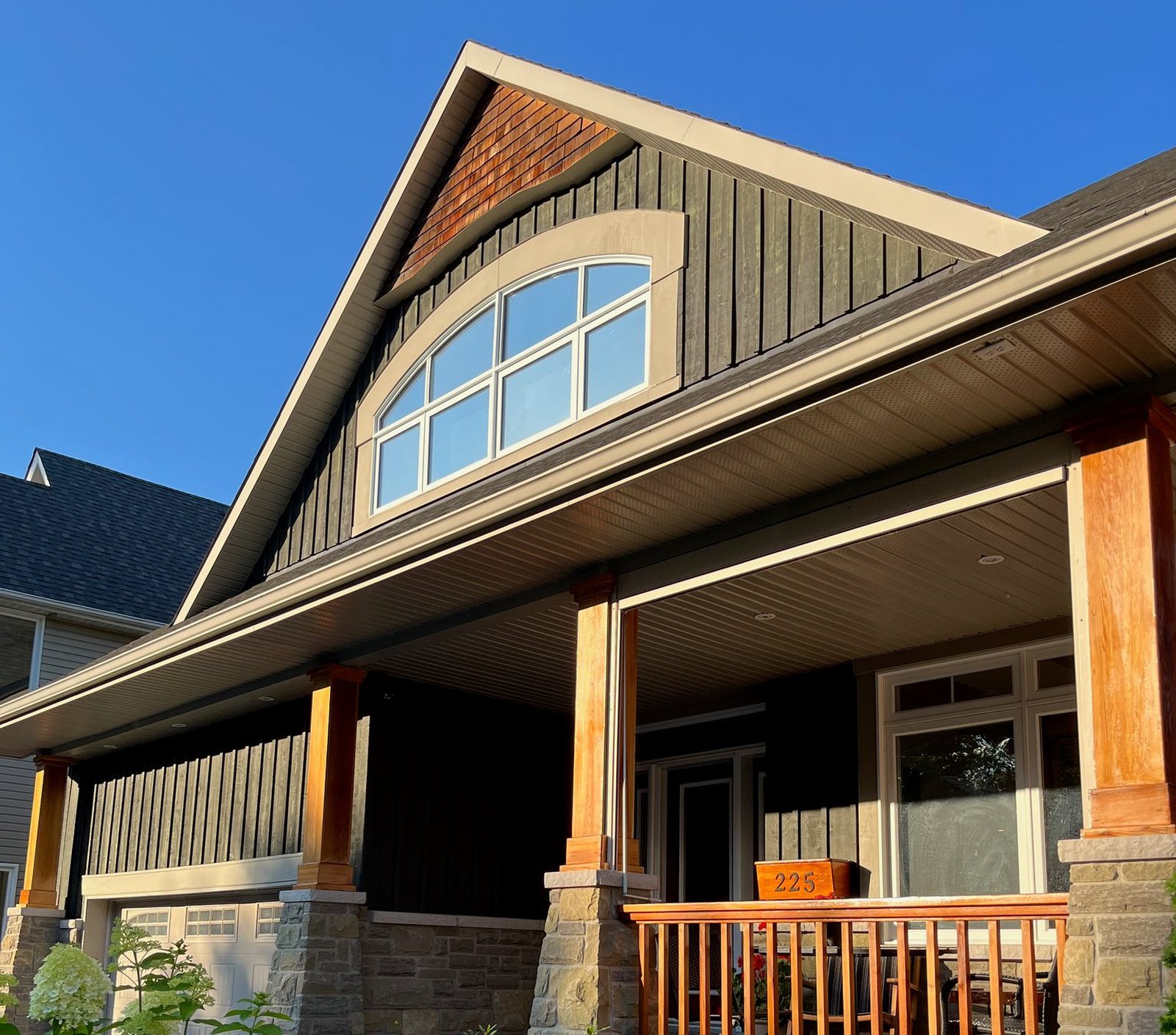
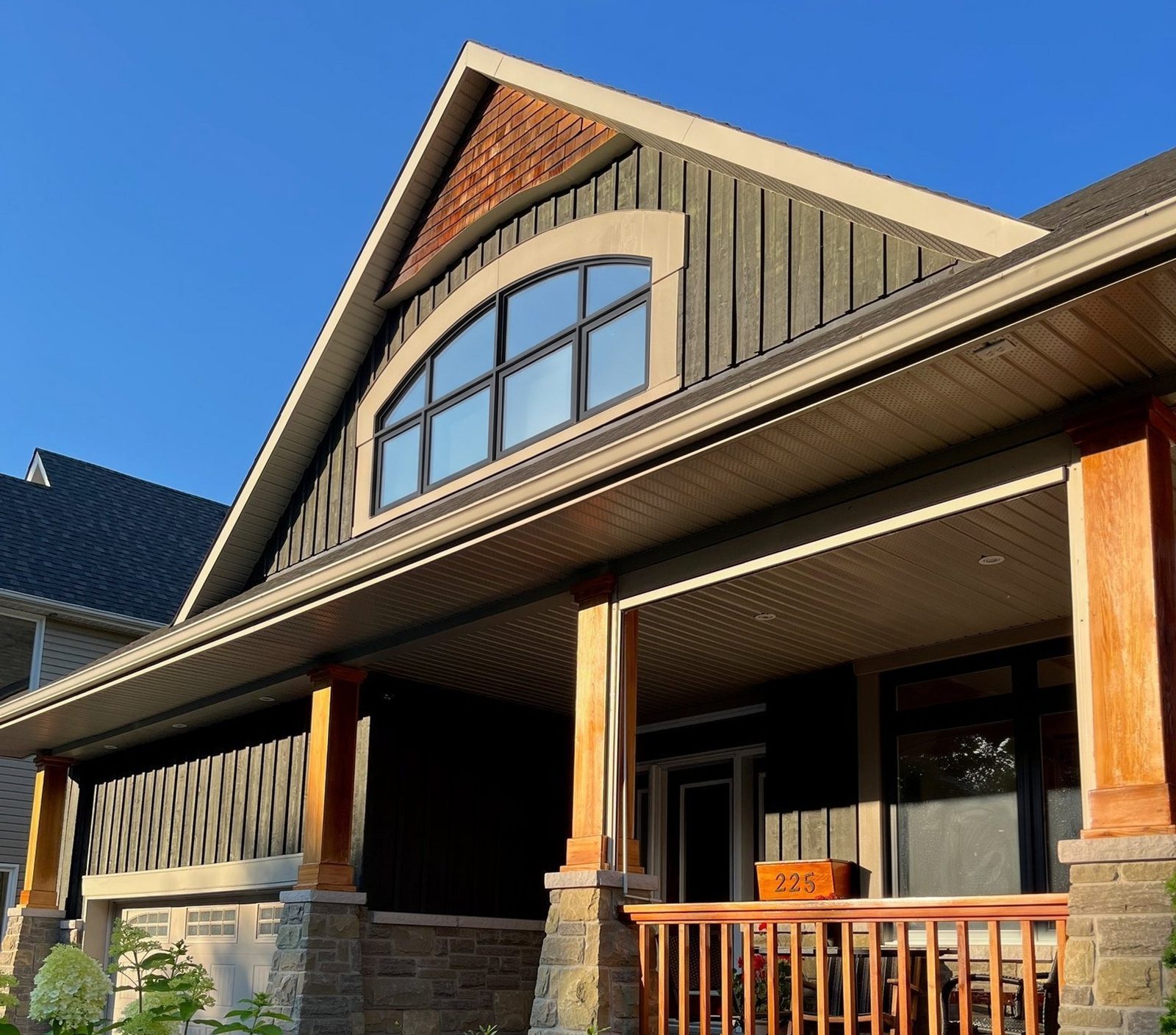
| Visual tools | Paradigm View finds windows and doors in a phone photo of a home9 and has worked inside Vendo since October 202110. WindowRender renders new frames, colors and grilles on one photo of the house or a room | Showing the homeowner the look before the price |
| Recording and coaching | In a 2023 trade article on HVAC sales, Rilla said its analysis of recorded sales conversations found top performers talk less than the team average11 | Managers who coach from real appointments, once consent is sorted |
Leap SalesPro or Paradigm Vendo: how do they compare?
On paper the two cover the same ground: the quote, options, financing and the signature, all in the home. The differences that matter show up in a demo with your products. Below is what each company says about the tests that count in a window sale. It's their own description, not our test, and features change.
Two questions decide most dealers. First, where do your product prices come from? If your supplier quotes in FeneVision, ask Leap to show that connection on your lines; if your makers are in Paradigm's catalogs, ask Paradigm to configure your best-selling window in front of you. Second, does it work in the basement? Leap says SalesPro works without a signal; ask Paradigm the same question, then test both in airplane mode. Picking the CRM is a separate decision; see best CRM for window companies.
Leap SalesPro and Paradigm Vendo, as each company describes its app
Pricing with no signal
- Leap SalesPro
- Leap says SalesPro works without a signal4
- Paradigm Vendo
- Ask Paradigm, then test it in airplane mode
Good, better, best
Window catalogs and prices
- Leap SalesPro
- Leap says reps can pull manufacturer pricing from FeneVision, so everyone quotes from the same catalog12
Financing at the table
Measurements in
- Leap SalesPro
- Leap says SalesPro can pull measurements from tools such as Hover or GAF QuickMeasure4
Doors
- Leap SalesPro
- Ask which door lines are loaded
- Paradigm Vendo
- Paradigm says ProVia dealers can turn entryLINK door quotes into Vendo proposals and contracts17
Signature
After the sale
- Leap SalesPro
- Leap says a deal closed in SalesPro flows into Leap CRM, and that SalesPro also works with other CRMs, including Salesforce, JobNimbus, LeadPerfection and MarketSharp4
- Paradigm Vendo
- Ask which CRMs it connects to, and what moves across
| What you need at the table | Leap SalesPro | Paradigm Vendo |
|---|---|---|
| Pricing with no signal | Leap says SalesPro works without a signal4 | Ask Paradigm, then test it in airplane mode |
| Good, better, best | Leap says estimates can include good, better and best options4 | Paradigm says Vendo configures products and compares them, in the home or virtually1 |
| Window catalogs and prices | Leap says reps can pull manufacturer pricing from FeneVision, so everyone quotes from the same catalog12 | Paradigm says Vendo configures from manufacturers' catalogs1. Window & Door reported Simonton series being added in 2025 and 202613 |
| Financing at the table | Leap says financing is handled during the appointment4 | Paradigm says Paradigm Finance, powered by Momnt, runs point-of-sale financing inside Vendo14 |
| Measurements in | Leap says SalesPro can pull measurements from tools such as Hover or GAF QuickMeasure4 | Hover's help center describes importing Hover measurements into Vendo15, and EagleView says its measurements feed Vendo projects16 |
| Doors | Ask which door lines are loaded | Paradigm says ProVia dealers can turn entryLINK door quotes into Vendo proposals and contracts17 |
| Signature | Leap says signatures happen during the appointment4 | Paradigm says Vendo covers contracts and e-signature1 |
| After the sale | Leap says a deal closed in SalesPro flows into Leap CRM, and that SalesPro also works with other CRMs, including Salesforce, JobNimbus, LeadPerfection and MarketSharp4 | Ask which CRMs it connects to, and what moves across |
How do you test a window sales app in a demo?
Run every demo on the same job. Bring a real lead sheet from last month: the house, the window count, the products you quoted and the price it sold at. Ask each vendor to build that quote in front of you, on a tablet, the way your rep would at the table, then run every test below.
Ask each one for a reference customer who sells replacement windows, not only roofing or solar, and call them. And give the rep who'll use the app every night a vote: a feature that takes their eyes off the homeowner for a minute is a cost. If you want the homeowner to see the look and your app doesn't show it well, that piece can come from a separate tool; the Paradigm View alternative page compares one option.
Tests for any in-home sales app demo
No signal
- How to run it
- Put the tablet in airplane mode, then build, price and sign a quote
- Why it matters in a window sale
- Basements and rural roads lose signal right when you're pricing
Good, better, best
- How to run it
- Build three options for the same windows and flip between them
- Why it matters in a window sale
- Homeowners decide by comparing, so the comparison has to be quick and clear
Financing at the table
- How to run it
- Show the monthly payment for each option and start an application
- Why it matters in a window sale
- It only helps with lenders and terms you've approved
Your catalogs
- How to run it
- Ask which of your makers' lines are loaded, who updates prices, and what happens the day a maker raises them
- Why it matters in a window sale
- A stale price on a signed contract comes out of your margin
Measurements in
- How to run it
- Import a job from the measuring tool you use
- Why it matters in a window sale
- Typing sizes twice is where errors start
Your contract
- How to run it
- Have them load your contract and your state's cancellation notice
- Why it matters in a window sale
- The signed contract is the sale, and it has to be right in every state you sell in
Office hand-off
- How to run it
- Follow the signed order to whoever orders from the maker
- Why it matters in a window sale
- Every retyped order is a chance to order the wrong color
Cost
- How to run it
- Get a written price for your number of reps, with setup, catalog and training fees and the contract length
- Why it matters in a window sale
- Know what it costs at your size next year, not just today
| Test | How to run it | Why it matters in a window sale |
|---|---|---|
| No signal | Put the tablet in airplane mode, then build, price and sign a quote | Basements and rural roads lose signal right when you're pricing |
| Good, better, best | Build three options for the same windows and flip between them | Homeowners decide by comparing, so the comparison has to be quick and clear |
| Financing at the table | Show the monthly payment for each option and start an application | It only helps with lenders and terms you've approved |
| Your catalogs | Ask which of your makers' lines are loaded, who updates prices, and what happens the day a maker raises them | A stale price on a signed contract comes out of your margin |
| Measurements in | Import a job from the measuring tool you use | Typing sizes twice is where errors start |
| Your contract | Have them load your contract and your state's cancellation notice | The signed contract is the sale, and it has to be right in every state you sell in |
| Office hand-off | Follow the signed order to whoever orders from the maker | Every retyped order is a chance to order the wrong color |
| Cost | Get a written price for your number of reps, with setup, catalog and training fees and the contract length | Know what it costs at your size next year, not just today |
What should a window rep carry besides the sales app?
The app is one piece. The rest of the kit decides whether the visit feels like an expert's or a guess.
Most homeowners can get a picture by text: Pew Research Center's 2025 survey found 91% of US adults own a smartphone18. Automated texting is a different matter. FCC rules ban autodialed texts to a mobile phone without prior consent, require written consent for autodialed marketing texts, and let people withdraw consent in any reasonable way, such as replying STOP19. If your sales app sends texts on its own, check the federal and state rules first.
The window rep's kit
Tablet with the sales app
- What it's for
- Building, pricing and signing the quote
- Tip
- Charged, updated and logged in before you ring the bell
Phone camera
- What it's for
- A photo of each window for the measure sheet, and one of the whole front for the render
- Tip
- Stand back far enough to get the whole front in. More in how to photograph a house for a window quote
Tape or laser measure, and a measure sheet
- What it's for
- Sizes for the price, plus notes on rot, access and trim
- Tip
- Write down what the installer needs to know, not just the numbers
Corner sample and color chips
- What it's for
- The real finish, and how the sash feels in the hand
- Tip
- Screen colors are close, not exact. The sample settles it
A render of their house
- What it's for
- The look you're quoting, on their own house or room
- Tip
- Render their first choice, then their second, from the same photo
Your phone's texting
- What it's for
- Sending the render and the proposal that night
- Tip
- One-to-one texts to someone who asked for a quote. Check the rules before you automate
Hotspot or offline mode
- What it's for
- Pricing in a house with no signal
- Tip
- Test it in your own basement first
| Item | What it's for | Tip |
|---|---|---|
| Tablet with the sales app | Building, pricing and signing the quote | Charged, updated and logged in before you ring the bell |
| Phone camera | A photo of each window for the measure sheet, and one of the whole front for the render | Stand back far enough to get the whole front in. More in how to photograph a house for a window quote |
| Tape or laser measure, and a measure sheet | Sizes for the price, plus notes on rot, access and trim | Write down what the installer needs to know, not just the numbers |
| Corner sample and color chips | The real finish, and how the sash feels in the hand | Screen colors are close, not exact. The sample settles it |
| A render of their house | The look you're quoting, on their own house or room | Render their first choice, then their second, from the same photo |
| Your phone's texting | Sending the render and the proposal that night | One-to-one texts to someone who asked for a quote. Check the rules before you automate |
| Hotspot or offline mode | Pricing in a house with no signal | Test it in your own basement first |
How do you switch to new sales software without losing deals?
Most of the risk sits in the first month, when reps are slower on the app than they were on paper. Plan for that instead of hoping it won't happen.
Then judge it by results, not by how modern it looks: close rate and average job, by rep, before and after. Window sales metrics explains which numbers to track and how. For running the visit itself, see window sales presentation.
- Load your best-selling products and your price book first. Price the last ten jobs you sold in the app and check every number against what you actually charged.
- Let one rep who likes new tools run it on real appointments for two weeks while the others stay on paper.
- Role-play the whole visit in the app before anyone uses it in a home: options, financing, contract and signature.
- Keep a paper contract in the bag for the first month, in case the app or the tablet fails mid-close.
- Have your lawyer check the contract and cancellation notice in the app before the first real signature.
- Name one person who owns the app: catalog updates, price changes, user accounts. If it's nobody's job, the prices will drift.
Where the render fits next to your sales app
Between the walk-through and the price screen. You've measured, you've heard which look they lean toward, and the app is about to show a number. Take one photo of the front, or of the room they care about, pick the frame material, color and grilles you're about to quote, and in 30 seconds they're looking at their own house. Then go to the app and price exactly that.
It doesn't need to connect to anything. WindowRender starts from a photo on your phone, not from a catalog or a measurement, so it works next to any sales app and any brand. The colors include standard colors and colors named after popular manufacturer lines. Each window keeps its current style; you change the frame, the color and the grilles.
Use it again in the follow-up: text the render that night with the proposal, so the decision happens with your price and their house on the same screen. If your sales app already shows your products on the house well, use it. The render is for when it doesn't, or when you want the homeowner holding a picture of their house after you've gone.