How do you post a render without misleading anyone?
A render is a picture of how a house could look, made from a photo of it. It isn't your work yet. Posted carelessly, it reads as a finished job, and the first neighbor who drives past will know it isn't. Window sellers have been in trouble with the FTC over misleading marketing before: in 2012, five replacement window sellers agreed to settle FTC charges over deceptive energy efficiency and savings claims1. Don't give anyone a reason to look at your pictures that way.
The fix is simple: say what it is, every time. Two looks from one photo, posted as a question, is the render post most window companies can run every couple of weeks.
- Put the word "render" on the picture itself and in the first line of the caption: "Render: a preview of new windows, not a finished job."
- Never put a render in a recent jobs album, a portfolio highlight or a before and after post. All three tell people the work is done.
- Get the homeowner's OK in writing before you post their house (a text is fine), and crop out the house number, cars, people and anything with their name on it.
- Don't put a price, a savings figure or an energy claim on a render. Energy claims need proof; read window energy savings claims first.
- If a platform asks whether an image was made or changed with software, answer yes.
- Screen colors are close, not exact. When someone asks about a specific color, say so and offer a real sample.
- Free WindowRender renders carry a watermark, and paid plans remove it. Keep your own "Render" label either way.
Caption for a render post
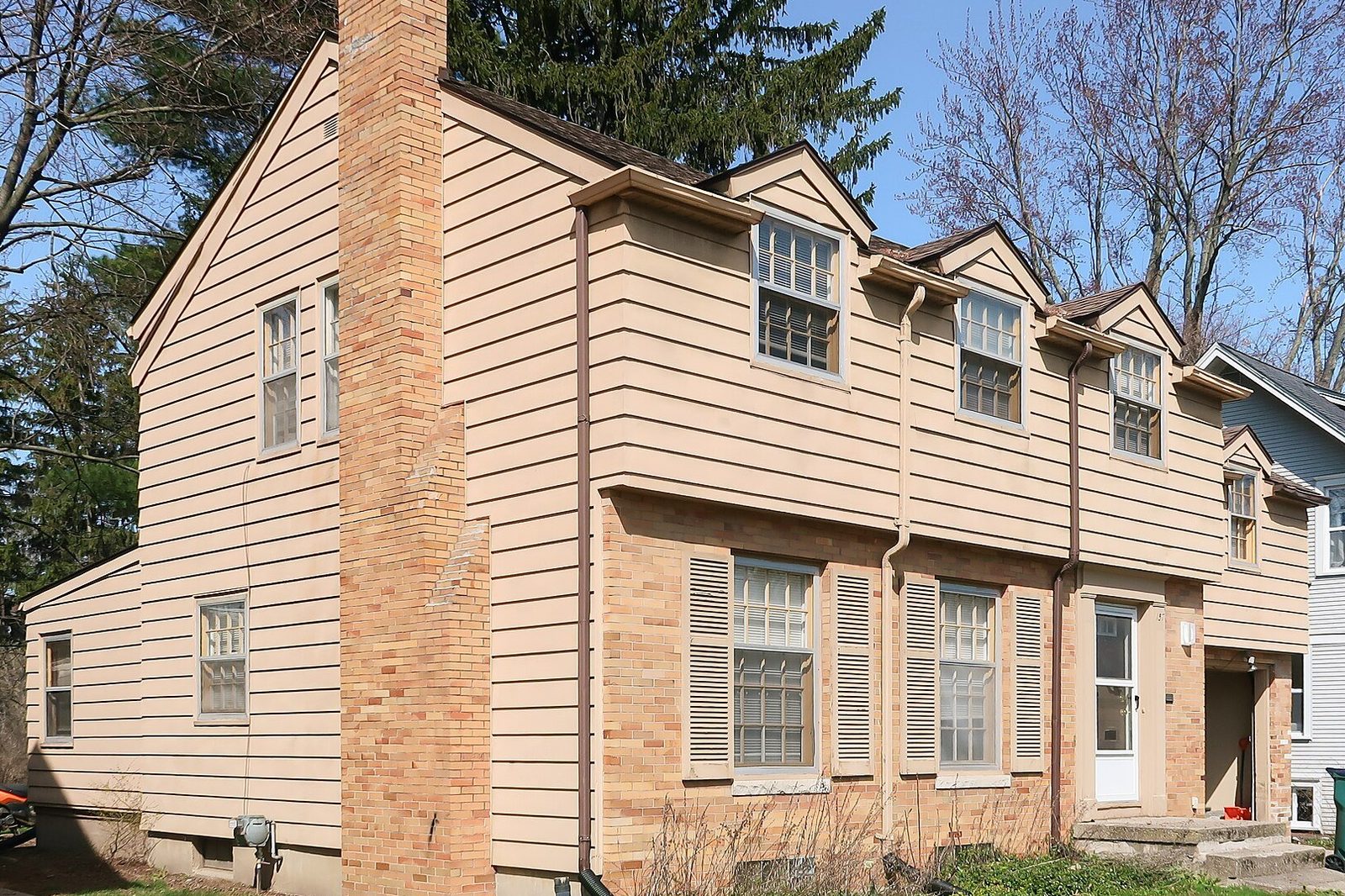
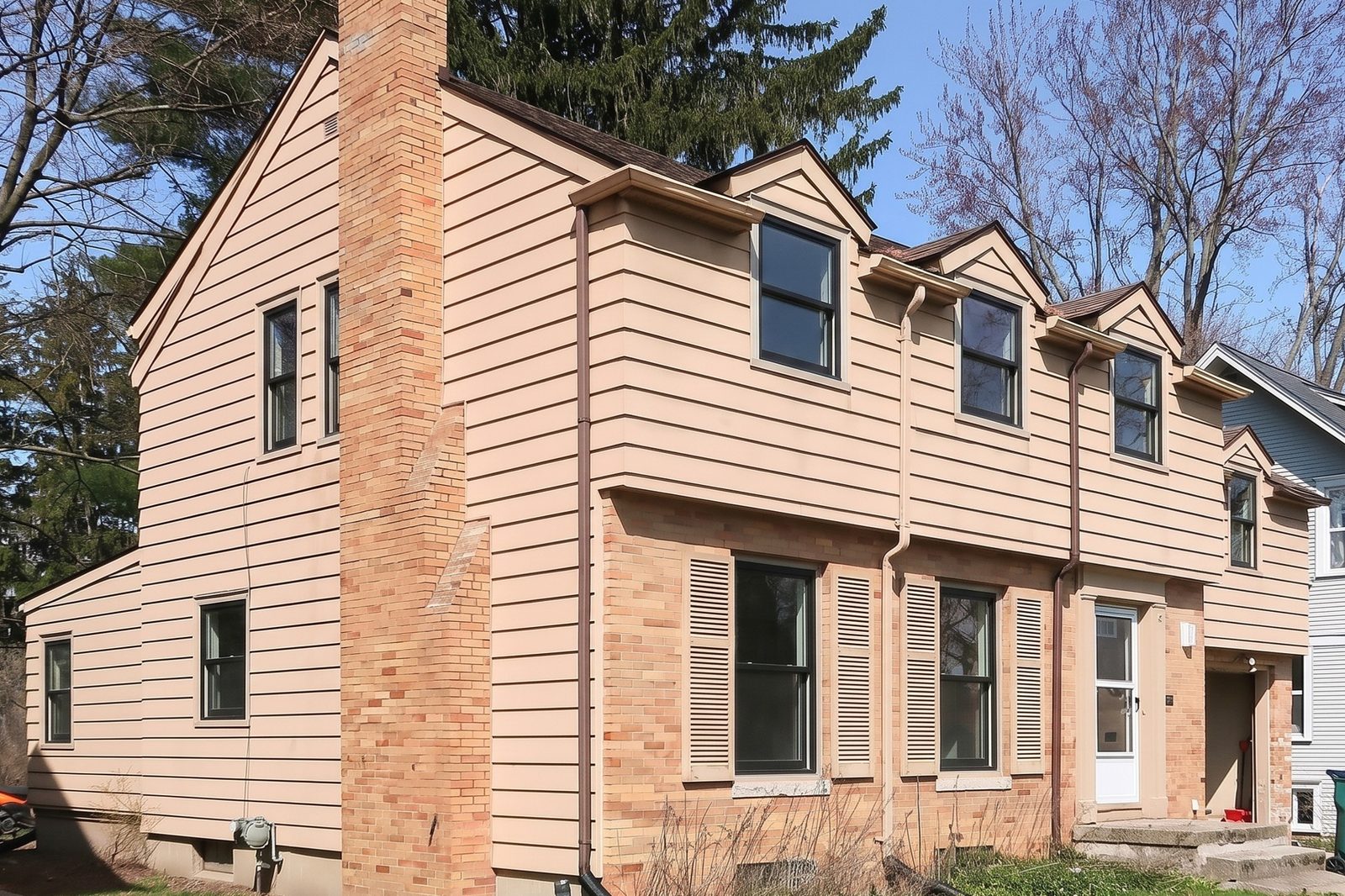
Render, not a finished job: this is a homeowner's own photo with the black frames they're thinking about. Same house, same windows, new color.
Would you go black, or keep it white? Tell us in the comments.
Post only with the owner's OK. Put "Render" on the image too, not just in the caption.
Thanks again for today. Would you be OK with us posting the render of your house on our Facebook page? We'd label it as a render, crop out the house number and never say where it is.
Sure, as long as the address isn't on it.
Deal. I'll send you exactly what we'd post first. Nothing goes up until you say yes.
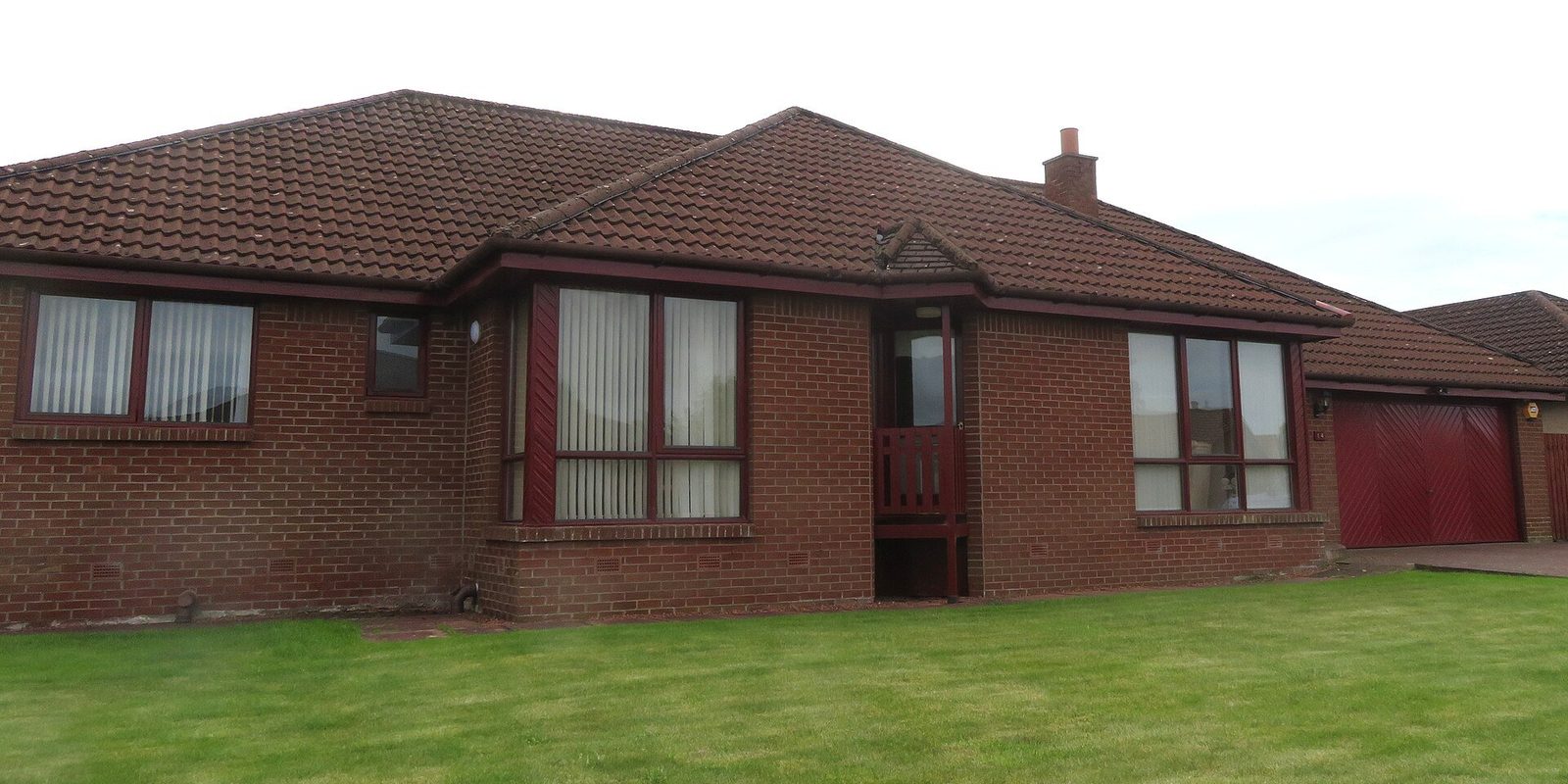
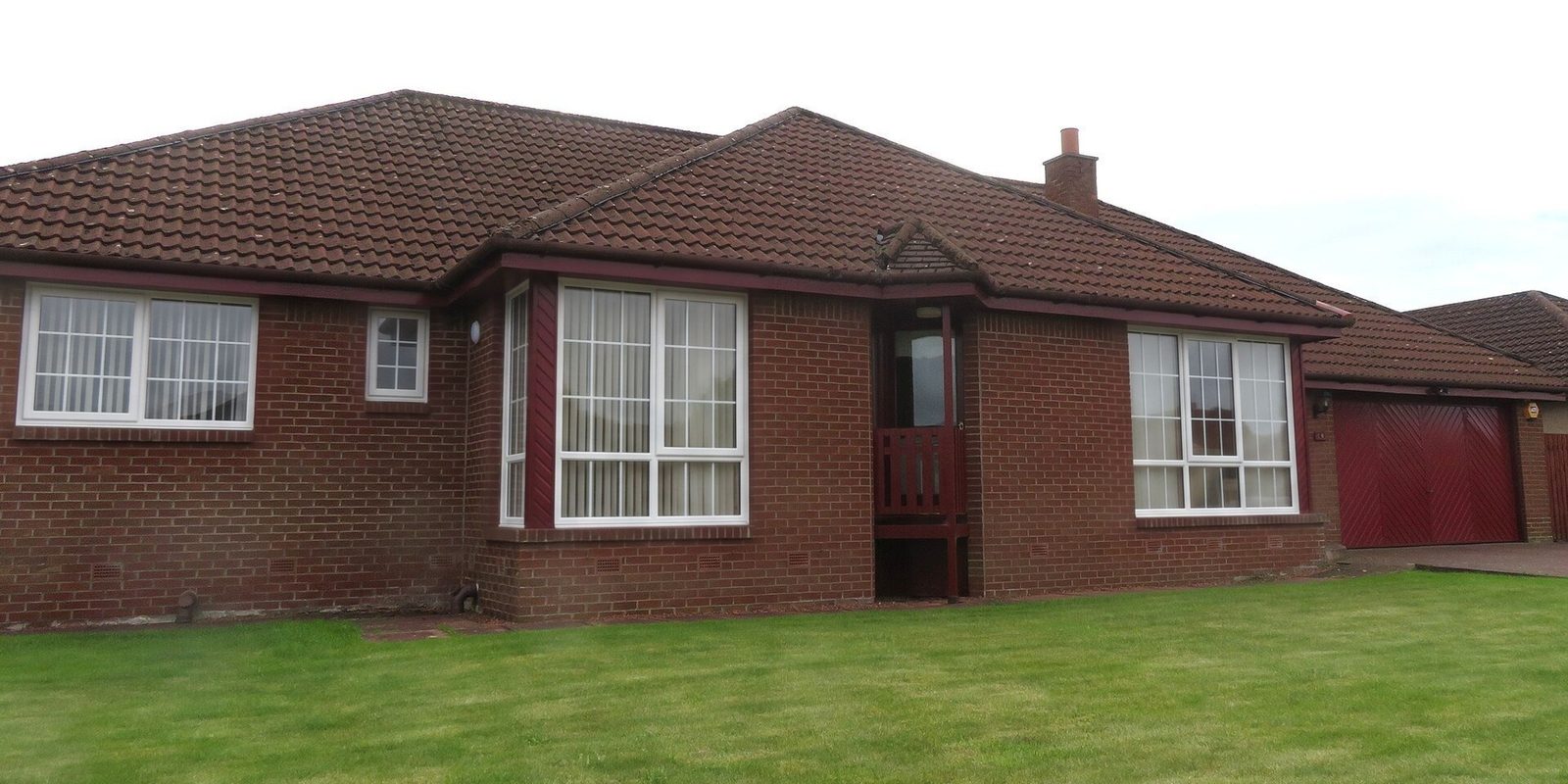
One photo, two looks: a labelled "which would you pick?" post
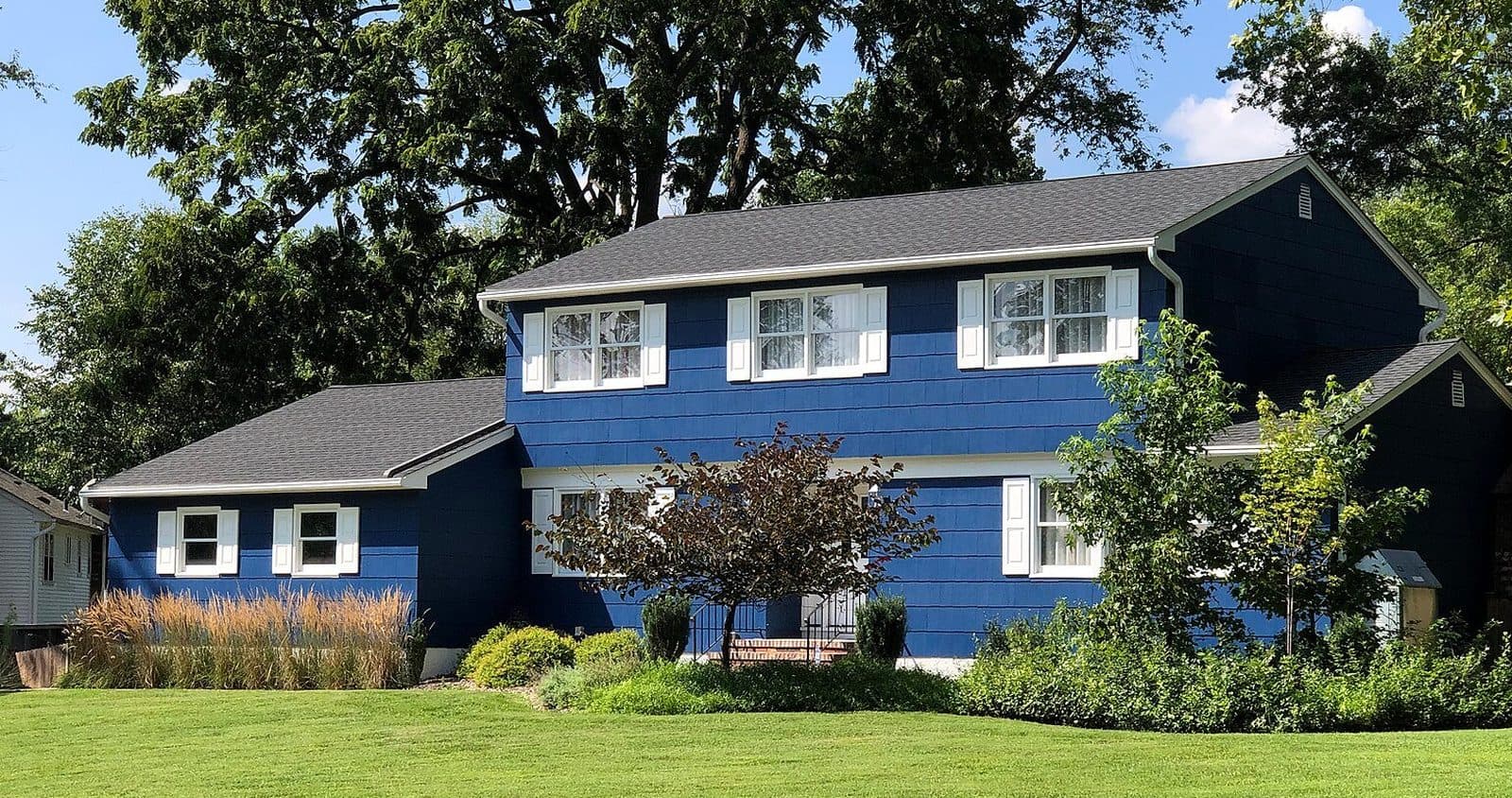 Photo
Today
The real photo
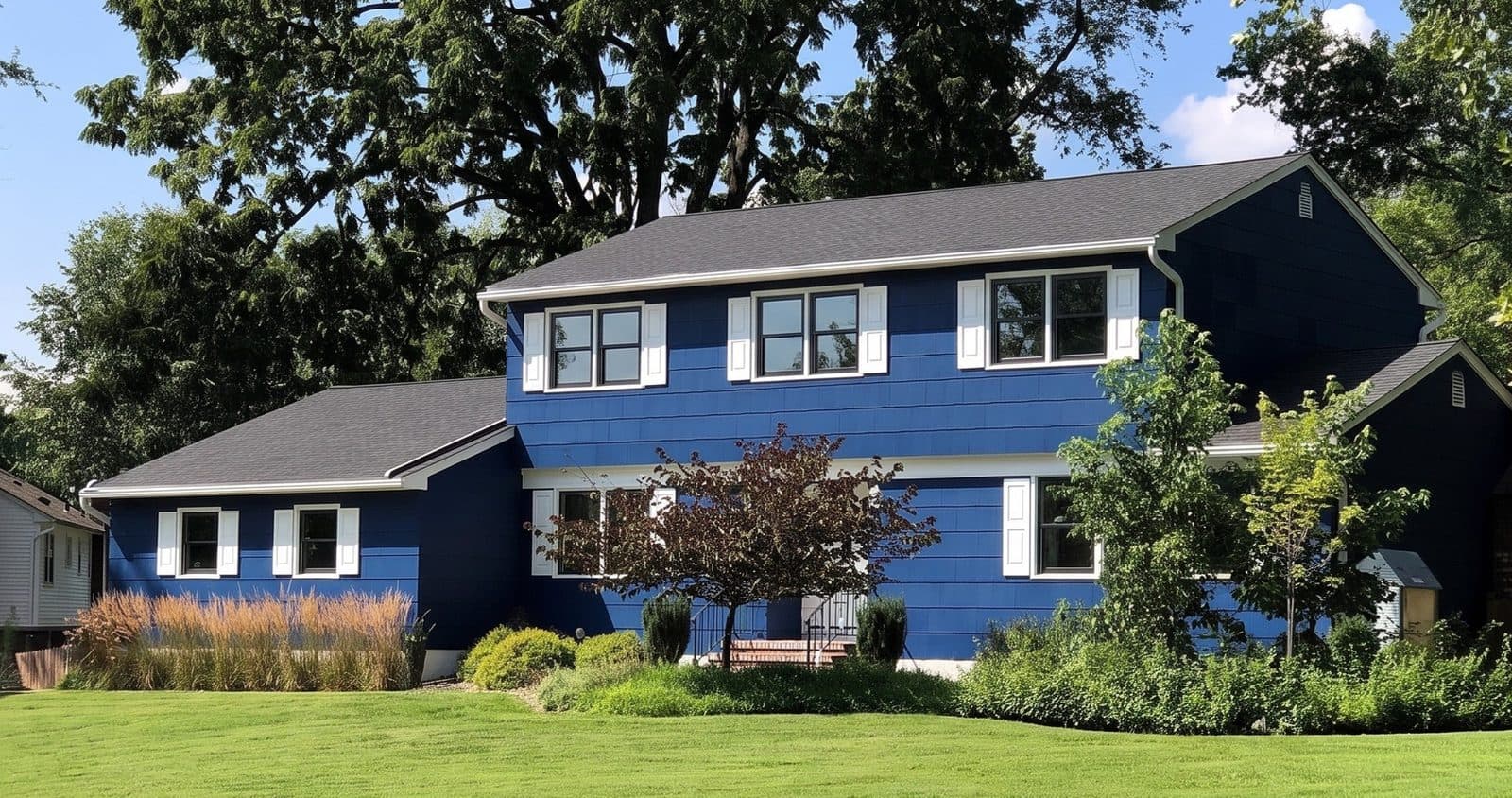 Render
Black fiberglass, no grilles
Try this look on your photo
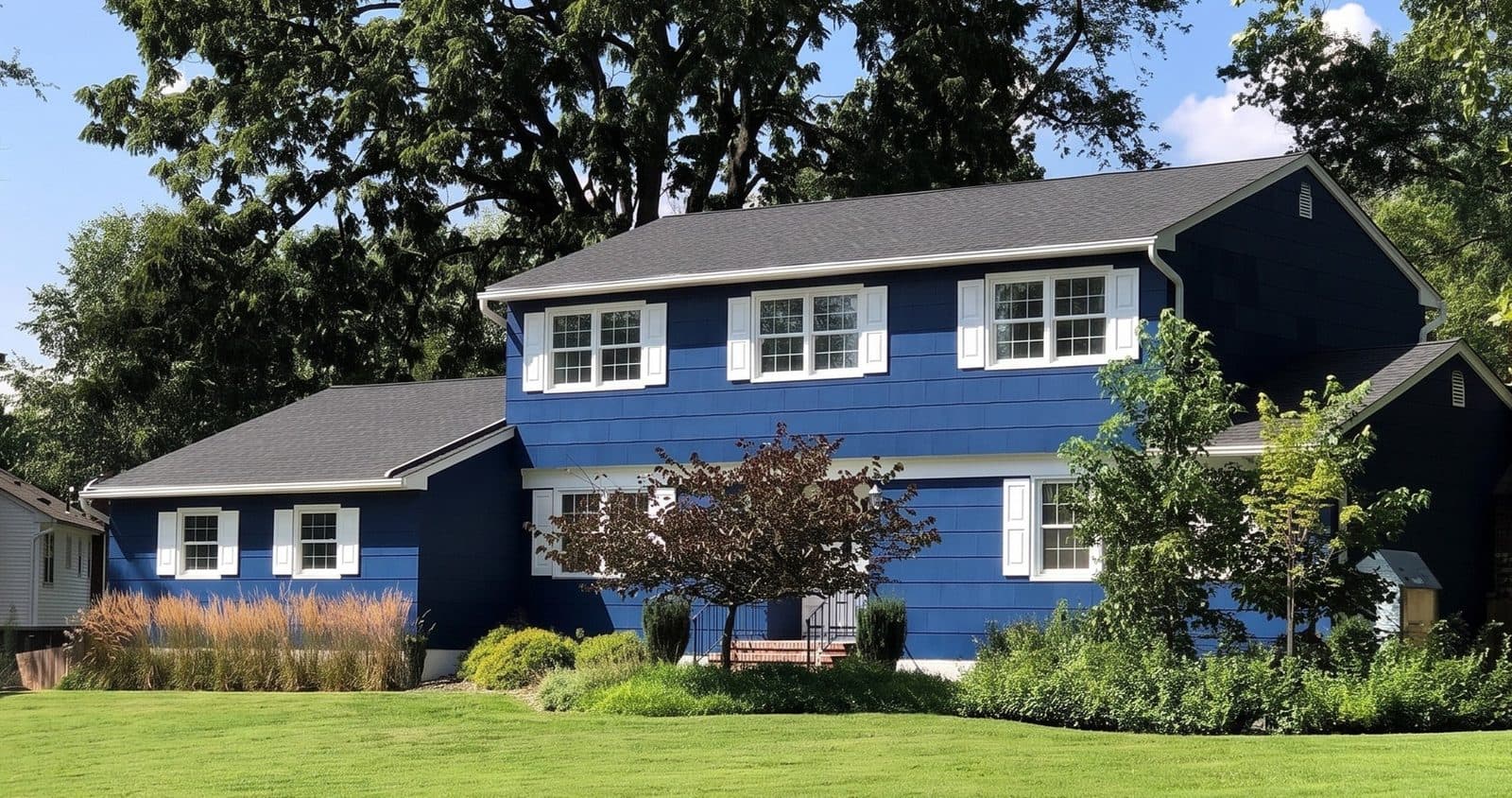 Render
White vinyl, colonial grilles
Try this look on your photo
How do you take before and after pictures that look good?
The best before and after posts are boring on purpose: same spot, same angle, same light, so the only thing that changes is the windows. Plan the before picture at the sales visit, not on install morning, when the crew is already pulling trim.
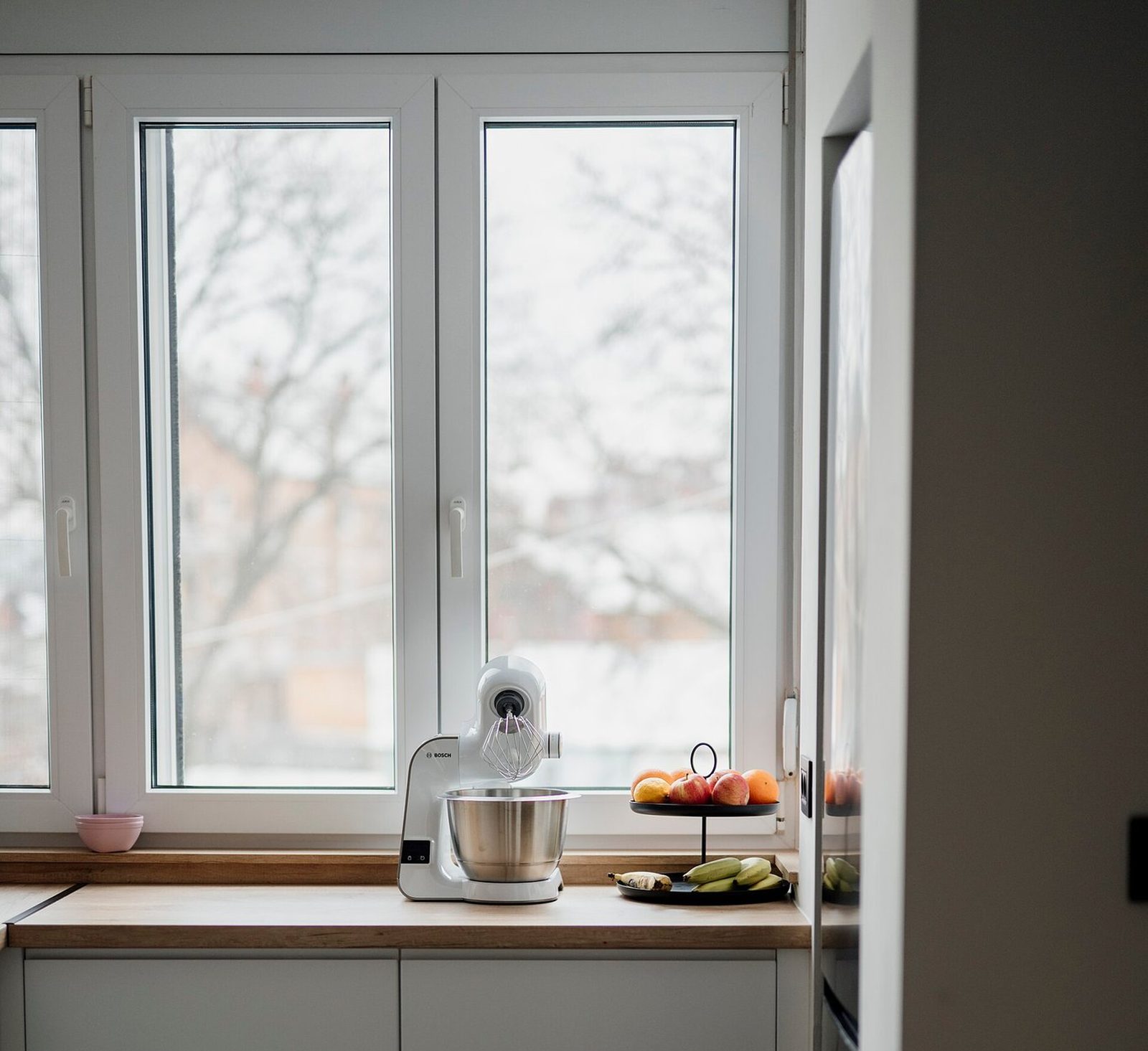
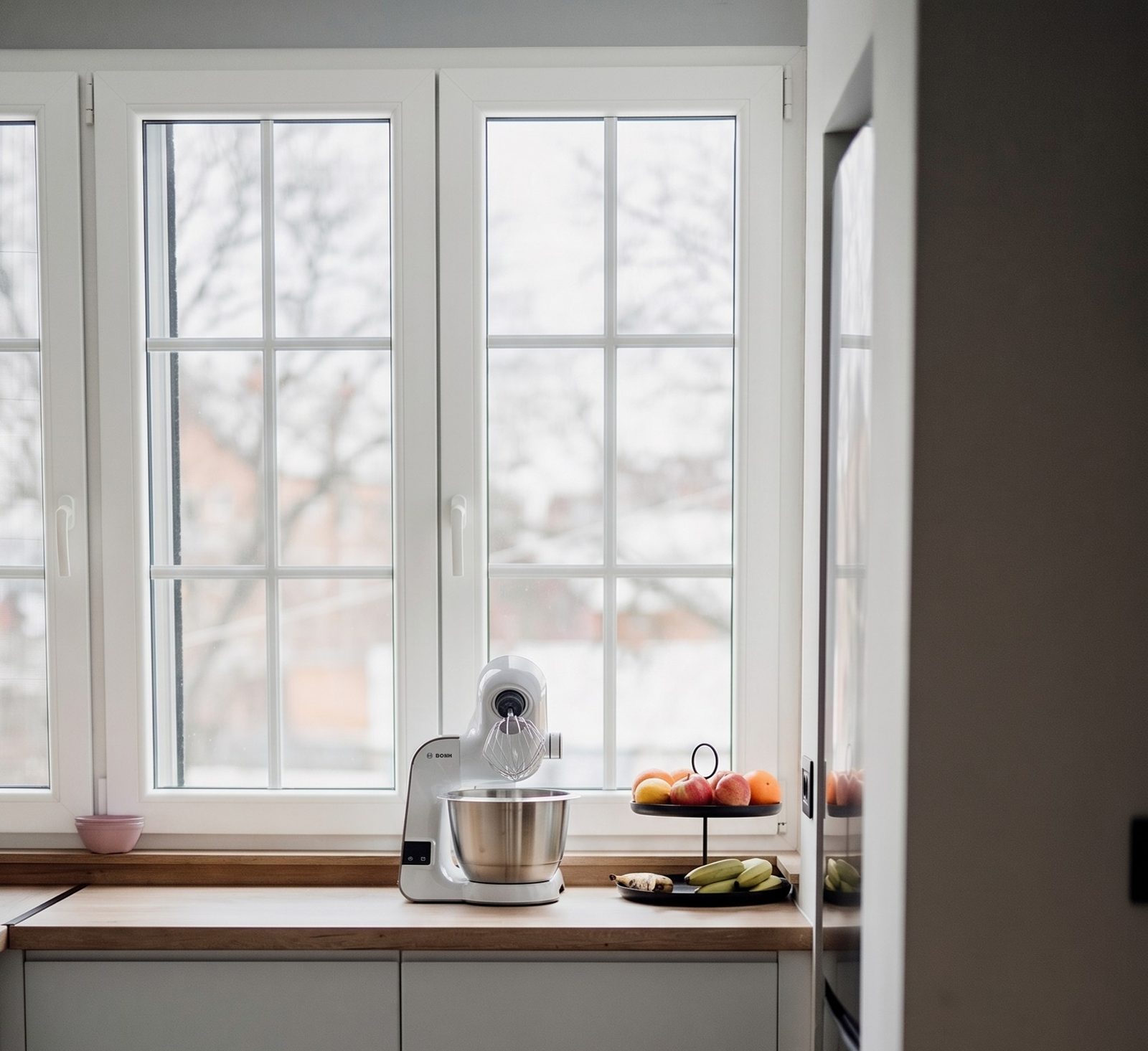
- Shoot the before at the sales visit, from the street or the yard, with the whole front in the frame. It's the same photo you'd use for a render; how to take it is in how to photograph a house for a window quote.
- Write down where you stood: the end of the driveway, the left edge of the mailbox. Put the note and the picture in the job file.
- Use the phone's standard lens, hold it level, and stand at the same height for both shots.
- Match the light. Same time of day if you can, and never with the sun straight into the lens.
- Shoot inside too: the room the homeowner uses most, from the doorway.
- Take the finished picture once the crew has cleaned up, with no ladders, boxes or old sashes on the lawn.
- Take a vertical and a horizontal of each, so you have the right shape for every platform.
- Post the pair together, before first: a two-picture carousel on Instagram, two pictures in one post on Facebook. Put the town and the product in the first line of the caption.
Asking for the before picture at the visit
Mind if I take a photo of the front from the street? I'll use it to show you the new windows on your own house in a few minutes. If you go ahead with us, it's also our before picture, and nothing gets posted without your OK.
What does a month of window company posts look like?
Here's a four-week calendar we wrote for a small window company posting three times a week. Swap in your own jobs, and move posts around when the weather or the install schedule says so. None of it needs a designer.
- Batch it. One hour on Monday morning: pick the week's job pictures, write three captions, schedule all three.
- Name the town and the product in finished-job posts. That's what a homeowner nearby is looking for.
- Keep offers honest. A "was" price in a post should be one you really charged the public, regularly, for a reasonably substantial time; under the FTC's pricing guides, a made-up former price makes the bargain a false one2. Check your state's rules too.
- Customer kind words: share them only with the customer's OK, in their own words, and don't trim them to change what they meant. If the customer got a referral reward or a discount, say so in the post; window company referral program explains why. The rules on asking for reviews are in window company reviews.
A 4-week social media calendar for a window company
Week 1
- Monday
- Finished job: before and after from the same spot, with the town and the product named
- Wednesday
- Meet the team: the rep who runs most of your appointments, with one line about them
- Friday
- Which would you pick? Two labelled renders of one house, with the owner's OK
Week 2
- Monday
- Install day: a short clip of an old sash coming out
- Wednesday
- Problem window: fogged glass or a rotted sill from this week, and what you did about it
- Friday
- Question answered: "Can I replace some windows now and the rest later?"
Week 3
- Monday
- Finished job, inside: the kitchen or living room window
- Wednesday
- Render next to the real thing: the render from the visit beside the finished job, both labelled
- Friday
- Thank-you: a customer's kind words, shared with their OK
Week 4
- Monday
- Install day: the crew's cleanup, the last picture before they leave
- Wednesday
- Question answered: how long an install takes for a typical house in your area
- Friday
- Your schedule: real install openings next month, or a real seasonal offer with its end date
| Week | Monday | Wednesday | Friday |
|---|---|---|---|
| Week 1 | Finished job: before and after from the same spot, with the town and the product named | Meet the team: the rep who runs most of your appointments, with one line about them | Which would you pick? Two labelled renders of one house, with the owner's OK |
| Week 2 | Install day: a short clip of an old sash coming out | Problem window: fogged glass or a rotted sill from this week, and what you did about it | Question answered: "Can I replace some windows now and the rest later?" |
| Week 3 | Finished job, inside: the kitchen or living room window | Render next to the real thing: the render from the visit beside the finished job, both labelled | Thank-you: a customer's kind words, shared with their OK |
| Week 4 | Install day: the crew's cleanup, the last picture before they leave | Question answered: how long an install takes for a typical house in your area | Your schedule: real install openings next month, or a real seasonal offer with its end date |
How do you turn comments and messages into appointments?
Answer in public, then in private. A question in the comments gets a short public answer and an invitation to message you. A message gets a reply the same hour if you can manage it: someone who reached out on social is a lead like any other, and the clock in speed to lead for window companies applies.
Then move them off the app and toward a visit. The easiest bridge is a photo. Ask for a picture of the front of the house, render the look they asked about, send it back, and offer two times you could come out.
Ask every new lead where they found you, and log it with the lead. After three months you'll know whether posting is bringing in appointments or just likes.
- Turn on message notifications for one named person, not "the office". A message nobody owns waits until Monday.
- Keep three saved replies ready: a request for a photo of the house, two visit times, and your phone number. Edit each one to the person before you send it.
- A complaint in the comments gets one calm public reply with a name and a direct number, then a phone call. Don't argue in the thread, and don't promise a fix you haven't checked.
- A question about price gets an honest answer about what drives it (how many windows, the material, the install) and an offer to come out. Prices in comments go stale, and the neighbor reading them has a different house.
Replying to a message about windows
Thanks for reaching out, happy to help. Could you send me a photo of the front of your house from the street, in daylight? I'll send it back with the windows you're thinking about, so you can see them on your own house.
[After the render] Here's your house with the black frames. It's a render, so the color is close but not exact, and I'll bring real samples. Would Tuesday at 5 or Thursday at 10 work for a visit?
Swap in the look they asked about. Send the render as a picture, not a link.
Where the render fits on social media
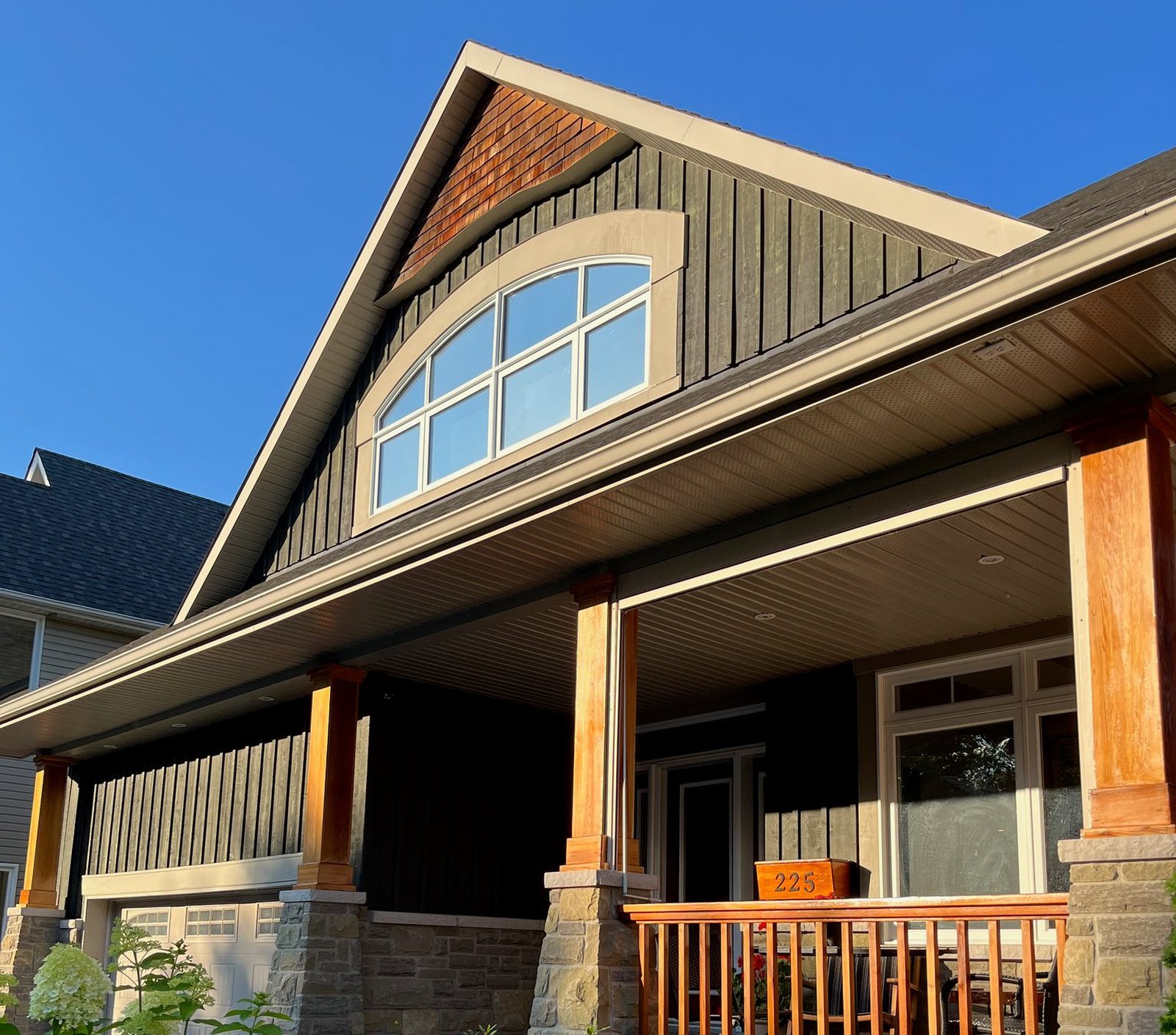
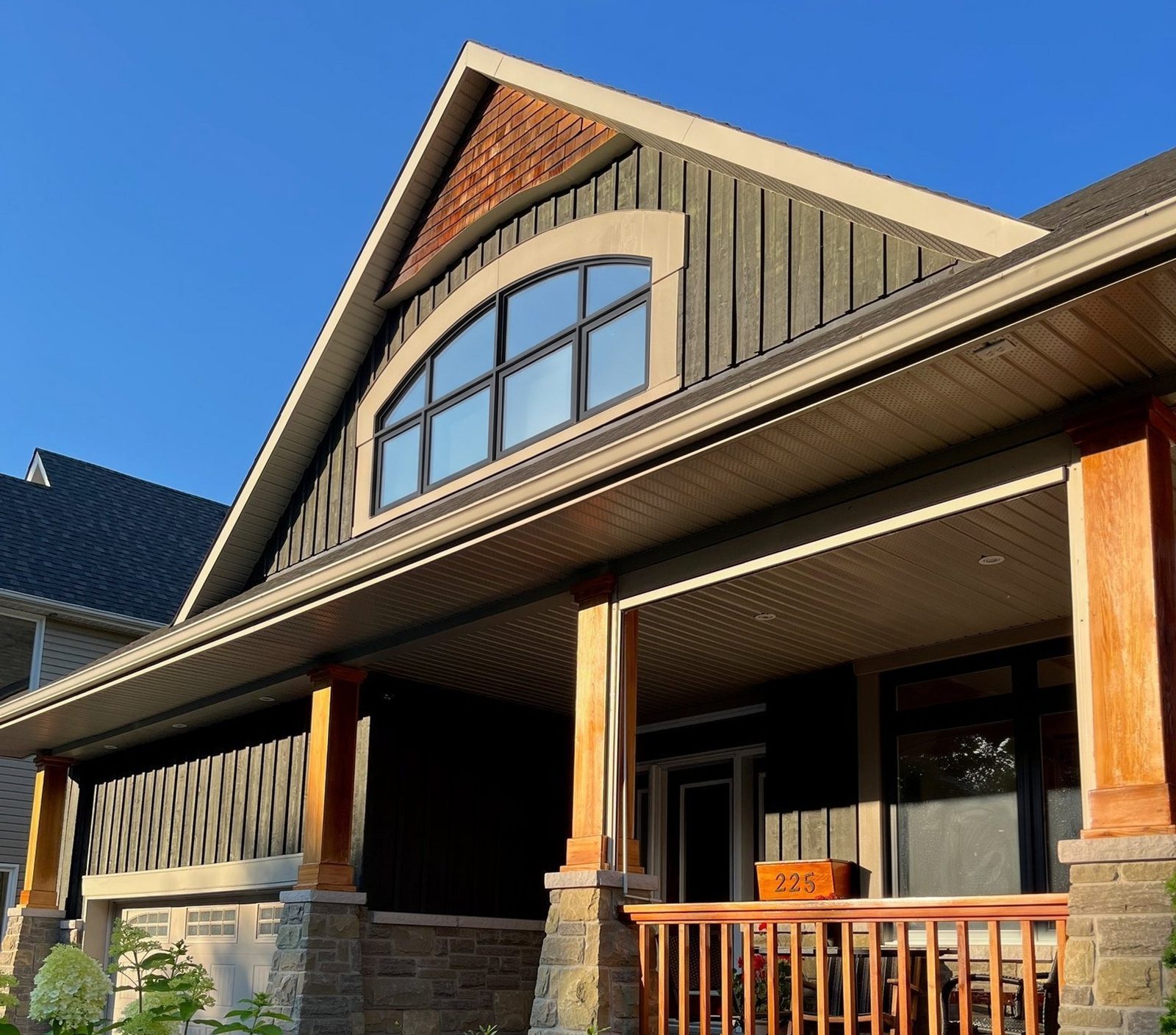
In your reply to a message. When someone asks about windows on Facebook or Instagram, ask for a photo of their house and send it back with the new windows. The render takes 30 seconds, it's about their house instead of your company, and it gives them a reason to book.
At the table, when the homeowner likes a look, ask whether you can post the render later, labelled, with the address cropped out. Once the job is installed, post that render next to a picture of the finished windows. It's honest, and it shows people exactly what your visit will look like.
And in the poll posts: two looks from one photo of a house whose owner said yes, with "Render" on every picture.